- May 15, 2008
- 51
- 0
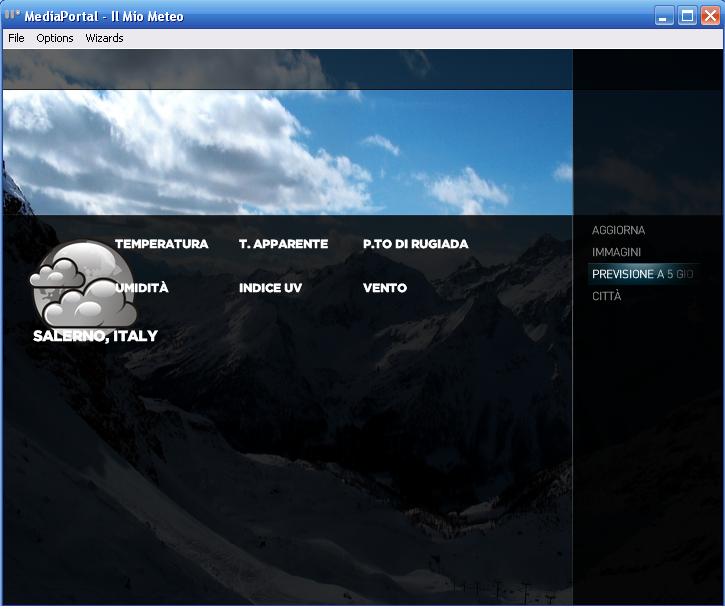
I've some problems with weather...


 United Kingdom
Thanks, Emph.
I started with the boxes left-aligned (see filmstrip view) and tried the indented version for the details view.
I haven't yet decided which one I prefer.
I found the labels to be a bit "overpowering" when they were bolded/all caps.
It's easily changeable though.
All the best,
ddlooping


 Germany
United Kingdom
Germany
United Kingdom
I haven't decided which margin(s) to go for yet. I think it's all a matter of preference really.Just to point out exactly what I mean, I did these...
I'm happy with the balance between readability and design for the labels.I guess you're right about the bold font for the labels. It could also be tricky to make it look better than it does now.
Can't seem to find a way to save a playlist in my music. Is this missing?
Great skin by the way.
No, but the hidden menu with all the buttons should come up if you either use the right-key to step right a couple of times (NOTE 1), or use the mouse and hover it close to the right edge of the screen.
(NOTE 1): Because of a weird bug in MediaPortal (or design-feature) you have to use the UP-key when focus is on the up/down-control. up/down-control is only visible if your playlist has more than 8 items.
(Not user-friendly, I know, but MP was apparantly not designed to work with a menu on the right side of the screen, only the left)
Can't seem to find a way to save a playlist in my music. Is this missing?
Great skin by the way.
No, but the hidden menu with all the buttons should come up if you either use the right-key to step right a couple of times (NOTE 1), or use the mouse and hover it close to the right edge of the screen.
(NOTE 1): Because of a weird bug in MediaPortal (or design-feature) you have to use the UP-key when focus is on the up/down-control. up/down-control is only visible if your playlist has more than 8 items.
(Not user-friendly, I know, but MP was apparantly not designed to work with a menu on the right side of the screen, only the left)
Thanks for the reply, but I can see access to playlists etc. but as I use the scrobbler function a lot, in otherskins I can save the created playlist. Great to do when you start with a couple of songs and wait to see where the computer takes you.
In this skin whilst I can call up a playlist, or view the current one, I can't save the current one. I also can not turn on or off the scrobble feature. I might have a go at creating what I am talking about and let you have a look.
A simple feature that I miss since I switched to this skin,
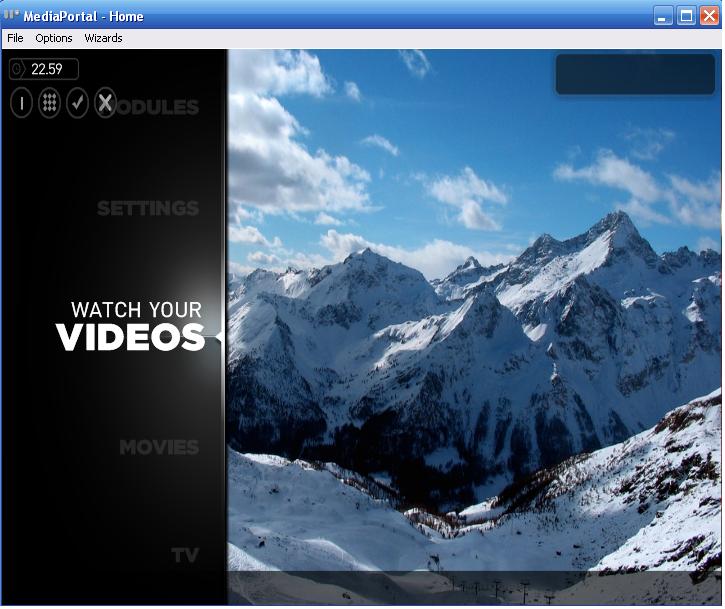
When pressing (i for information) on my remote, in the old Blue3 skin you could always see the current time, even if you watch video etc, thats gone in MediaStream, any tips how to get it back?
Would this work? :
View attachment 30343