[no Bug] MKV Stuttering with dual monitor and Windows 7 aero theme enabled (4 Viewers)

greybox

MP Donator
  • Premium Supporter
  • January 23, 2009
    652
    168
    Home Country
    Canada Canada
    During beta installation/upgrade I had a scary message saying something like "You MUST have aero otherwise you are in big trouble" ;). Maybe you can change it to something like: "You may need to use aero if you have tearing problems"

    What other issues to look for with aero off?

     

    Andrew H

    MP Donator
  • Premium Supporter
  • September 8, 2007
    574
    42
    Alabama
    Home Country
    United States of America United States of America
    Here's a log and a screenshot. I'd already unchecked the refresh rate utility in CONFIGURATION though. I can get you more, let me know.

    Hi Andrew,

    Your problem looks quite different to greybox's - your red line is all over the place (rather than having the regular sawtooth profile I'd expect with 24Hz-on-a-60Hz monitor).

    Have you tried a different h.264 decoder ?

    Does 60Hz material play OK ?

    Tony

    (I do test MP quite a lot with 24Hz-on-a-60Hz monitor - the laptop I use for development runs at 60Hz, and it plays OK)
    Thanks for the response Tony! YES, you are correct in that the screenshot and the file I posted is different and I appologize for that. It seems the level of encoding used to create the .mkv has an effect on how well it plays back. While I have other .mkv files that give a hard "sawtooth" Red line (or a more "regular" flat line and short dip), this file clearly plays fast/slow as if it's catching up on lost frames, or resync-ing. But here's the kicker: it only behaves this way on my Win 7 system and plays fine on my WinXP/Home system I used to use for my HTPC. The same file plays just fine on the Win 7 using MPC-HC... steady, sharp images. In fact, when I tried to use the MPC-HC codec MP would unload it and use DivX instead - what's up there?

    I've attached both logs... perhaps we can sort through what's going on. The file exists on my Win 7 HTPC and I played it on both with vastly different results. As I said, the Win 7 HTPC ran just fine under MP 1.1.3.0 - this odd playback is new under MP 1.2.0 Beta which I have loaded on both systems. I'm using the DivX .264 codec on each machine. I did try to use the MS-DTV decoder and MP would unload it and use the DivX one instead! Also I've NEVER had to use the Refresh-Rate changer in the past and don't understand why I would when the image was as clear as it'd been... I use 60Hz 1280x720 on my Sony VPL-AW15 projector and YES, my ATSC .ts recorded video looks great (OK, there were issues in the distant past whereby deinterlacing was an issue but that's all been done with) whether it's 720p or 1080i, LiveTV or recorded makes no difference. And, YES, you'll notice I used monitors other than 1280x720 @60Hz for my demo - these are what I have connected to the systems - the XP is my "study" system now and the Win 7 has a second monitor connected which the system reverts to when the Default HDMI display is switched off... so this shouldn't be any issue... and finally, YES, we may should start a new thread for this issue since it's a different one than the OP.
     

    Andrew H

    MP Donator
  • Premium Supporter
  • September 8, 2007
    574
    42
    Alabama
    Home Country
    United States of America United States of America
    I'm seeing this in the Win 7 evr.log file:
    22-05-2011 17:38:18.013 [c00]Stats enabled
    22-05-2011 17:38:20.785 [c00]Dropping frame, nextSampleTime -13.33 ms, last sleep 0.20 ms, last pres -39.00 ms, paint 5.68 ms, queue count 4, SOP 121, EOP 523, LFr 7, RawFRRatio 3, dropped 14, drawn 157
    22-05-2011 17:38:24.536 [c00]Dropping frame, nextSampleTime -18.03 ms, last sleep 3.33 ms, last pres -30.00 ms, paint 2.81 ms, queue count 4, SOP 118, EOP 317, LFr 6, RawFRRatio 3, dropped 15, drawn 246
    22-05-2011 17:38:30.623 [c00]Dropping frame, nextSampleTime -14.03 ms, last sleep 2.37 ms, last pres -38.00 ms, paint 5.49 ms, queue count 4, SOP 122, EOP 511, LFr 7, RawFRRatio 3, dropped 16, drawn 391
    22-05-2011 17:38:34.082 [c00]Stats disabled
     

    Owlsroost

    Retired Team Member
  • Premium Supporter
  • October 28, 2008
    5,539
    5,038
    Cambridge
    Home Country
    United Kingdom United Kingdom
    Hi Andrew,

    I noticed those dropped frames in the log too - but they are 4-6 seconds apart so they could be caused by almost anything....

    I can't compare with XP since I've never run MP on it, or really looked at the dshowhelper VMR9 code - it uses completely separate code for VMR9 and EVR rendering.

    If it's 'speeding up and slowing down' I'd suspect problems with the file itself - but I don't use the DivX decoder so no idea how that behaves.

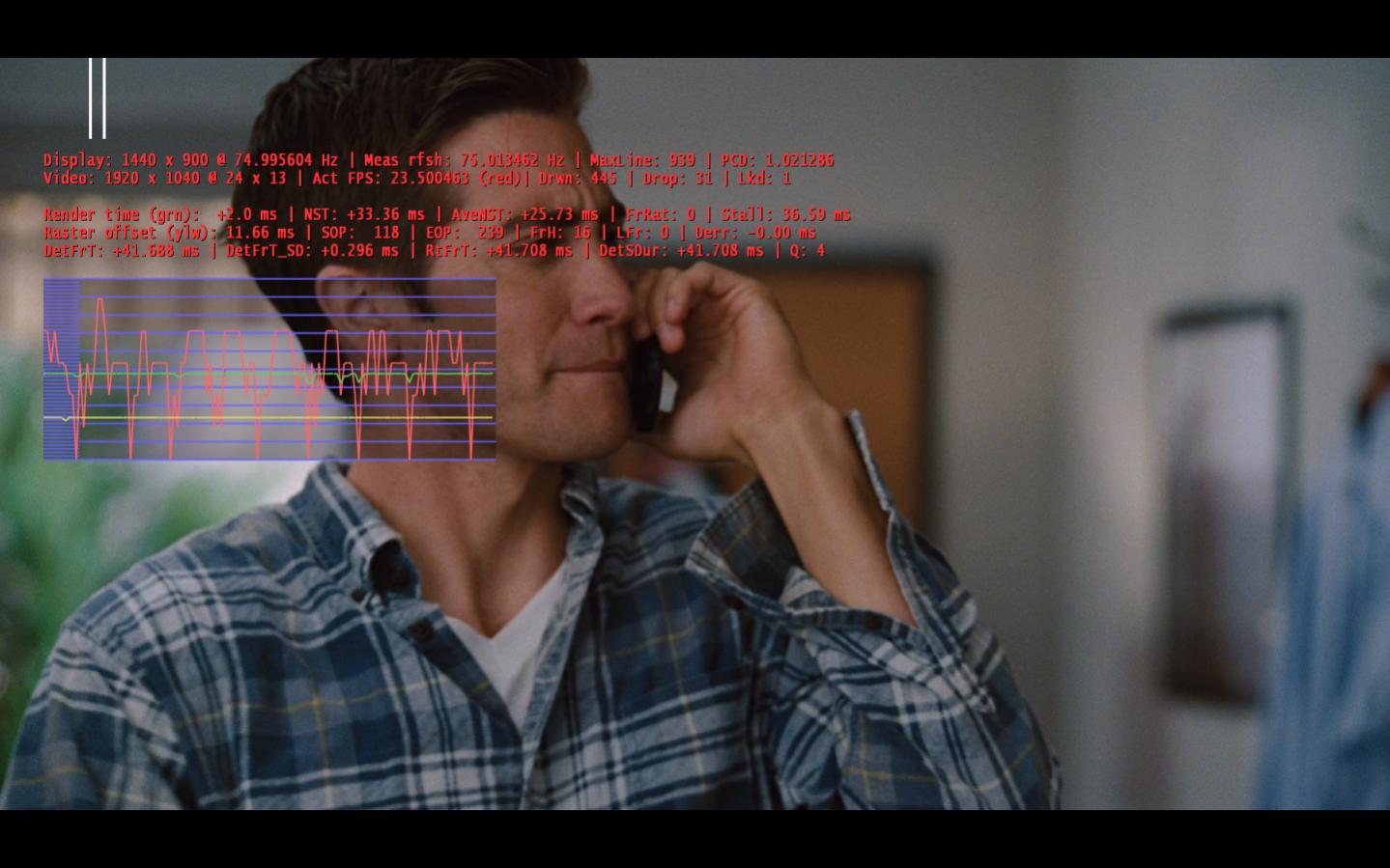
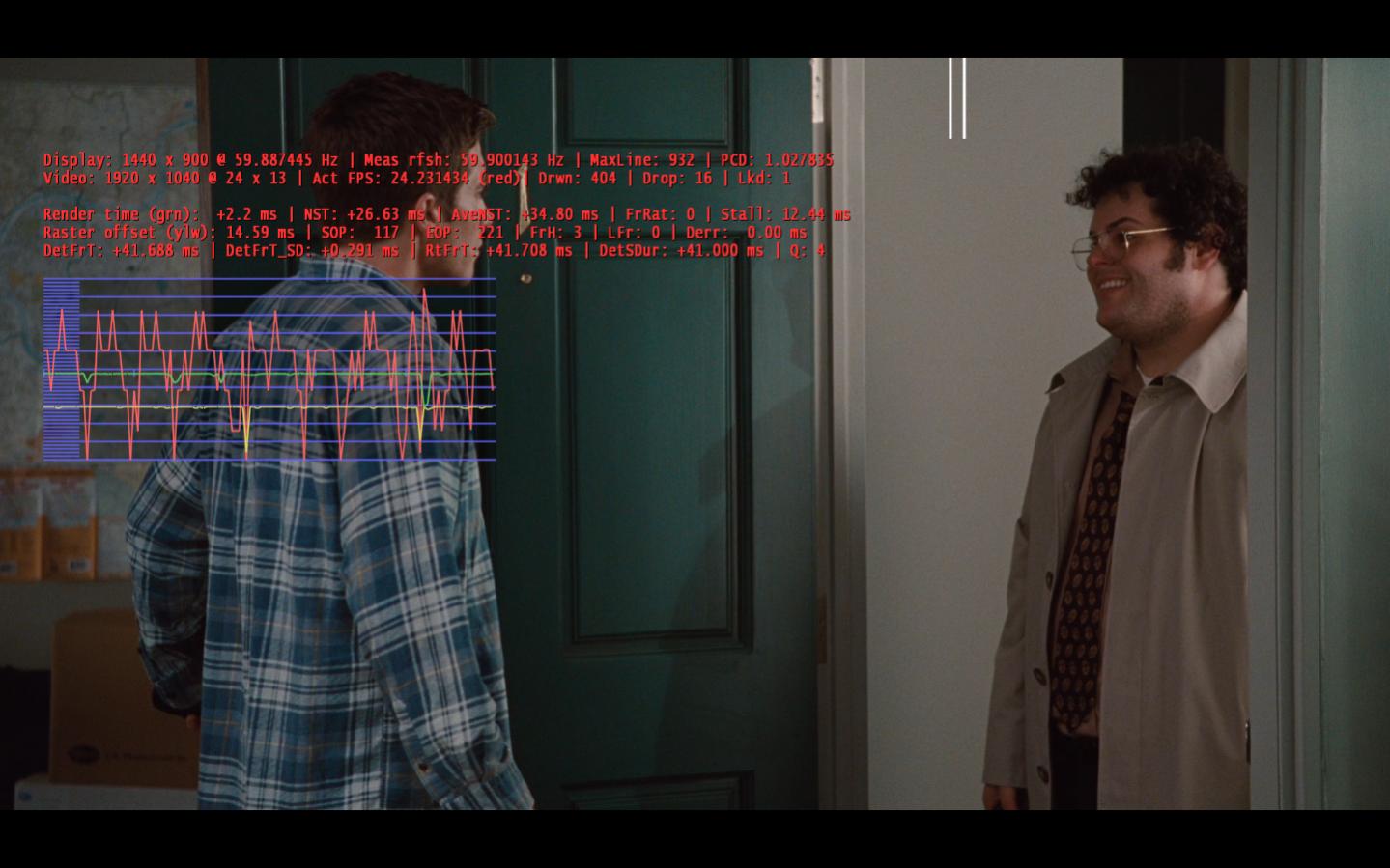
    A screen cap with the render stats for the 24Hz-on-75Hz situation (like the Win7 logs) would be interesting.

    If you are playing it with MPC-HC for comparison, using the 'EVR Sync' renderer (to 3D surfaces) is the closest to the way MP rendering works.

    Tony
     

    Andrew H

    MP Donator
  • Premium Supporter
  • September 8, 2007
    574
    42
    Alabama
    Home Country
    United States of America United States of America
    I can snap a pic later tonight. I guess my point was that the 1.2.0 Beta acts the same on my WinXP as 1.1.3.0 whereas totally different under Win 7. I'd have thought your Vista machine would experience something similar given EVR is used on both (Vista and Win 7). I'll play around more and gather logs of when I try to use alternate .264 codecs - as I recall it would unload them in favor of DivX - any idea why? (Yes... logs later tonight)

    Thanks
    Andrew
     

    Andrew H

    MP Donator
  • Premium Supporter
  • September 8, 2007
    574
    42
    Alabama
    Home Country
    United States of America United States of America
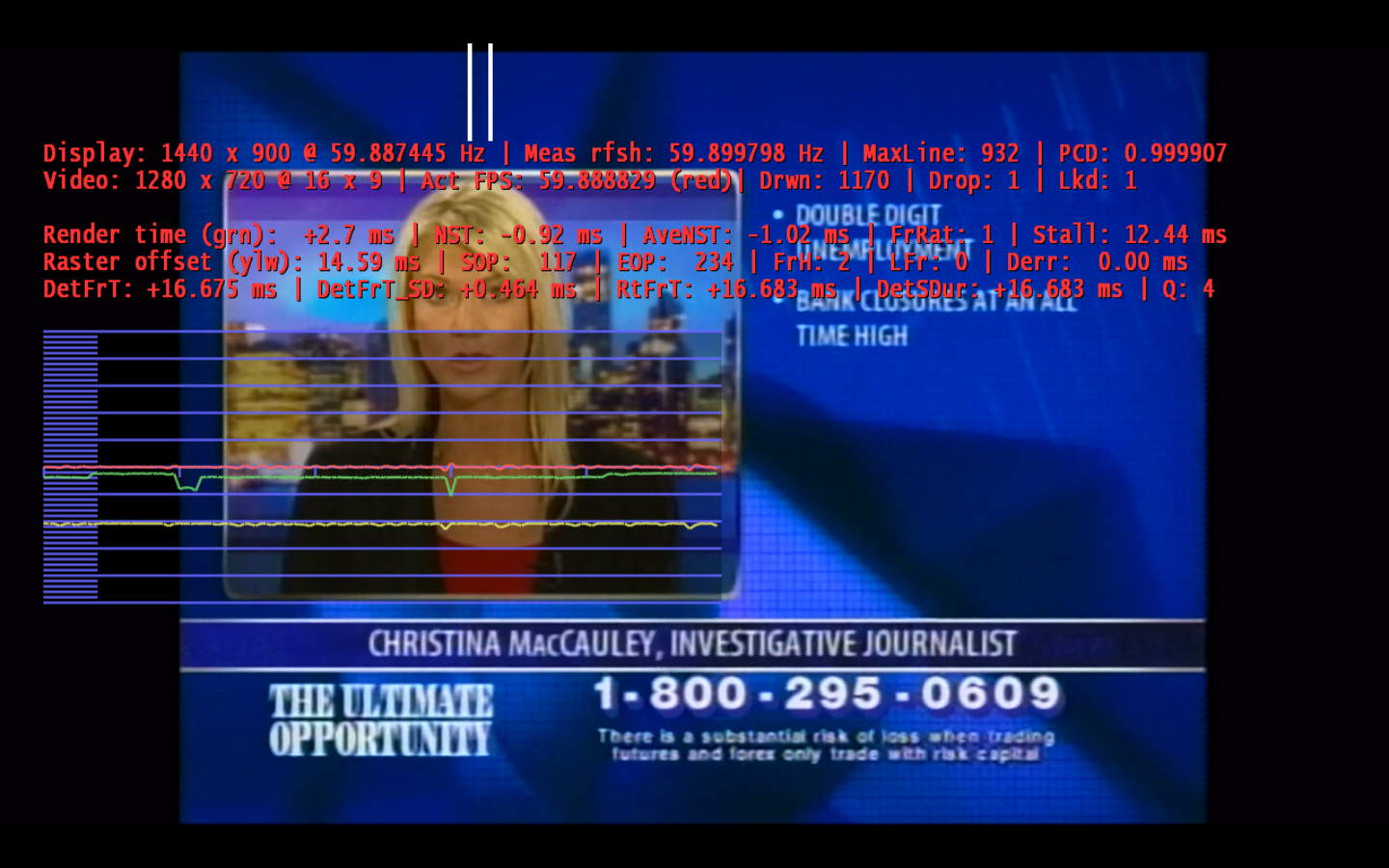
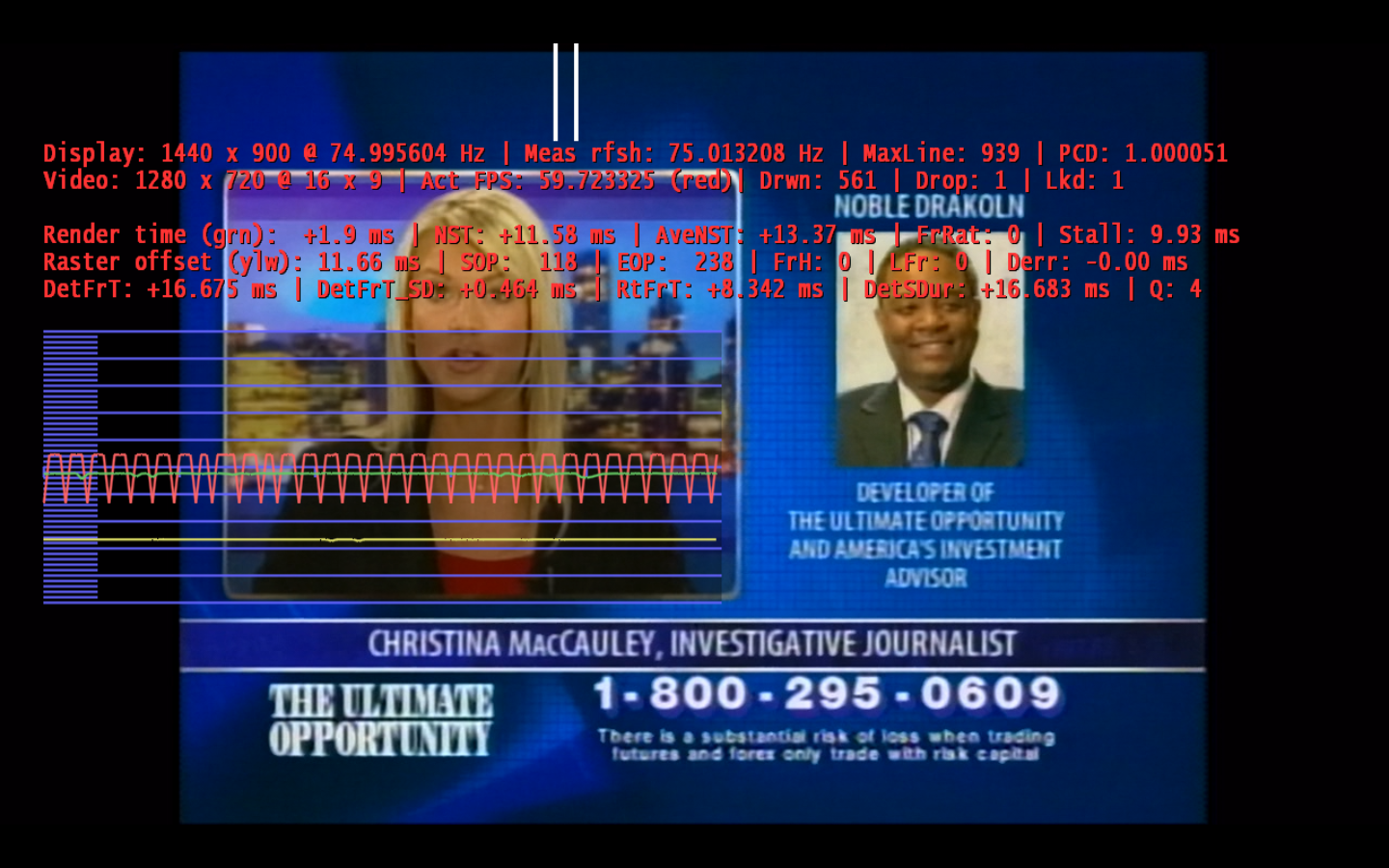
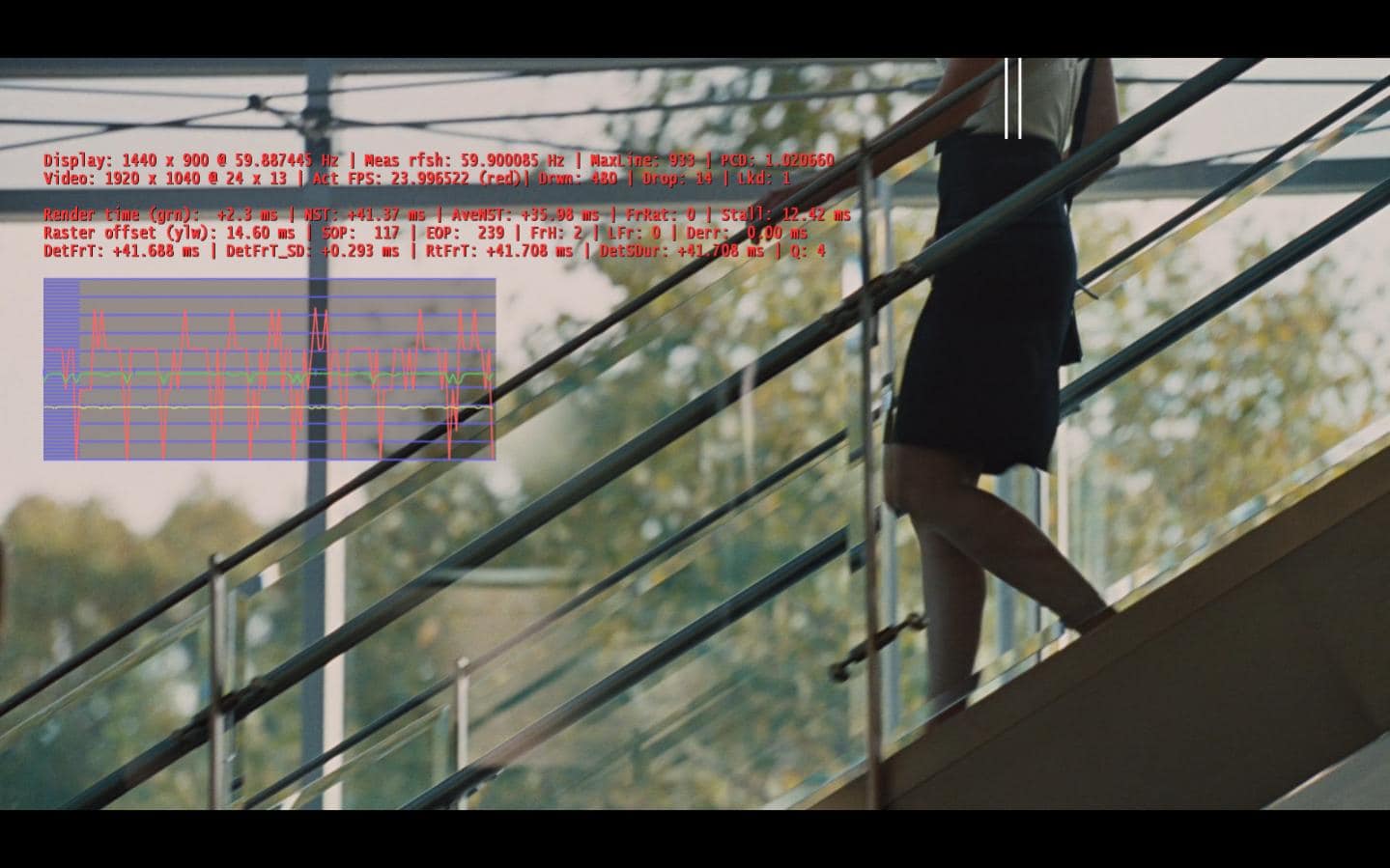
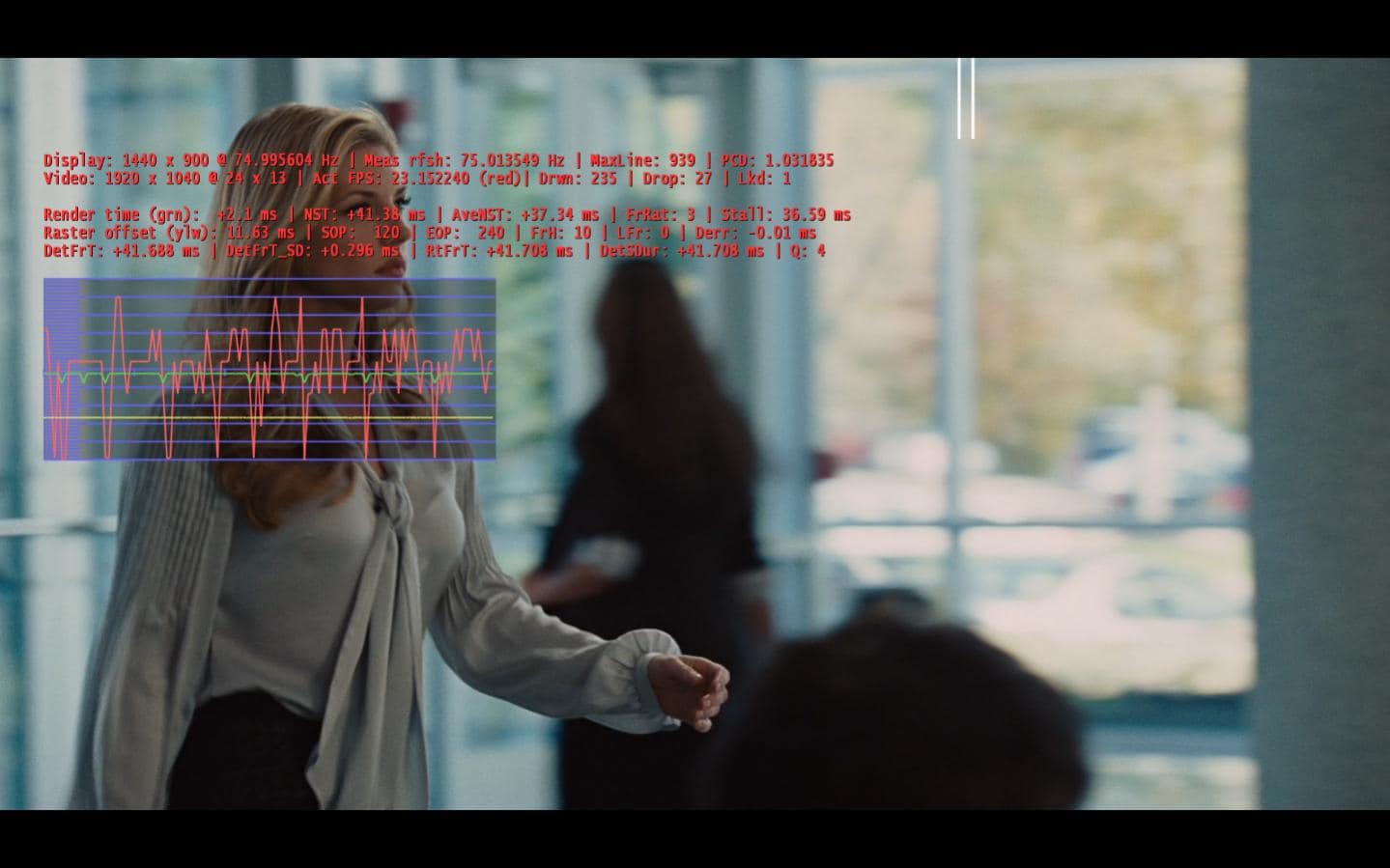
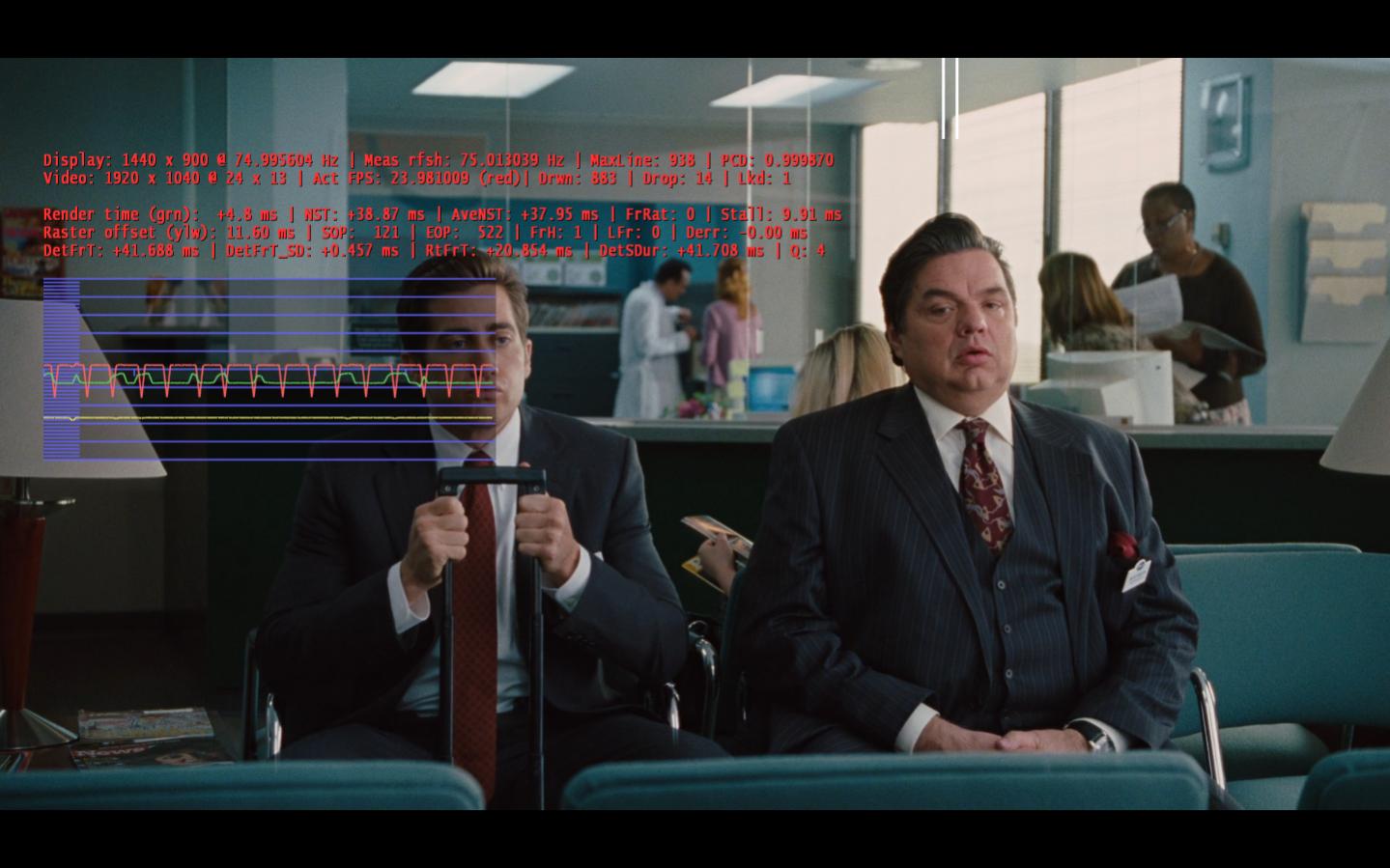
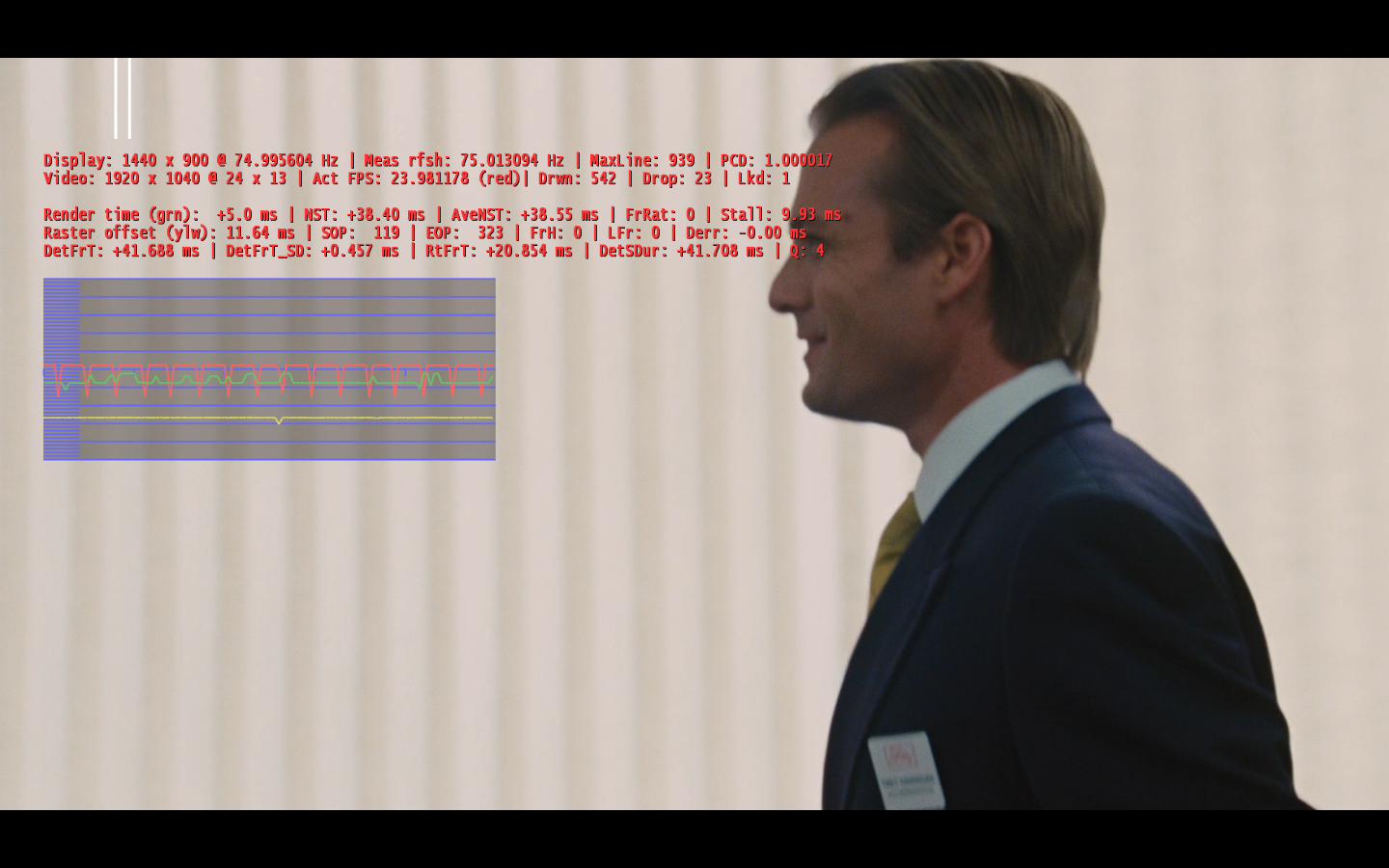
    I've posted several screenshots and a log. You'd asked for these screenshots - they show that using a 60Hz source (ATSC TV) on my 75Hz display I get a repeat "dip" pattern that is not visible and if I switch to 60Hz the Red line nearly flattens out. I was still getting the fast/slow .mkv playback and it didn't matter which refresh I had the monitor at... I still thought it odd how the DivX codec would always load even if I selected MPC or MS-DTV for .264, so I uninstalled the DivX codec, rebooted and now I have smooth playback under either of these two although it seems the MPC utilizes DXVA thus significantly less CPU. I don't know why the DivX codec had become troublesome although I may have had a 30-day trial of the DivX-Pro codec... anyway, I'll stick w/MPC unless I detect a PQ issue.

    You'll notice I still have a regular "dip" in the Red line during .264 playback although it's not visually detectible.

    Just wanted to catch you up with what you'd asked for and I may have fixed my fast/slow issue by ditching the Divx(-Pro) codec for now.

    Thanks!
     

    Attachments

    • 11-58-42.png
      11-58-42.png
      288.3 KB
    • 12-01-38.png
      12-01-38.png
      909.2 KB
    • 12-02-49.png
      12-02-49.png
      934.2 KB
    • 12-10-54.jpg
      12-10-54.jpg
      114.4 KB
    • 12-12-09.jpg
      12-12-09.jpg
      114.6 KB
    • 12-18-37.jpg
      12-18-37.jpg
      137.7 KB
    • 12-19-44.jpg
      12-19-44.jpg
      106.3 KB
    • 12-27-43.jpg
      12-27-43.jpg
      117.4 KB
    • 12-30-15.png
      12-30-15.png
      934.8 KB

    Owlsroost

    Retired Team Member
  • Premium Supporter
  • October 28, 2008
    5,539
    5,038
    Cambridge
    Home Country
    United Kingdom United Kingdom
    Hi Andrew,

    The 60Hz-on-75Hz and 24Hz-on-75Hz render stats look how I would expect - the regular dips in the red line are because the ratio of display:video refresh rate is non-integer (so that the time between succesive video frame renders is not regular).

    BTW, the MS-DTV codec is capable of using DXVA for H.264, but maybe it's pickier than the MPC-HC codec about which encoding levels etc it supports.

    Tony
     

    Users who are viewing this thread

    Top Bottom