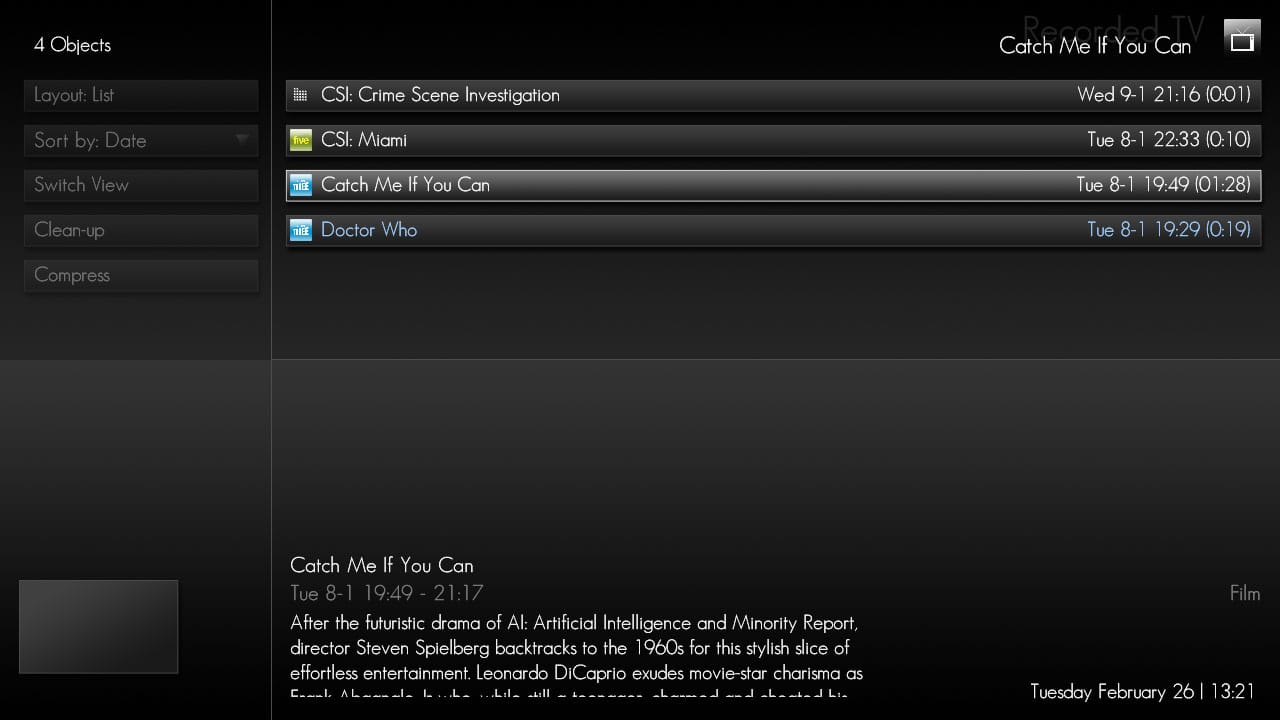
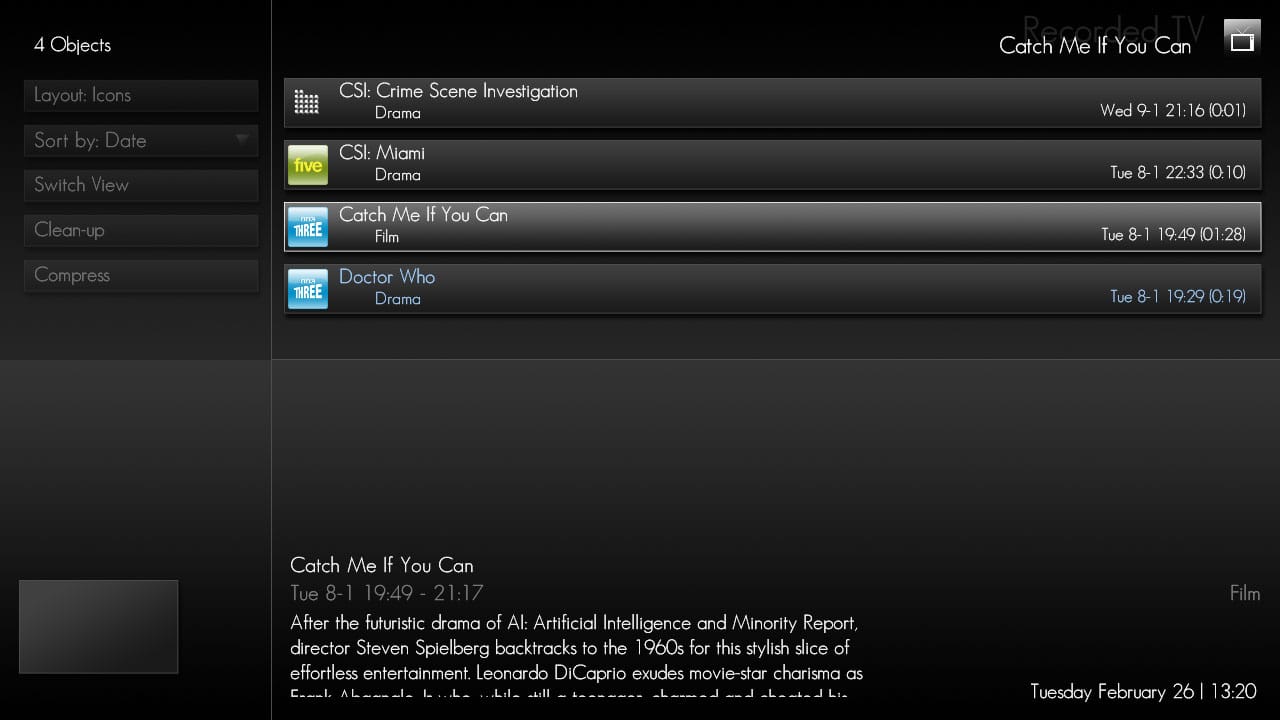
fantastic skin!
I absolutely love it.. im really sorry to trouble everyone, but ive just got one thing I'd like to sort out, if anyones willing to help. Basically the summary/description/information box is displayed in the wrong place in the "TV Series" section and there are no thumb previews of each TV epsiode being displayed . I am running MediaPortal at 1360x768 and I think this may be the reason for the error. Im sure I have read a post where a user described a tweak that could be used. I have searched the forums but have not found anything :-(
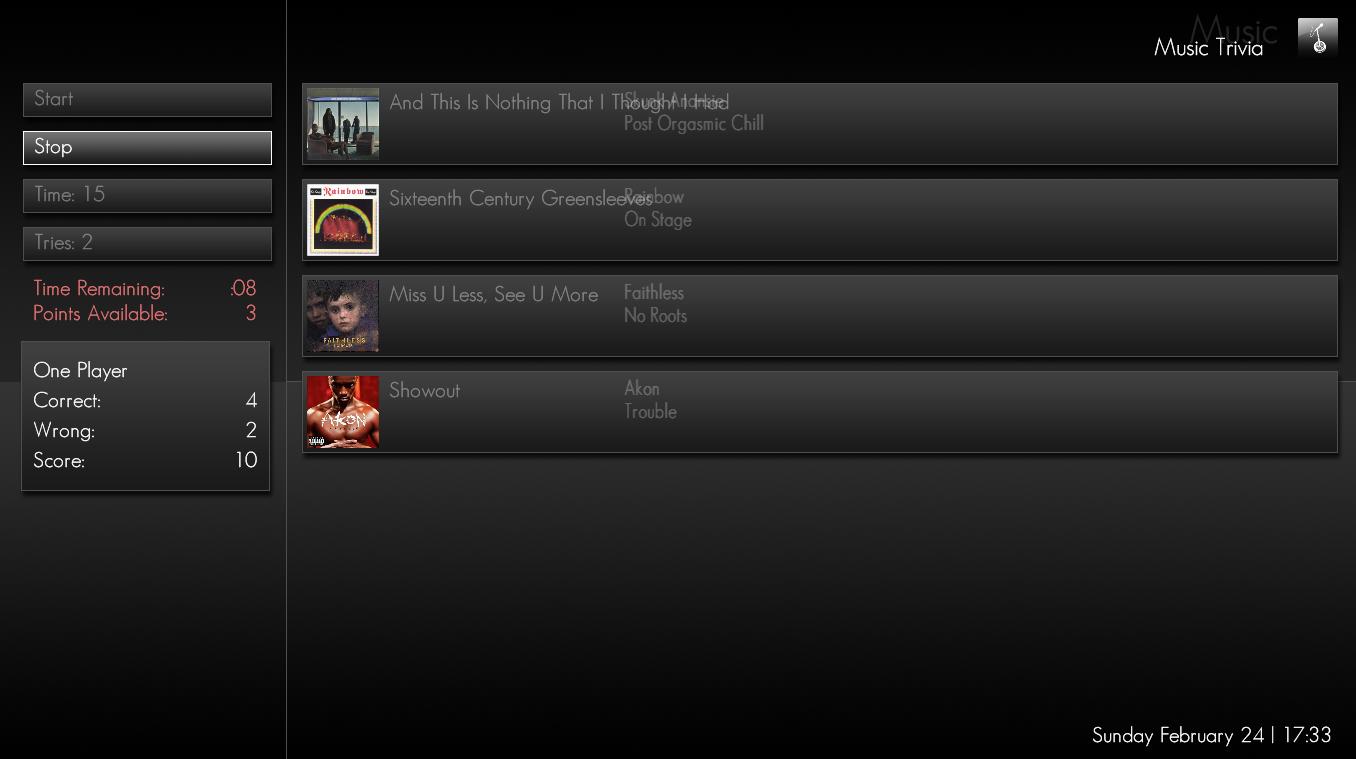
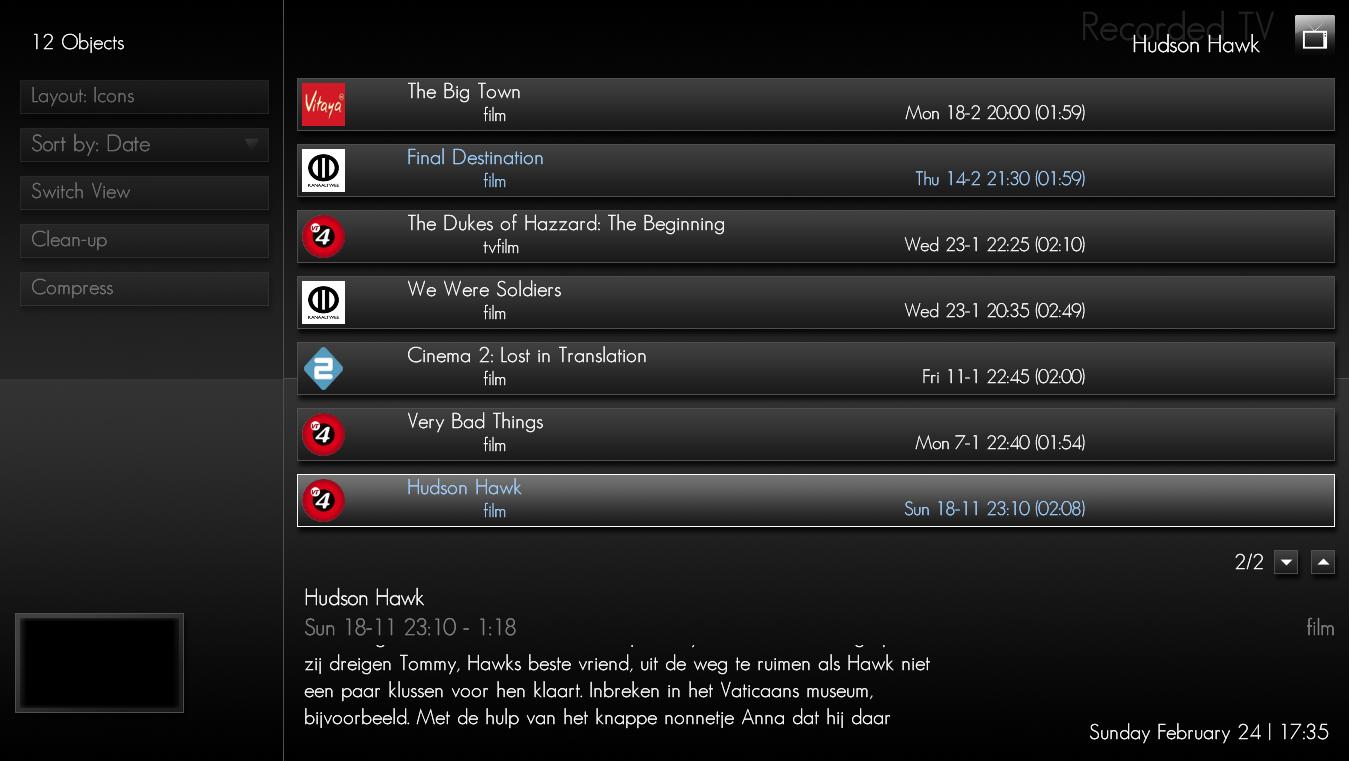
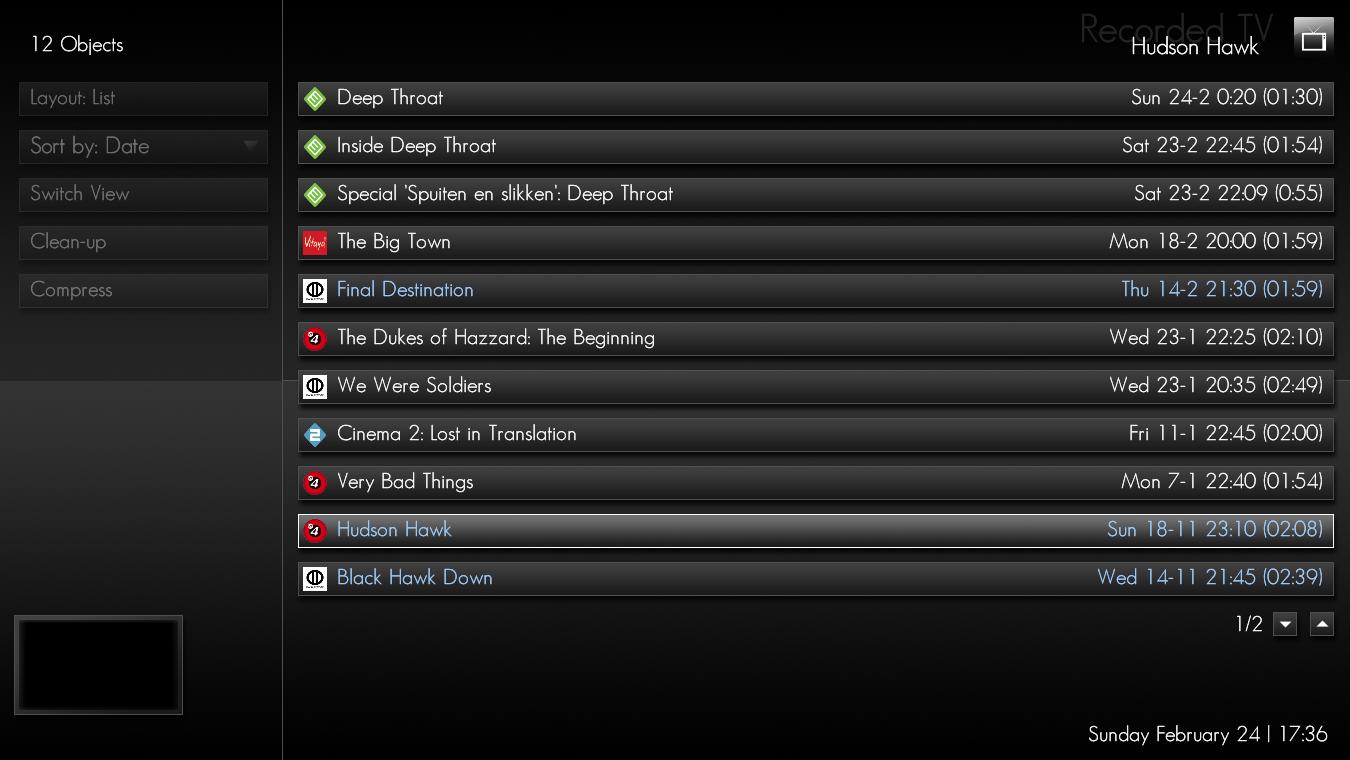
I have posted 3 screenshots to show what I mean. As you can see, by the third image, the display becomes very cluttered and there are no thumb previews displaying images from each episode.
1.jpg - ImageHost.org
2.jpg - ImageHost.org
3.jpg - ImageHost.org
If anyone at all could help out I would be most grateful as I hope to use this skin indefinately! Thanks for your time everyone,
Richard
EDIT: Ok, just read through each seperate comment on this thread, and found that you need to "enable animations" in the main Media Portal config screen. Hope this helps others who have similar difficulties
I absolutely love it.. im really sorry to trouble everyone, but ive just got one thing I'd like to sort out, if anyones willing to help. Basically the summary/description/information box is displayed in the wrong place in the "TV Series" section and there are no thumb previews of each TV epsiode being displayed . I am running MediaPortal at 1360x768 and I think this may be the reason for the error. Im sure I have read a post where a user described a tweak that could be used. I have searched the forums but have not found anything :-(
I have posted 3 screenshots to show what I mean. As you can see, by the third image, the display becomes very cluttered and there are no thumb previews displaying images from each episode.
1.jpg - ImageHost.org
2.jpg - ImageHost.org
3.jpg - ImageHost.org
If anyone at all could help out I would be most grateful as I hope to use this skin indefinately! Thanks for your time everyone,
Richard
EDIT: Ok, just read through each seperate comment on this thread, and found that you need to "enable animations" in the main Media Portal config screen. Hope this helps others who have similar difficulties

 England