PureVisionHD 1080 (110 Viewers)

catavolt

Design Group Manager
  • Team MediaPortal
  • August 13, 2007
    14,896
    11,786
    Königstein (Taunus)
    Home Country
    Germany Germany
    You have to use the MPInfoService Version 0.5 for the actual skin and configure it in MPConfig.

    The author of that plugin just released the version 0.6. And of course you have to configure your weather in MPConfig.

    I will post the correct xml here soon. DONE!

    AND: Deactivate (or better delete) MPRSS-Ticker, if enabled!
     

    catavolt

    Design Group Manager
  • Team MediaPortal
  • August 13, 2007
    14,896
    11,786
    Königstein (Taunus)
    Home Country
    Germany Germany
    Hi to all users of PureVisionHDX,

    the new version of PureVisionHD contains significant changes to GFX and skins and is now in HDX style. So if you like to stay up-to-date and to use HDX-style PureVision, just DL PureVisionHD 2.3.

    Hope you like it ;-)
     

    catavolt

    Design Group Manager
  • Team MediaPortal
  • August 13, 2007
    14,896
    11,786
    Königstein (Taunus)
    Home Country
    Germany Germany
    Patch Release for PureVisionHD

    Well, as you possibly might know there were some significant changes within the plugin MPInfoService 0.7.

    With the patch on the first page of this forum thread you get support for the following scenario:

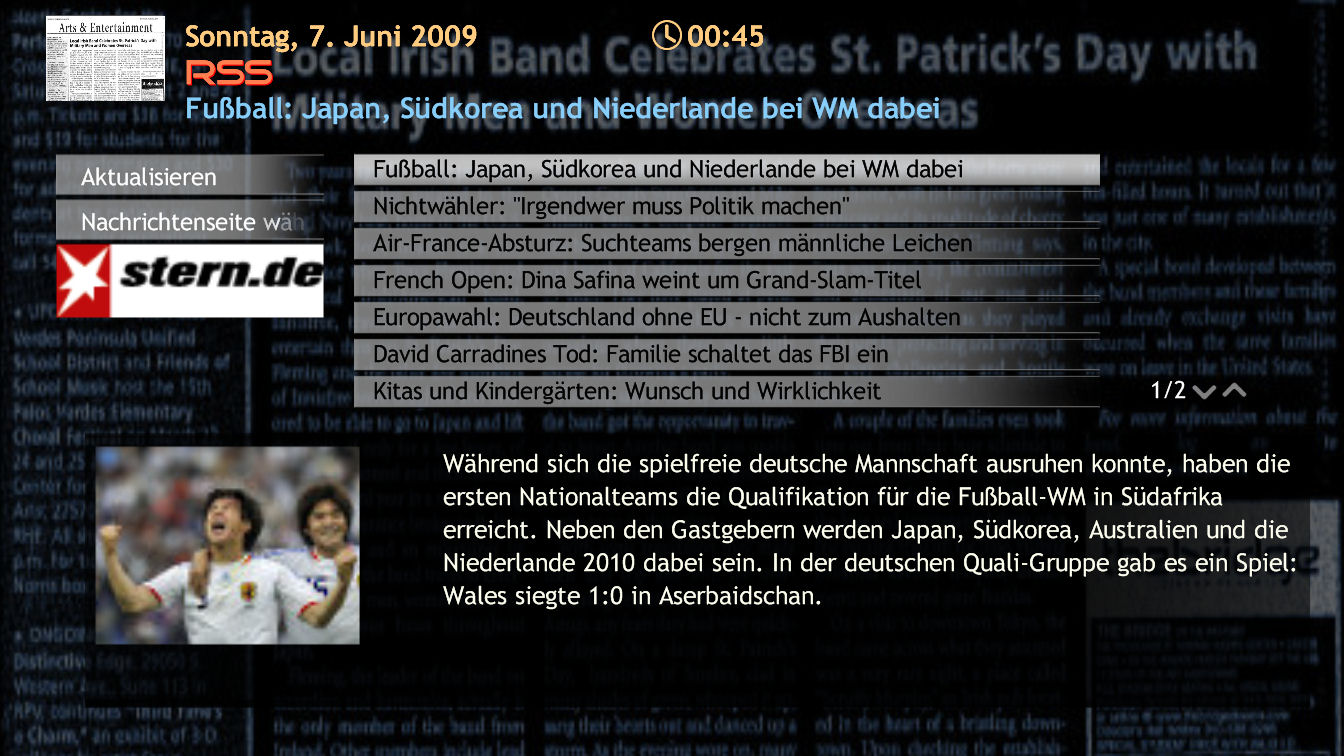
    You want to change the RSS feed or want to read a message completely: Just scroll down until the image of the current feed is highlighted, then press OK (or left click with mouse). Now a new screen is shown where you can read the desired news or change the feed.

    Please note, that you have to DL, enable and configure MPInfoService 0.7 plugin.

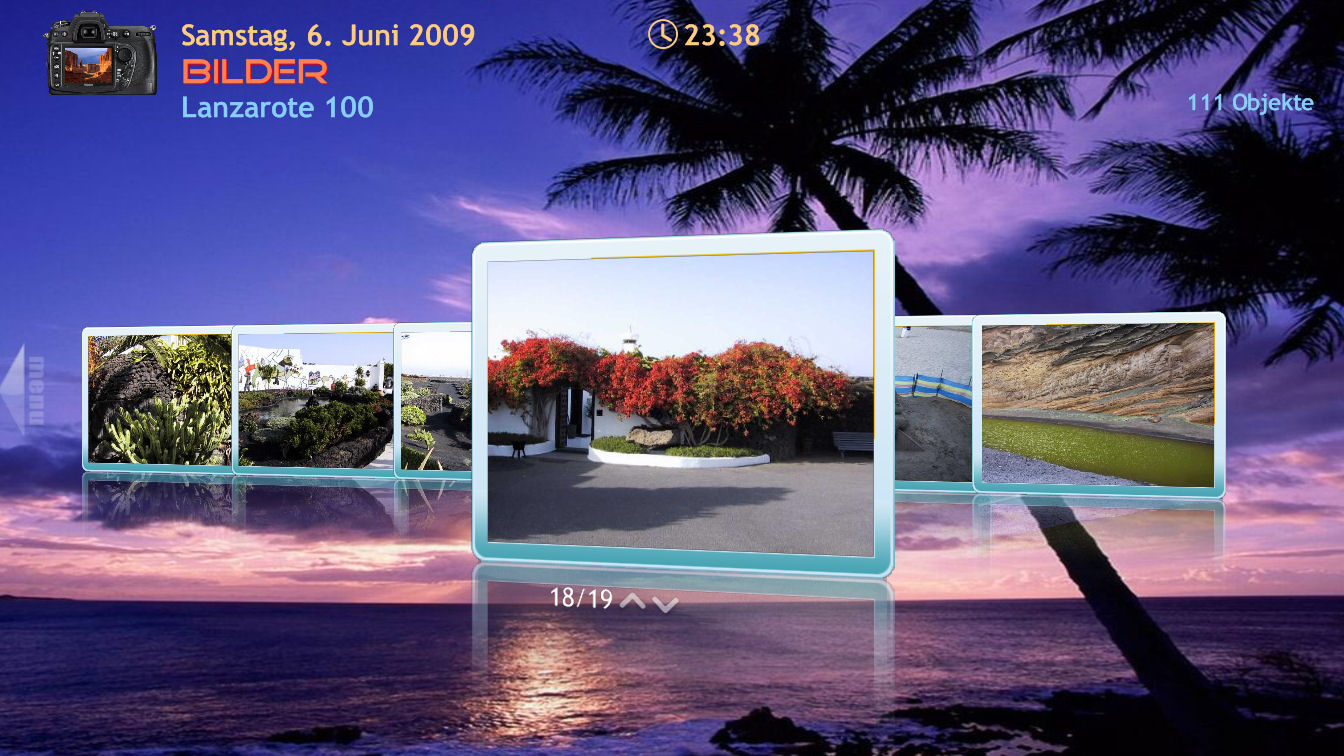
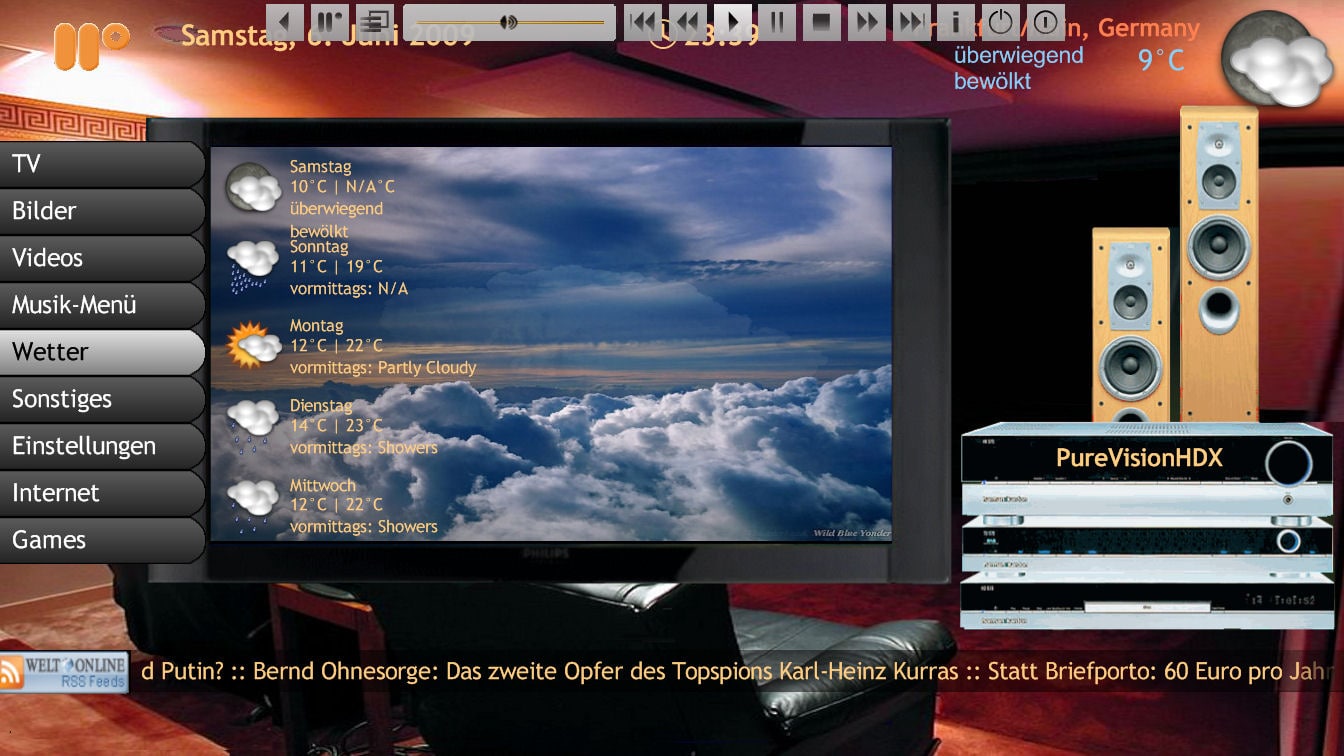
    I also made some GFX changes (topbar, picture frame etc.) Below are some screenshots.

    Please copy the content of the enclosed RAR file into your skin directory (overwrite).
    Clear the cache and restart MP.

    And hopefully: ENJOY!
     

    Attachments

    • Image1.jpg
      Image1.jpg
      222.7 KB
    • Image2.jpg
      Image2.jpg
      207.6 KB
    • Image3.jpg
      Image3.jpg
      220.8 KB

    mamachan

    MP Donator
  • Premium Supporter
  • September 25, 2006
    724
    48
    Home Country
    Italy Italy
    Hi catavolt,
    i have 3 questions:

    1) multishort plugin is supported?
    2) RadioTime Plugin is supported?
    3) "PureVisionHD Function and Cosmetic" pack is necessary? (i download PVHD 2.3 1 hour ago).

    Very thanks.

    hi
    massimo
     

    classico2

    Portal Member
    June 7, 2009
    18
    0
    Home Country
    Viet Nam Viet Nam
    please help me to install , can not extract this folder to TeamMP/MP/skin and install instruction said copy .dll fliles, what are these files and contain in which folder.
     

    catavolt

    Design Group Manager
  • Team MediaPortal
  • August 13, 2007
    14,896
    11,786
    Königstein (Taunus)
    Home Country
    Germany Germany
    Hi classico2, welcome to MP and PureVisionHD!
    I thought I explained the installation process clear enough in the README of the distribution...

    So here an excerpt of it on how and where to install plugins:

    DELIVERED PLUGINS:
    ...There are some plugins you MUST use for the correct functioning of PureVisionHD 2.3.
    These plugins are found in the folder "PureVisionHD required plugins".
    Copy the delivered Exta Menu.dll, Game Menu.dll and Skin Info.dll into your folder %MPFolder%\plugins\Windows

    TVSeries:
    You MUST use the latest MP-TVSeries v2.2.3389! PureVisionHD 2.3 now contains a configuration file where all settings are automatically configured correctly.

    MyFilms:
    You MUST use the latest MyFilms 4.8c.

    RSS and weather info on BasicHome:
    Copy the delivered InfoService.dll into your folder %MPFolder%\plugins\windows

    TrueType Font GOODTIME
    Copy the delivered font GOODTIME.ttf into your folder %windir%\fonts.
    This font is required for the correct display of PureVisionHD 2.0!
    ...


    So first you open the RAR PureVisionHD.rar.
    Copy the folder PureVisionHD as it is into your skin directory %MPFolder%\skin
    Within the RAR file open the folder "PureVisionHD required plugins" and copy the content into your MP folder %MPFolder%\plugins\Windows.
    From within the RAR file copy the delivered font GOODTIME.ttf into your folder %windir%\fonts.

    Then you run the MPConfig and activate/configure the new plugins under Plugins within MPConfig.
    In MPConfig under General -> skins you activate PureVisionHD.
    Close MPConfig with OK to save your settings and start MP.
    Enjoy!
     

    classico2

    Portal Member
    June 7, 2009
    18
    0
    Home Country
    Viet Nam Viet Nam
    thank you, i love PVHD skin, its look and feel like i am in theater. when i go to moving pictures i see all my movie there but when i choose a movie and play its freez, and i can not end task have to restart window, when a window startup PowerDVD ultra also start, i try on my laptop with 2g ram window vista x86 and on my desk top 6g ram window vista x64 , and deamon tool set to automount , i run into dead end and also try with different skin same thing
    please help
     

    Users who are viewing this thread

    Top Bottom