SAF v4.00 ''stable'' (StandAlone Filters) - DXVA ready (H.264 and VC-1). (11 Viewers)

Should i integrate FFDshow in to SAF?

  • Yes

    Votes: 406 85.5%
  • No

    Votes: 69 14.5%

  • Total voters
    475

shotek

Portal Member
September 16, 2008
43
0
Niedersachsen
Home Country
Germany Germany
Same here with internal subs! Any ideas?
Thanks in advance :)

+ 1
see attached screenshot
 

Attachments

  • Unbenannt.jpg
    Unbenannt.jpg
    97.9 KB

zilexa

Portal Pro
October 22, 2008
151
6
Home Country
Netherlands Netherlands
@zilexa - For XP use 8.12, For Vista 9.2 is ok

Thanks, now using 8.12. In MPC-HC with VMR9-renderless I can play H.264 and CPU usage is on 5-10% or below. So thats ok. But in MP, I see only the first second of the movie and then MP crashes (exits).
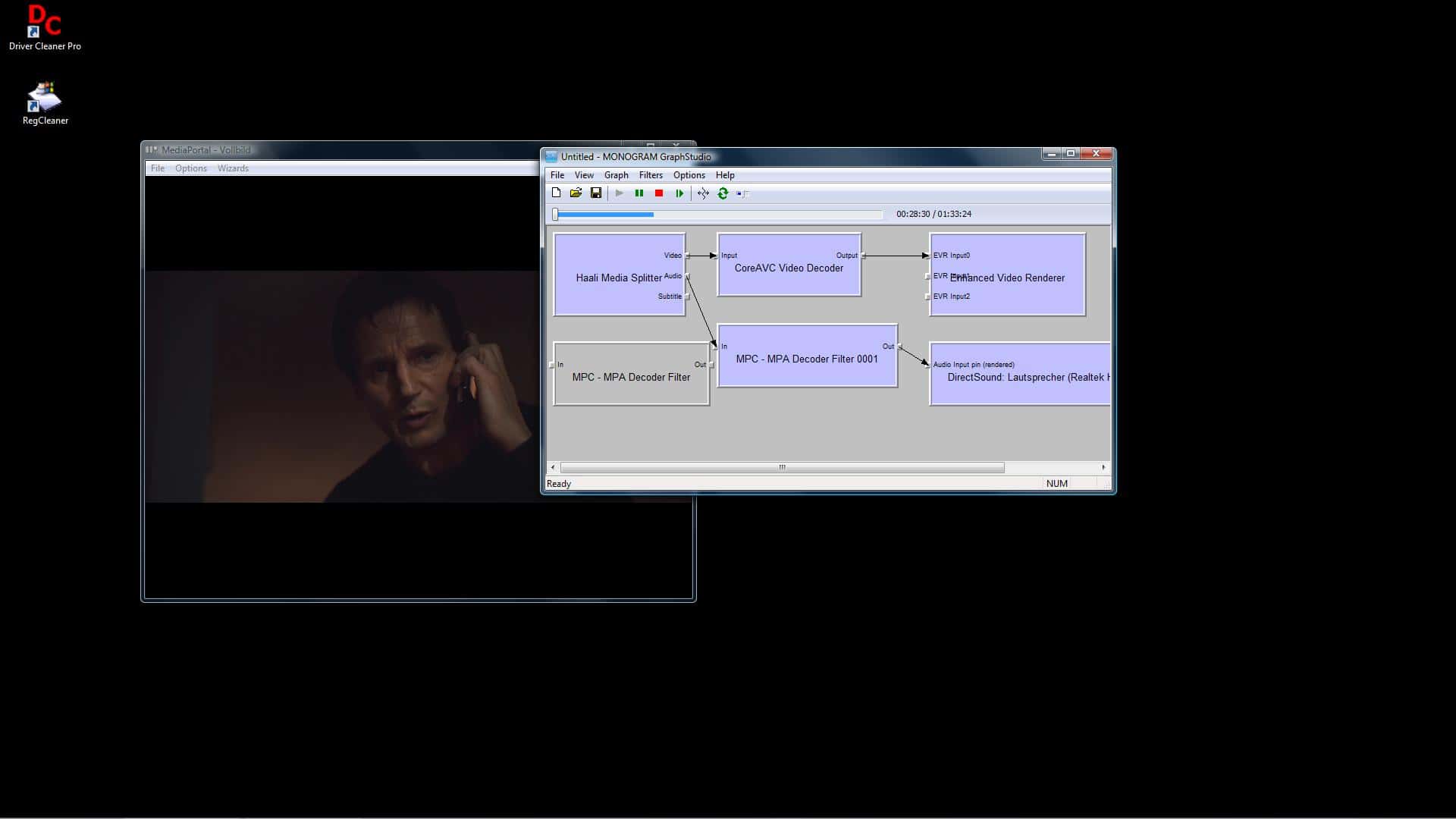
MP Config:
MPEG-2 : Cyberlink Video/SP Decoder (PDVD9)
H.264 decoder: MPC - Video decoder
MPEG/AC3 decoder: MPC - MPA Decoder Filter (also tried: FFDShow)
AAC audio decoder: MPC- MPA Decoder Filter (also tried: FFDShow)
Audio Renderer: DirectSound: Realtek HD Audio output (also tried: "Realtek HD Audio output")

I just figured out where to find the LOG file, see attachment. Strangely, it's in Dutch! I would expect English, now it won't make sense for some people...

But it looks like it has to do with the Cyberdisplay plugin? When I disable this plugin, it plays fine!
Strange, why does this only with H.264 material?
When I enable the plugin but disable Equalizer, MP also crashes when playing H264.

EDIT: FIXED! I don't understand why the newest SVN of Mediaportal contains a plugin (Cyberdisplay) that has been replaced by another plugin (Minidisplay) and that plugin is also included. Disabled and deleted Cyber, now using MiniDisplay and I can play movies in h264 format without crashes.

(btw, I have to put the volume of my tv pretty loud so I selected FFDShow as MPEG/AC3 and AAC audio decoder and enabled the Volume filter, set it to 125%, not sure if it is also possible with MPA Decoder).
 

Yabba

Portal Pro
July 13, 2007
131
4
Home Country
Spain Spain
I'm getting a bit desperate... I use Moving Pictures for playing BD ISO images, it's a new and great feature. It allows to mount images with Daemon Tools and play it with internal player (no menus, just main film) or using PowerDVD as external player. I also use SAF last version, so I thought I couldn't possibly have any problems. I was wrong.

If I use internal player SAF filters are used, but it always loads by default first subtitles track. And so DirectVobSub gets autoloaded, and so I get choppy playback with 100% CPU (no DXVA). Even if I choose "No subtitles" on playback DirectVobSub is still there, as it loaded automatically the first time. I thought it would auto-unload automatically when not needed, but it doesn't. If I disable DirectVobSub autoload I get no subtitles, of course, but beautiful smooth reproduction with DXVA, as expected. But I get no subtitles on ANYTHING at all, I have to manually re-enable DirectVobSub if I want to see anything with subtitles (I usually watch US TV series so I NEED subtitles as my english is not good enough to understand without some help).

My other choice would be installing PowerDVD and using it as external player. But that's yet another headache. Last versions simply do not play ISOs. I found a 8.2217 version that finally opens them... but I just get to see a black window and no audio at all, even the counter firmly stays at 0:00:00 . If I drag a .mt2s file it plays terribly choppy and slow, BUT the information states it's actually using DXVA.

Is there any way to display subtitles without using DirectVobSub? I thought MediaPortal had its own subtitles device but I went to config and saw an advice that said I should use DirectVobSub... I think in past releases there was an own subtitles device, but it's clearly not present at the moment. Any other choice rather than praying for MP 1.02 to be released soon and WITH hardware acceleration in subtitles?
 

hoborg

Portal Pro
June 13, 2008
4,413
1,644
Nový Jičín
Home Country
Czech Republic Czech Republic

kiwijunglist

Super Moderator
  • Team MediaPortal
  • June 10, 2008
    6,743
    1,754
    New Zealand
    Home Country
    New Zealand New Zealand
    Try the SysWow64 directory, i had trouble regsvr32-ing the 32bit mpcvideodec.ax filter, then i tried sticking it in that directory and it worked.

    and i agree with XP SP3 upgrade!! ;-)
     

    Users who are viewing this thread

    Top Bottom