- April 23, 2007
- 755
- 79
- Home Country
-



Just one minor problem, and I'm not sure if it is a problem or you did it intentionally. On a completely fresh install, SAF did not add PDVD9 as an external filter to MPC-HC. I thought at one time your package did do this, but for beta 22 and 23, I had to add it manually. ffdshow was there, but not PDVD. And I did notice you turned off all the internal filters so you can get a good test comparable to the MP environment.
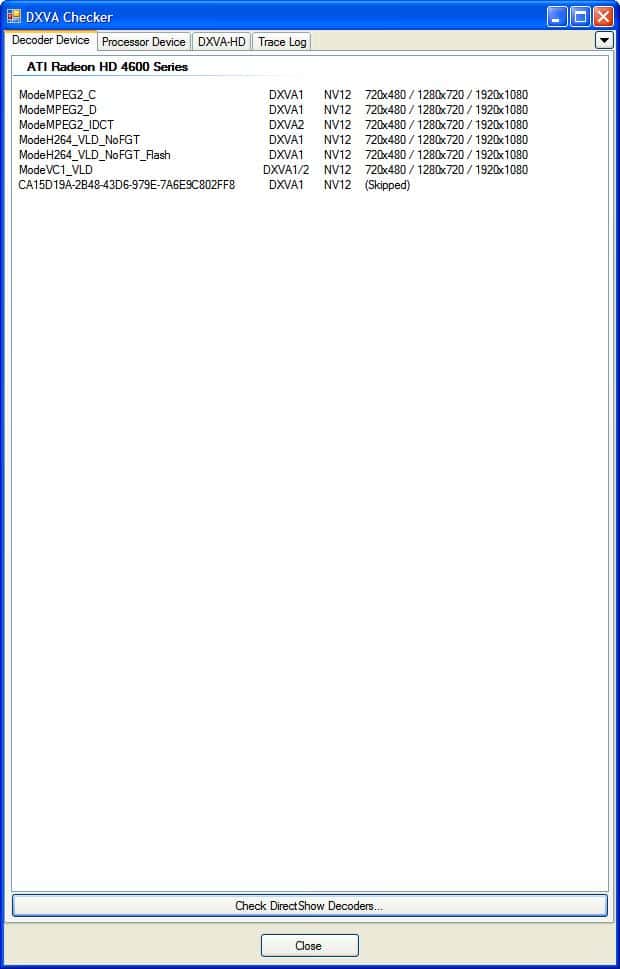
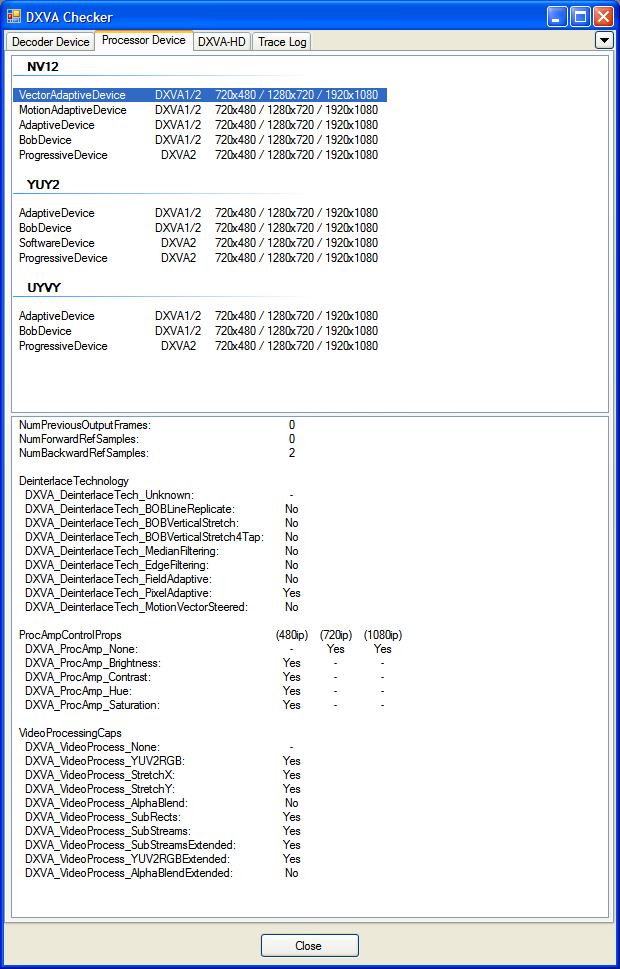
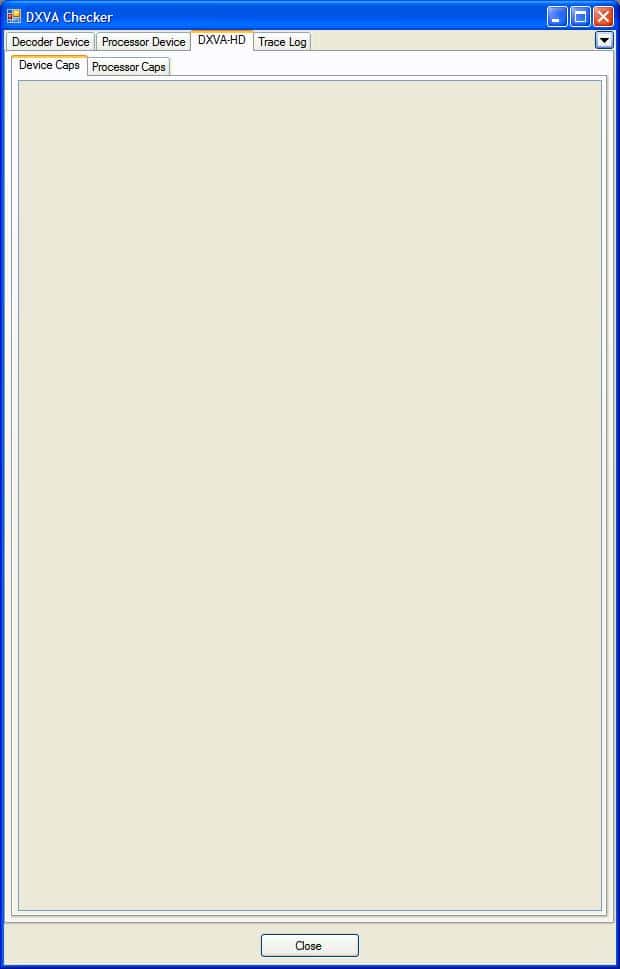
You need to ask DXVA checker author, i have no ideaAnd a couple of questions. I notice in Beta 23 Test 5, you've added DXVA Checker. Nice work. I was also using this to try and confirm everything was ok on the DXVA front. I've attached screenshots below. Why can't I see anything on DXVA-HD tab, and why does tracing not work at all? I've turned all the options on in tracing, but never get any output when I start playing using DXVA. This behaviour remains after the clean re-install.

Just looking at DXVA checker, it looks to me like VA will only work in the NV12 colorspace, so I'm thinking that my problem was actually related to colorspace.
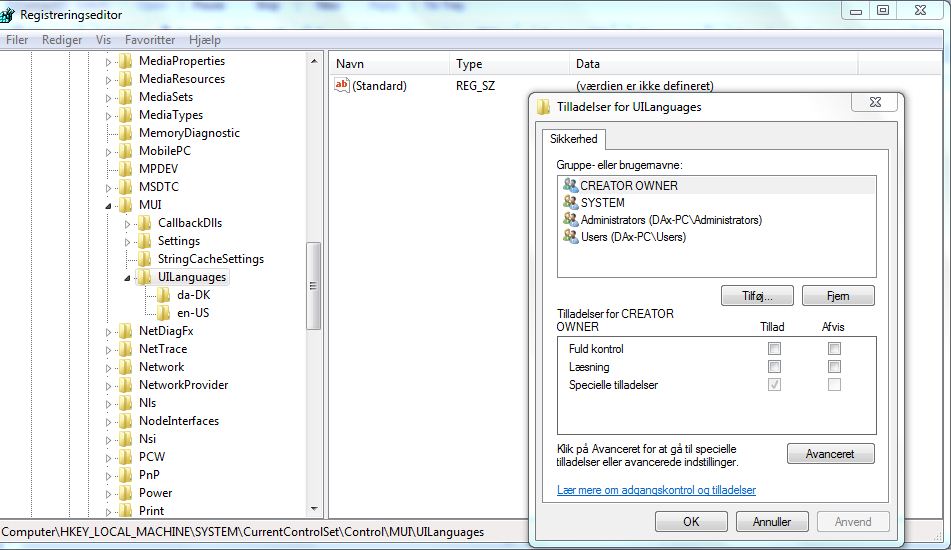
Please support greek locale
windows 7 greek language:
View attachment 54838
SAF logs now included:
View attachment 54839
TIA
I have installed Media Portal 1.1 with saf400beta23test4.exe on Windows 7 and since I've installed SAF I can't play any WMV formats anymore. I only get a green screen when I play a WMV file. Also, when I try to play the WMV format in windows media player I get an "unknown codec" error. I didn't had any problems with WMV before I installed SAF. Does this sound familiar to anyone?
START - SAF - MS DMO - enable.
I get the following error:
"Regsvr32
The module "C:\Windows\system32\WMVDECOD.dll" was loaded but the call to DLLRegisterServer failed with error code 0x80004005.
For more information about this problem, search online using the error code as a search term."
I have searched online for this error but unfortunately I couldn't find a solution yet.
Sorry; I mistyped the error code on google. I fixed the problem as following:
C:\Windows\System32 --> right click cmd.exe --> run as administrator
Type: Regsvr32.exe "C:\Windows\system32\WMVDECOD.dll"
Hit enter!
START - SAF - MS DMO - enable.
I get the following error:
"Regsvr32
The module "C:\Windows\system32\WMVDECOD.dll" was loaded but the call to DLLRegisterServer failed with error code 0x80004005.
For more information about this problem, search online using the error code as a search term."
I have searched online for this error but unfortunately I couldn't find a solution yet.
Sorry; I mistyped the error code on google. I fixed the problem as following:
C:\Windows\System32 --> right click cmd.exe --> run as administrator
Type: Regsvr32.exe "C:\Windows\system32\WMVDECOD.dll"
Hit enter!
Also on Win 7 but after registering the dll as above, still get exactly the same error tring to enable MS DMO.
That is correct. I remover PDVD9 becouse it no longer supportd DVD decoding. FFDShow works great on all OS for DVD, no broken DVD navigation and subtitles.
Sorry was just testing with MPC-HC to get everything right.
OK, so you recommend we should be using ffdshow for all MPEG-2 decoding in MP now? ie DVD, TV and video settings? I agree actually ffdshow looks 10 times better than PDVD
Windows 7 Danish
isnt there an easier way to solve my prob. Though the file is fine outside Mediaportal i thought it should possibel to get that within Mediaportal.
Henric
Best you can do is make all your media "standard". MKV is such solution.
Can you provide small MP4 sample to test?
... recoding files.
But I'm not sure if it is a MediaPortal bug or a SAF bug. I am sure it is a bug in one of those since it is working in all kinds of players, with internal and external decoding, outside Mediaportal.
@ Hoborg,
Did you already receive a sample from Henric?