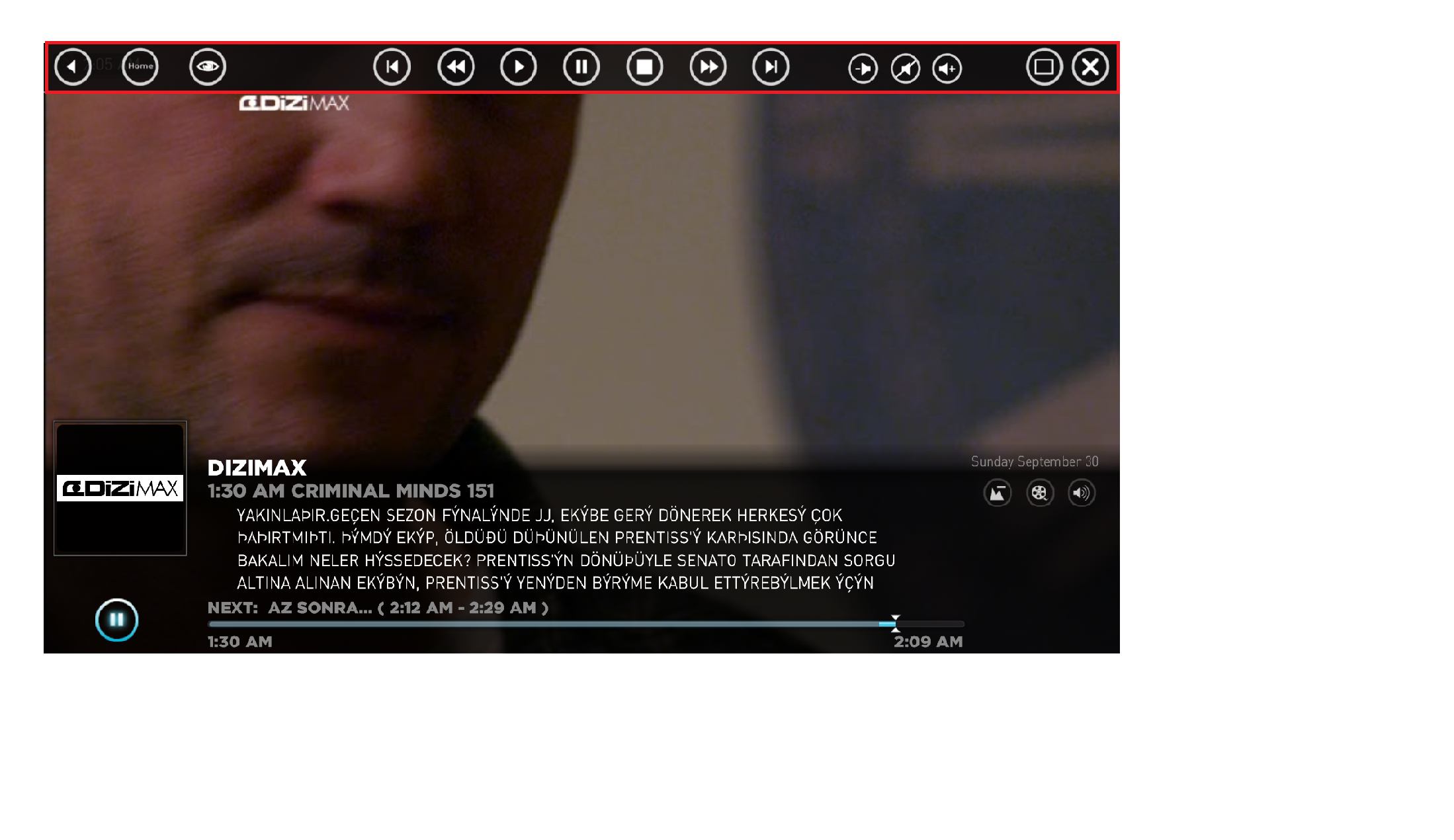
Thats a main plugin of the Mediaportal software, not really anything to do with streamedMP.
Not sure if you can adjust the time out but if you can it will probably be in the plugins own configuration if it has any.
Open your mediaportal congfiguration, go to the plugins tab, then look for 'topbar' right click it and see if it has a configuration option, alternatively, you could do what i have done and disable it completely, cant really see a need for it if you have a remote.
To disable it, right click the topbar plugin and click 'disable' and it wont show up again.
I am following the official documentation for setting up the Kodi plugin in media portal. I have got no issues with media portal, nor media portal plugin on Kodi, but with the Kodi plugin that must be installed in the media portal, as it is not getting detected.
I have made a copy of the dll file into the plugins folder as found in my...
I am following the official documentation for setting up the Kodi plugin in media portal. I have got no issues with media portal...
I am following the official documentation for setting up the Kodi plugin in media portal. I have got no issues with media portal...
maybe setting loglevel to debug might pinpoint the difference between normal and stuck?
Preferable with as much disabled as possible
also try to see if anything is happening during stuck for the mediaportal process(resource monitor, disk activity, cpu usage, anything)
maybe other programs competing for resouces?
maybe setting loglevel to debug might pinpoint the difference between normal and stuck?
Preferable with as much disabled as...
Since over a year my MP sometimes stucks while showing the welcome screen. It started once a week now it happens every second time...
 Germany