- March 28, 2008
- 270
- 95
It did not work completely, but it looks a bit better in all cases. Got a banner & description in the list of series and could change the episode names as they appear in the episode list.raffe said:Well, the hard way to do this could be this:
- Get SQLite Database Browser from SQLite Database Browser | Download SQLite Database Browser software for free at SourceForge.net
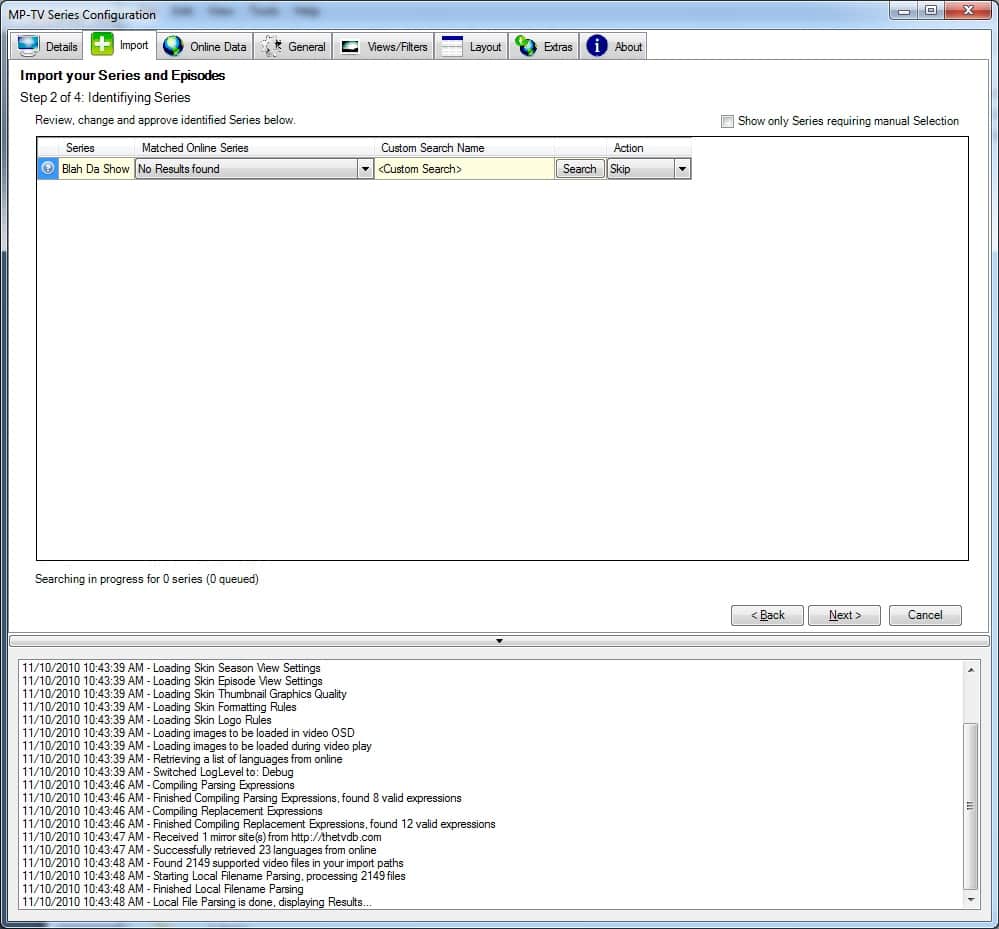
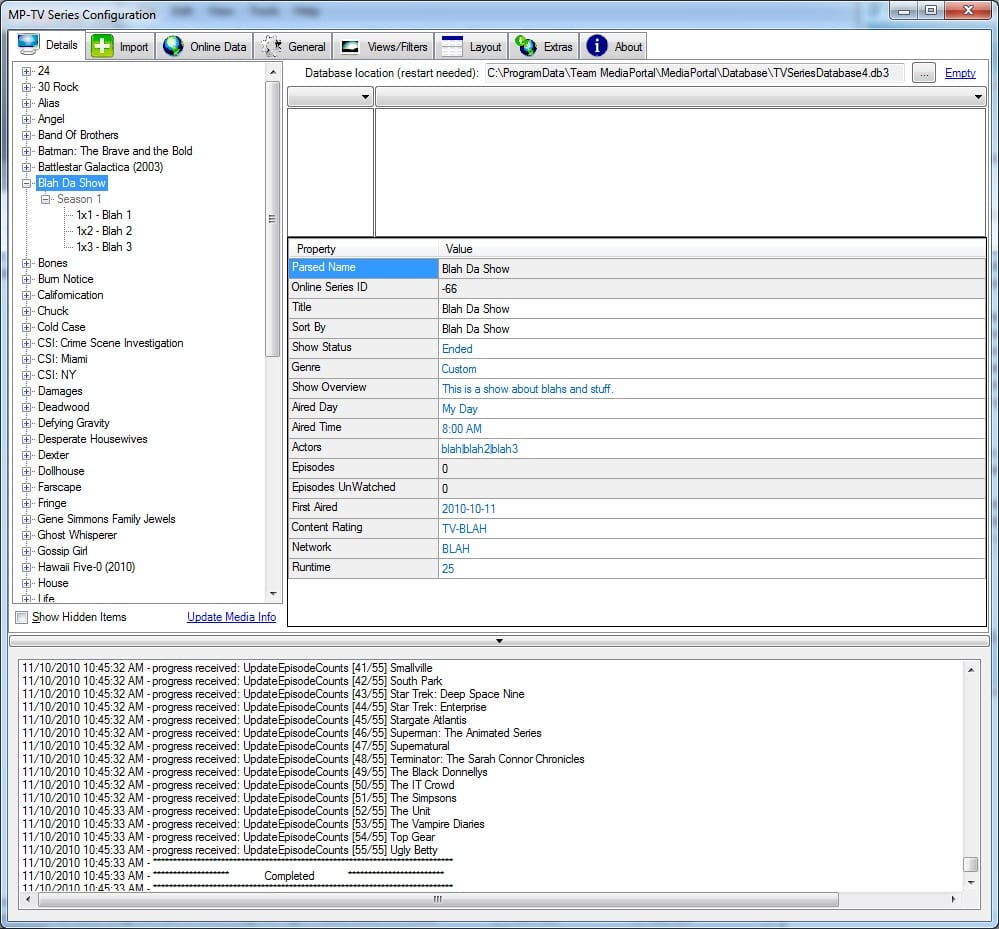
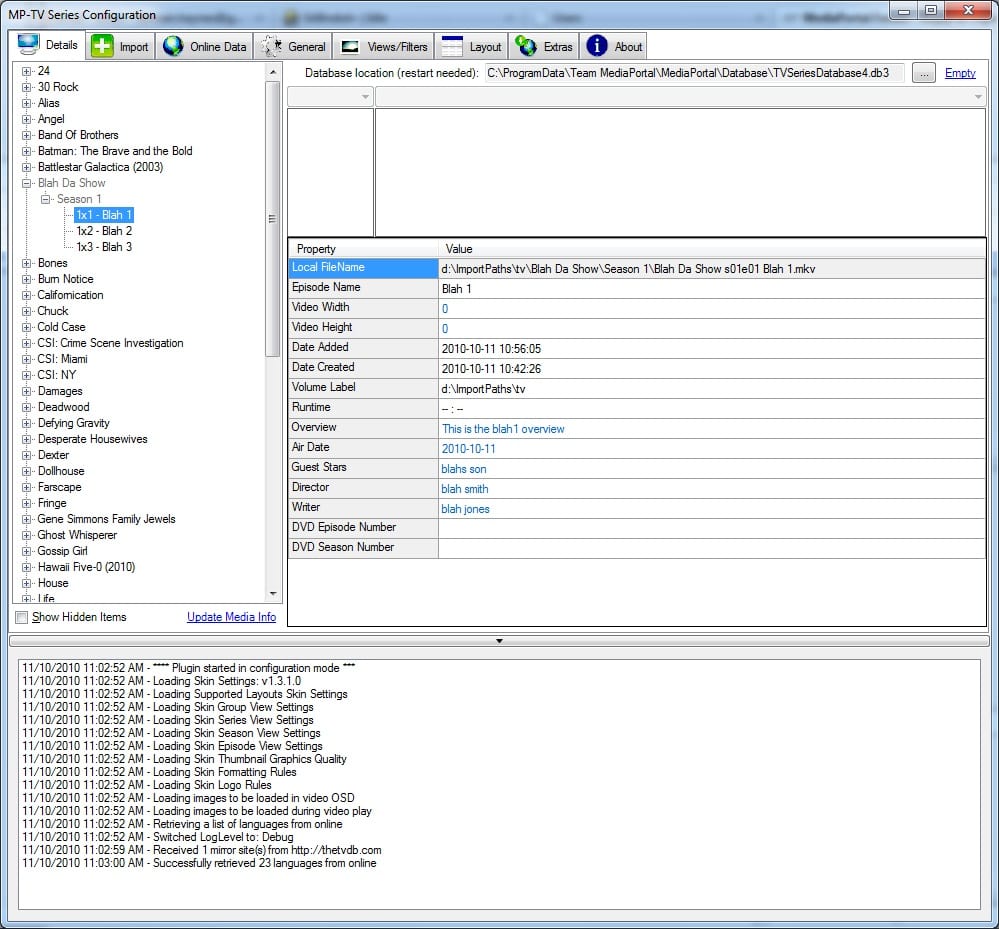
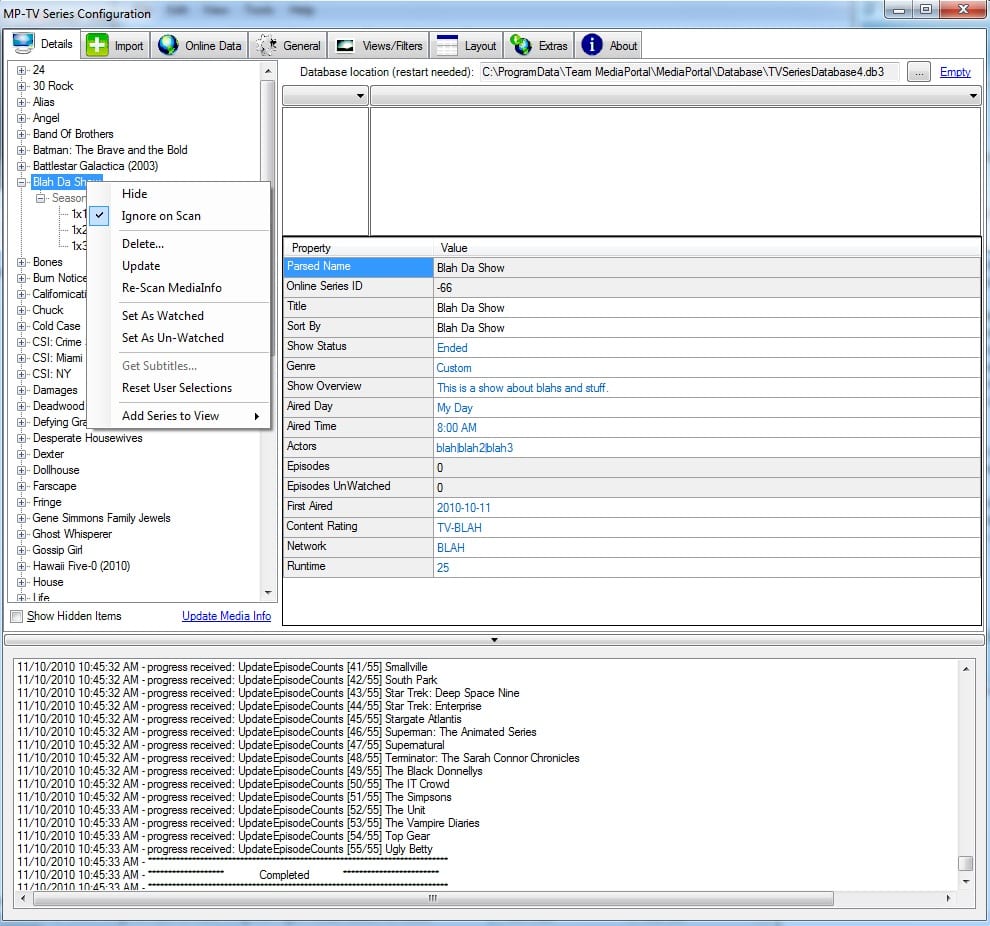
- Open MP-TV Series Configuration, click Details tab. There right click on the serie (or episode) you will change manually and choose "Ignore on Scan".
- Close MediaPortal and go to "C:\ProgramData\Team MediaPortal\MediaPortal\database". The folder is hidden, so you need tell Windows to show it. Eg:
For XP:
Windows XP: Show Hidden Program or System Files
For Vista/Windows 7:
Show hidden files- Make a copy of TVSeriesDatabase4.db3 for backup if everything goes wrong. Right click on the file -> Choose Copy -> Right click on the folder and choose Paste.
- Start "SQLite Database Browser 2.0 b1.exe" (or what ever your version is called)
- In the menu choose File - Open Database
- Browse to "C:\ProgramData\Team MediaPortal\MediaPortal\database\TVSeriesDatabase4.db3"
- Click on the "Browse Data" tab
- In the table online_series you have your series (here I added banner picture & description) and in the table local_episodes you have the episodes (here I changed the LocalEpisodeName).
- Put your pictures in C:\ProgramData\Team MediaPortal\MediaPortal\thumbs\MPTVSeriesBanners (I made a copy from another serie and changed the pictures) and write the picture names in the DB
Will try this and see if it works
But it is very time-consuming, would be better if it were possible to change directly in the GUI.


 United States of America