
You are using an out of date browser. It may not display this or other websites correctly.
You should upgrade or use an alternative browser.
You should upgrade or use an alternative browser.
Aeon Wide (1366x768) (3 Viewers)
- Thread starter Psycho Reptile
- Start date



- June 25, 2008
- 34
- 5
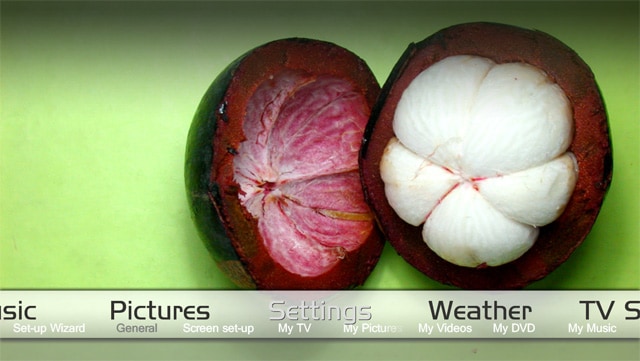
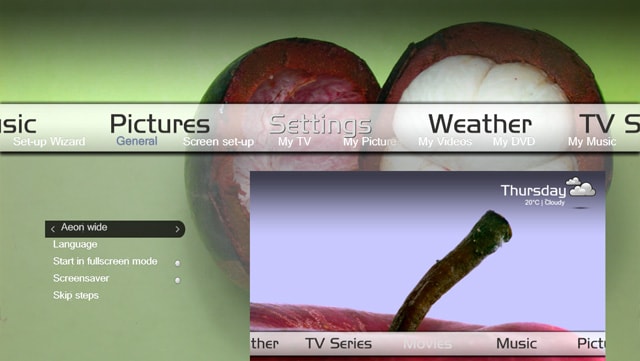
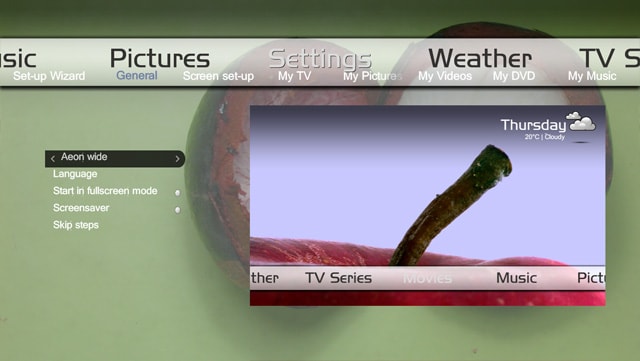
I tried to remake the settings screen to be similar to the aeon alpha build. There are a few problems per say.
1. with the advent of the aeon menu generator everyone now has a different menu. This skin represents my menu so it WILL NOT match your skin's menu.
2. It is a 1280x720 skin so it probably won't match your skin entirely.
If your feeling adventurous I'd like you to try this out and find any bugs you might find. The look is not 100% final but I would love the functionality to be 100% complete. thanks! If people like it I will try to turn this into a suitable idea! Remember to backup your skin files first! any file that begins with "settings" should be backed up!!!!
1. with the advent of the aeon menu generator everyone now has a different menu. This skin represents my menu so it WILL NOT match your skin's menu.
2. It is a 1280x720 skin so it probably won't match your skin entirely.
If your feeling adventurous I'd like you to try this out and find any bugs you might find. The look is not 100% final but I would love the functionality to be 100% complete. thanks! If people like it I will try to turn this into a suitable idea! Remember to backup your skin files first! any file that begins with "settings" should be backed up!!!!
Attachments
Playing now
I wonder if people could help me with a couple of issues
1) I want to put a 'playing now' now button on the main basic menu. So for example if you have a music track playing - you move the slider across to the playing now button and it takes you to the playing now screen. Likewise if you have a video or radio playing and you're on the main basic menu, you could click a playing now button and be taken to the corresponding playing now screen.
I don't know what the xml file is or if there even is one!!? So far I've used mymusicplayingnow.xml but that only really works if you have music playing in the background. Is there another way?
2) On the basic menu when I push down, and the playing now icon in the bottom left is highlighted, the background image disappears. I was wondering if there was a way to keep a background image there or even better an image related to the playing now icon is displayed.
Any help would be appreciated thanks
I wonder if people could help me with a couple of issues
1) I want to put a 'playing now' now button on the main basic menu. So for example if you have a music track playing - you move the slider across to the playing now button and it takes you to the playing now screen. Likewise if you have a video or radio playing and you're on the main basic menu, you could click a playing now button and be taken to the corresponding playing now screen.
I don't know what the xml file is or if there even is one!!? So far I've used mymusicplayingnow.xml but that only really works if you have music playing in the background. Is there another way?
2) On the basic menu when I push down, and the playing now icon in the bottom left is highlighted, the background image disappears. I was wondering if there was a way to keep a background image there or even better an image related to the playing now icon is displayed.
Any help would be appreciated thanks
- May 14, 2008
- 3,558
- 434
- Home Country
-
 Germany
Any Skin Files for Fore th Record Ver 1.3? Please  I've tried todo it myself but... it does not work at all.
I've tried todo it myself but... it does not work at all.- May 14, 2008
- 3,558
- 434
- Home Country
-
Germany
Does nobody use For the Record :-( ? I've tried it myself but i'm not able todo this.
Update to the default TVSeries.xml
Hi,
I use the default version of the My TV Series skin file (TVSeries.xml) that comes with Aeon Wide and for a while have been niggled by the Series list view (ie. when you click on a TV show and it lists all of the series available for that show) where the text of the series name overlapped the thumbnail image at left.
I finally got around to tweaking the file so that this is not the case. If someone could upload that to the SVN, that would be great.
Cheers,
Rob.
Hi,
I use the default version of the My TV Series skin file (TVSeries.xml) that comes with Aeon Wide and for a while have been niggled by the Series list view (ie. when you click on a TV show and it lists all of the series available for that show) where the text of the series name overlapped the thumbnail image at left.
I finally got around to tweaking the file so that this is not the case. If someone could upload that to the SVN, that would be great.
Cheers,
Rob.
Attachments
I wonder if people could help me with a couple of issues
1) I want to put a 'playing now' now button on the main basic menu. So for example if you have a music track playing - you move the slider across to the playing now button and it takes you to the playing now screen. Likewise if you have a video or radio playing and you're on the main basic menu, you could click a playing now button and be taken to the corresponding playing now screen.
I don't know what the xml file is or if there even is one!!? So far I've used mymusicplayingnow.xml but that only really works if you have music playing in the background. Is there another way?
Just a stab in the dark here, but the way I'd start to tackle this would be to create two identical controls (apart from name and ID number) for the Playing Now button. This, in itself, is pretty complex since you'd need to make sure that your new controls fit in with how the Basic Home menu is constructed. If you get that far, the next step is to investigate, via the skin wiki, the <visible></visible> tag, and conditional tests. What you'd probably do is test for either a playing video, and assign one control's <visible> tag to true, or if music is playing, set the other control's <visible> to true. Of course, in setting one control's <visible> tag to true, you need to ensure the other is false. You'd also need to handle the condition where nothing is playing (perhaps have one of the controls default to being visible, or even have a third control).
2) On the basic menu when I push down, and the playing now icon in the bottom left is highlighted, the background image disappears. I was wondering if there was a way to keep a background image there or even better an image related to the playing now icon is displayed.
Do a search on this forum for the mouse pointer moving/background disappearing problem (I'm sure you've encountered the issue). One of the posts, FAQ style, mentions how you can minimise the visual effect of this bug by specifying an alternative default skin background. You might find that the same instructions allow you to pick a 'playing now' friendly background image that works in your situation.
Good luck,
Rob.
EDIT: duh, the FAQ-style post I referred to was, of course, the FAQ sticky post that you can find here.
The skin wiki with info on the <visible> tag, and conditional visibility, can be found here.

- Moderator
- #970
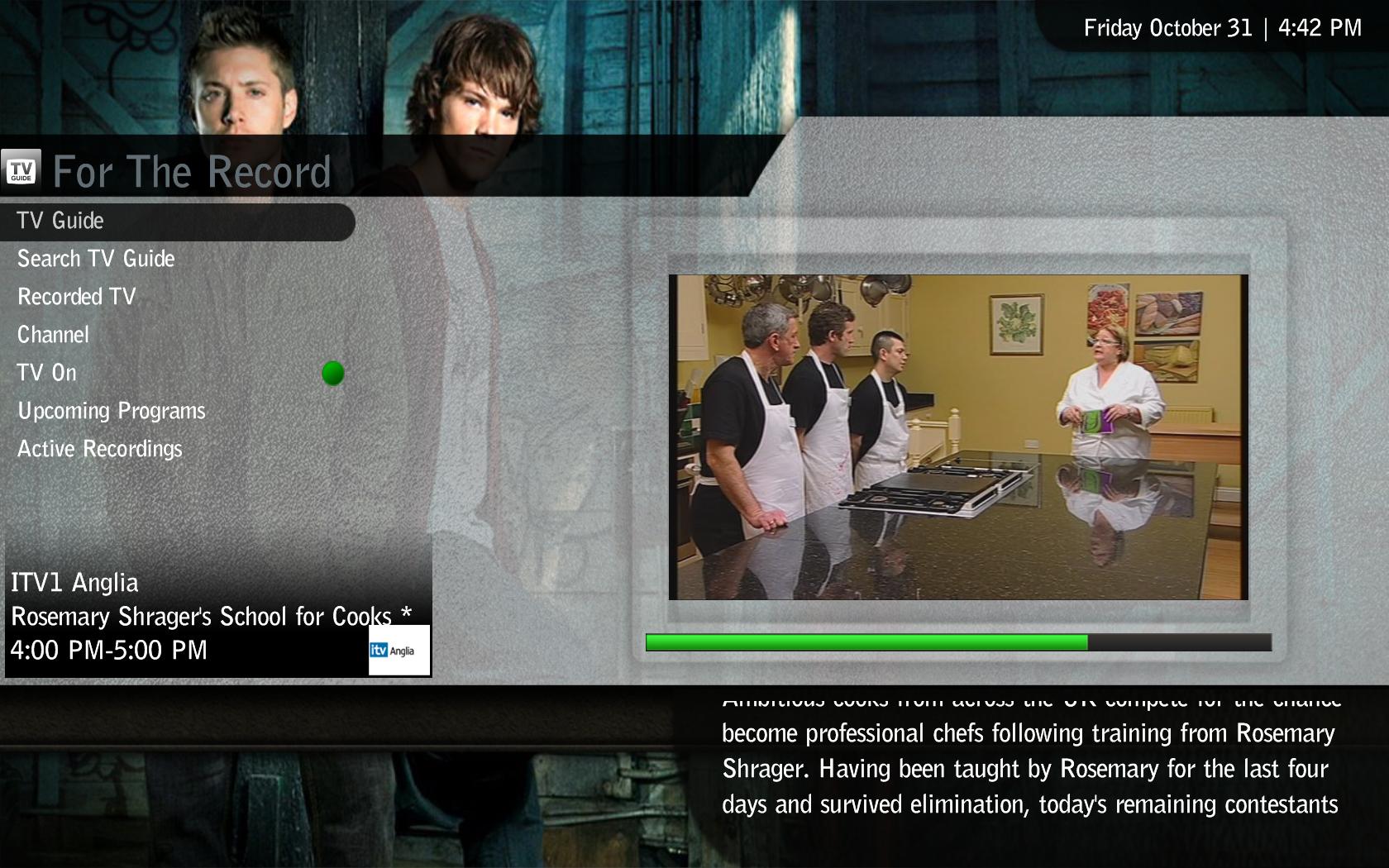
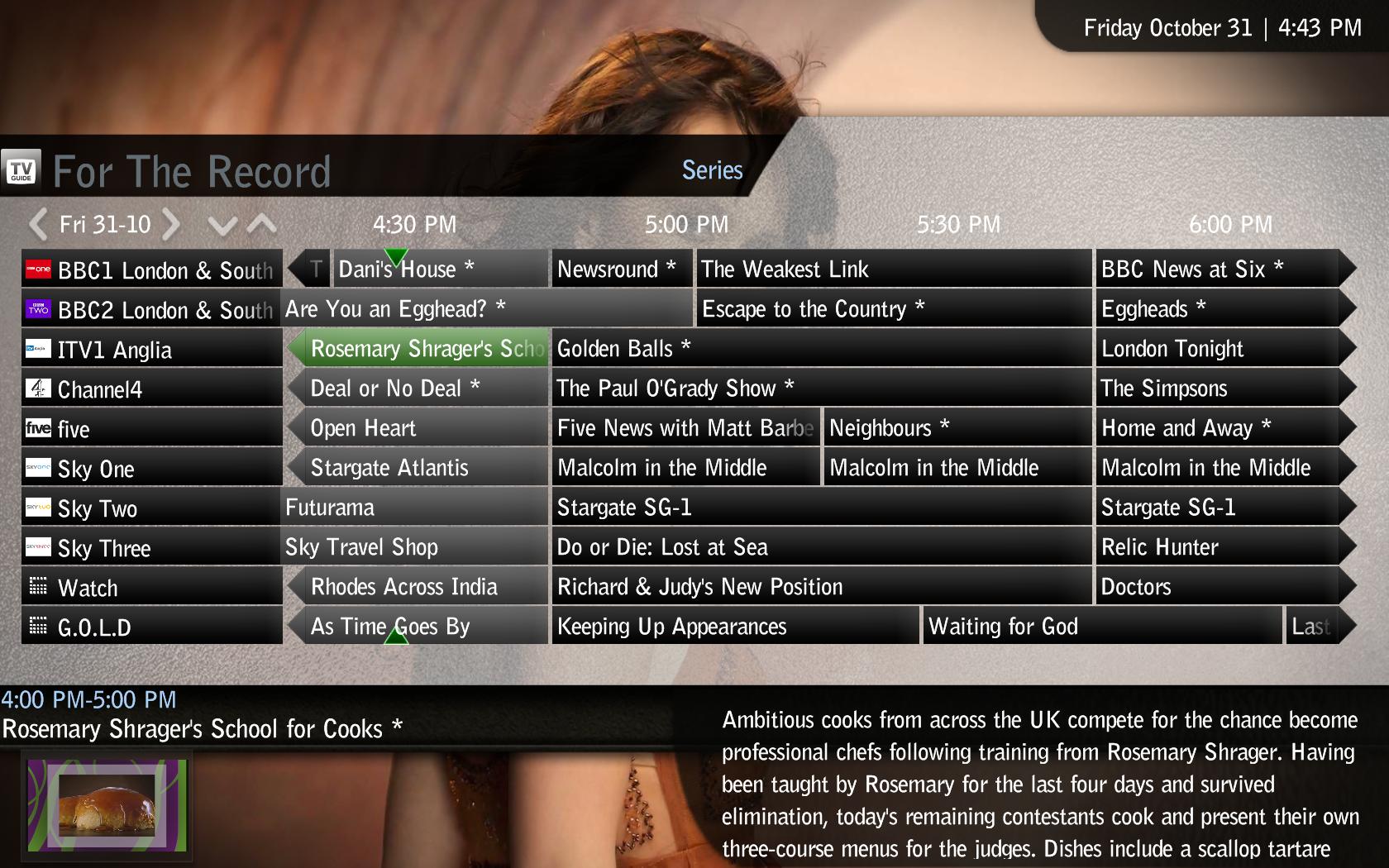
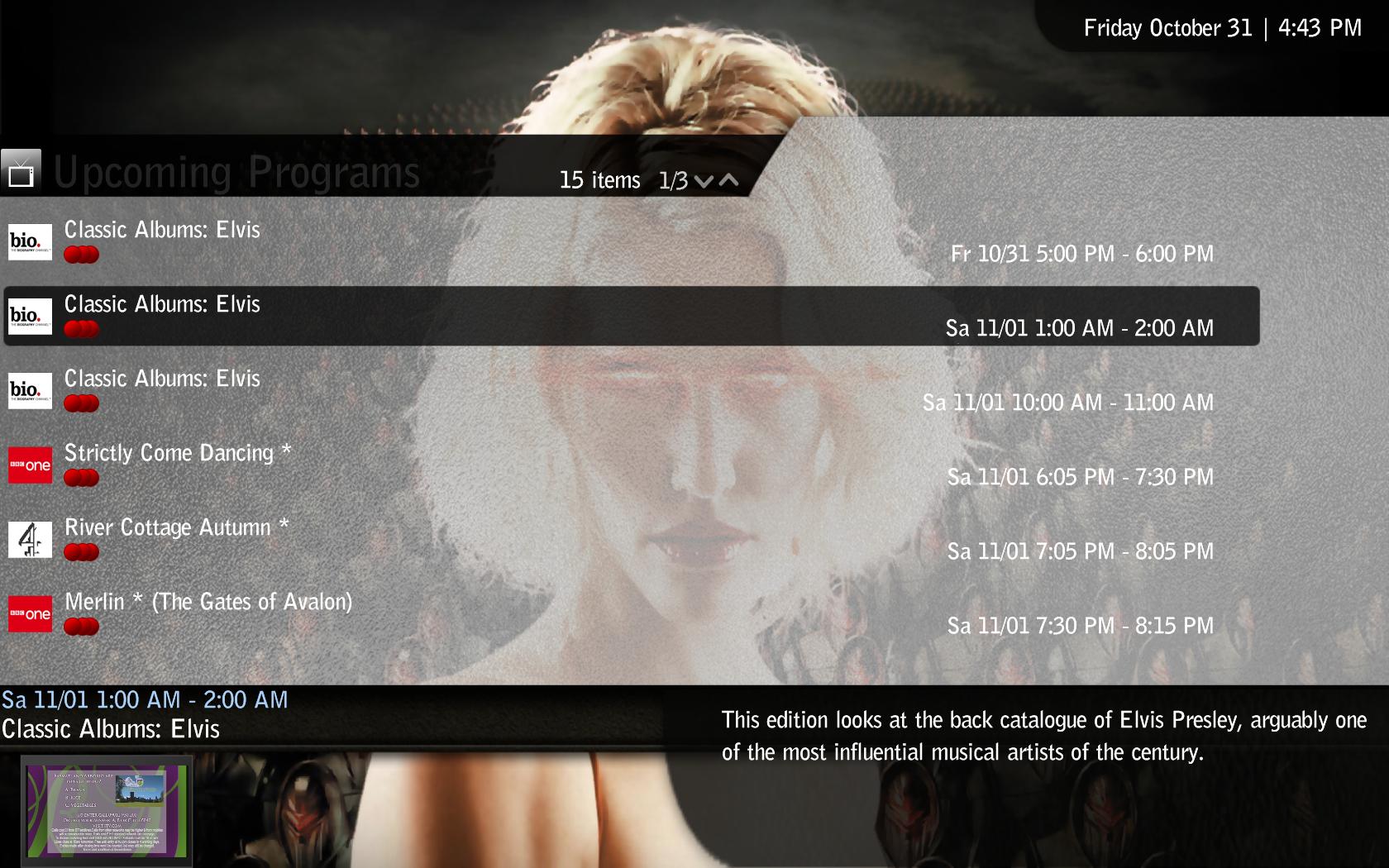
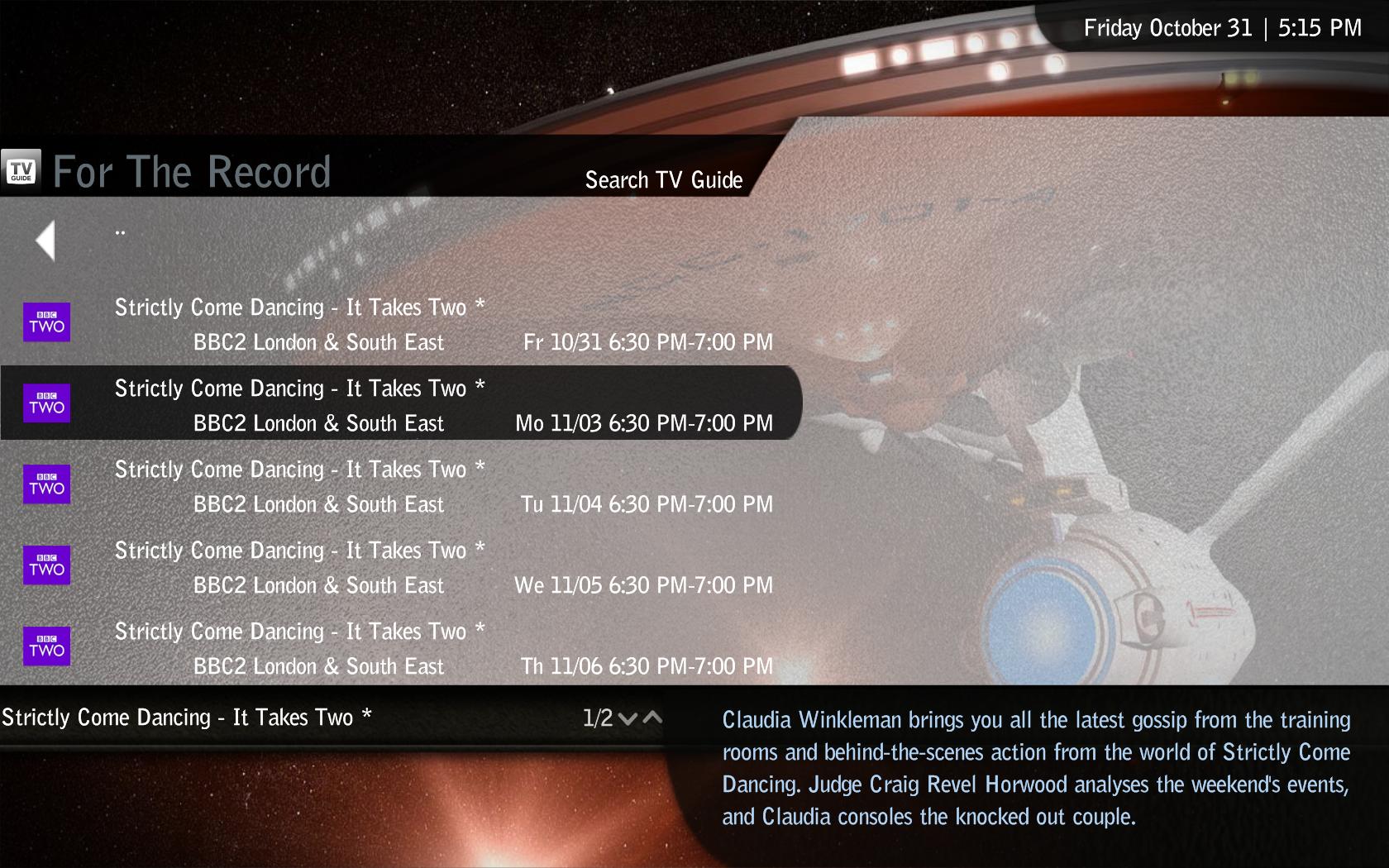
For The Record V1.3 Files
Here are the skin files for For The Record V1.3 (note will not work on previous versions).
Sorry for the delay on this one, dot-i asked me to do files for this version but the paying job got in the way.
In addition to teh skin files there are new gfx for the toggle button that match the std menu bar, have gone for red/green buttons - may not be to everyones taste.
The archive contains the files and the gfx, if you install the gfx files remember to delete your Aeon Wide cache folder before running MP.
Cheers
Trevor
Does nobody use For the Record :-( ? I've tried it myself but i'm not able todo this.
Here are the skin files for For The Record V1.3 (note will not work on previous versions).
Sorry for the delay on this one, dot-i asked me to do files for this version but the paying job got in the way.
In addition to teh skin files there are new gfx for the toggle button that match the std menu bar, have gone for red/green buttons - may not be to everyones taste.
The archive contains the files and the gfx, if you install the gfx files remember to delete your Aeon Wide cache folder before running MP.
Cheers
Trevor
Attachments
Users who are viewing this thread
Online now: 4 (members: 0, guests: 4)