Hi TLD - I have seen that occasionally as well and I have not figured out the cause yet.
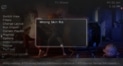
Does the 'wrong skin file' display consistently for you? I mean every time you open TV Series? For me it is usually only the first time I open it and also only if I open TV Series first before opening any other plugin.
AFAIK MyFilms is the only plugin that displays a dialog with 'wrong skin file' but I'm not sure about that. IF you can reproduce the issue consistently somehow, can you try disabling MyFilms temporaily to verify that? If so, I can talk to Guzzi about why that happens - for example it could be because aMPed provides a hyperlink between TV Series menu and My Films which invokes the My Films skin version check.
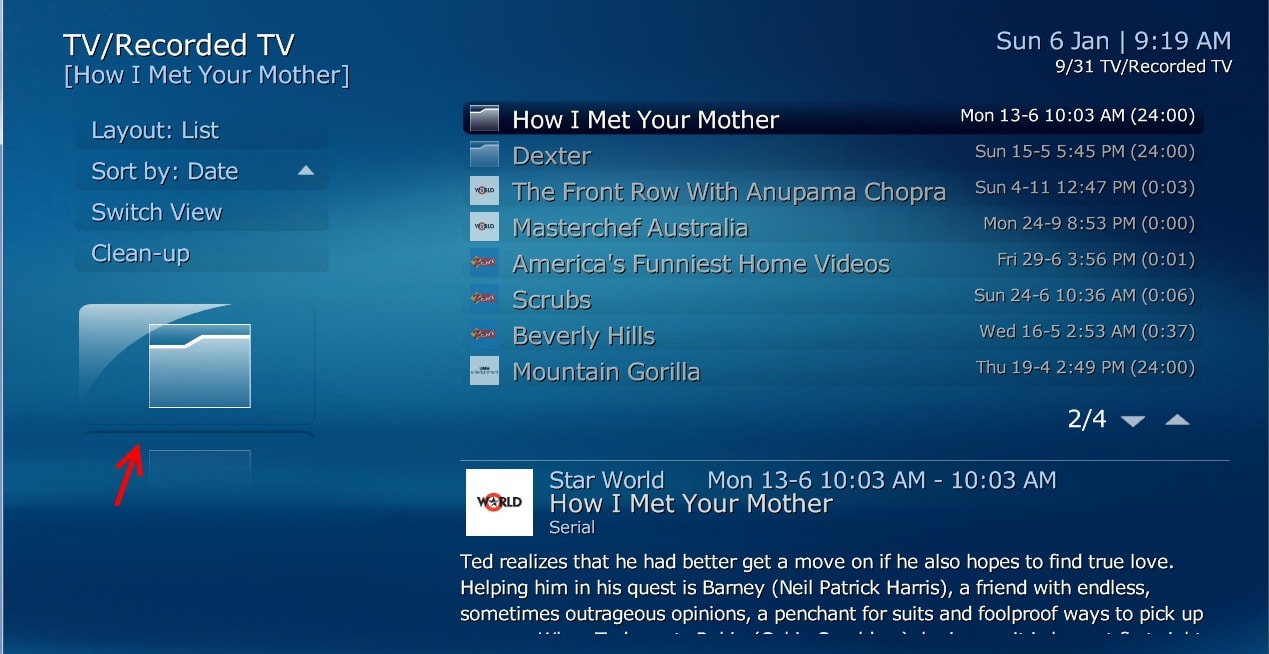
Regarding your previous issue with Recorded Thumbs - that has been 'resolved' in MP 1.3.0 RC - see Mantis Issue 4174: [TV / Recorded TV] #selectedthumb no longer displays default folder icon in Recorded TV (Guzzi). Unfortunately it is a bit diff than previous behaviour and now displays the exact same thumb that displays on lists in other skins - i.e. Channel Logo when there is no folder or thumb generated by MTN. It looks a bit odd in aMPed, but since MP 1.3.0 RC also significantly improves recording thumbs generation I am waiting to see what to do about it.
EDIT: when you post the screenshots - please include one of the 'wrong skin file' message if you can as that will help me confirm if it is the same issue I see, and if it is indeed related to My Films.
Yes Fanart Handler does that - however if you install the latest version (3.0.9.0 IIRC) it is MUCH faster.I did notice something odd though, each time i start MP, Fanart Handler is updating i let it get to 100% and turn off but the next time i started MP, Fanart Handler would be updating again.
Yes that's what I did. BUT if you have no folder or thumb generated for the recording you get the channel logo twice.Well can you make it [selected thumb/channel logo] display where the folder used to display when there was multiple recordings.