MediaStream by pilehave - upd. 22/08/09 (3 Viewers)

Seb120

Portal Member
April 13, 2009
27
3
Home Country
France France
First thanks for this wonderfull skin.

Does anyone know how to get MediaStream compatible with MediaPortal 1.01? I tried setting the version number to 1.0.1.0 (same as in Blue3), which normally removed the skin incompatibility warning, but no succes this time.

I have the same probleme. I use Mediaportal 1.0.1.0 (remove the 1.0 for fresh install) on vista 32bit with
MediaStream.by.pilehave.v.0.15.for.1.0.1
MP-TVSeries-2.1.3331
moving-pictures-0.7.2-setup

Hi, wondering if someone could point me in the right direct. Attached a pic of my screen using mediastream at present and a simulation of what I would like the screen to look like, with the widebanners replacing the list of tv shows. No sure where to start . . . would appreciate some help. Thanks

:eek: How to get this new skin for MP-TVSeries. I still have the old one (the one you can see in the first page of this thread).

Thanks evrerybody
 

pilehave

Community Skin Designer
  • Premium Supporter
  • April 2, 2008
    2,566
    521
    Hornslet
    Home Country
    Denmark Denmark
    First thanks for this wonderfull skin.

    Does anyone know how to get MediaStream compatible with MediaPortal 1.01? I tried setting the version number to 1.0.1.0 (same as in Blue3), which normally removed the skin incompatibility warning, but no succes this time.

    I have the same probleme. I use Mediaportal 1.0.1.0 (remove the 1.0 for fresh install) on vista 32bit with
    MediaStream.by.pilehave.v.0.15.for.1.0.1
    MP-TVSeries-2.1.3331
    moving-pictures-0.7.2-setup

    Hi, wondering if someone could point me in the right direct. Attached a pic of my screen using mediastream at present and a simulation of what I would like the screen to look like, with the widebanners replacing the list of tv shows. No sure where to start . . . would appreciate some help. Thanks

    :eek: How to get this new skin for MP-TVSeries. I still have the old one (the one you can see in the first page of this thread).

    Thanks evrerybody

    Well, the screenshots are from StreamedMP, another skin that also is ported from the orginal MediaStream skin. Look in the hot skins section :)
     

    pilehave

    Community Skin Designer
  • Premium Supporter
  • April 2, 2008
    2,566
    521
    Hornslet
    Home Country
    Denmark Denmark
    Hi, I have everything working fine apart from the weather will not show up in the top right corner ....any idea's ??

    Is the RSSTicker plugin installed and enabled? If yes, try to go to "Weather" and then quit MediaPortal and start it up again.
     

    Raytestrak

    MP Donator
  • Premium Supporter
  • April 12, 2008
    497
    21
    50
    Honselersdijk
    Home Country
    Netherlands Netherlands
    Hi Pilehave, as promised: my customizations for Mediastream. Like I said in the pm, some of it isn't mine. I'd like give credit to those who deserve it, but it's bits and pieces put together since day 1, so I can't really tell anymore. Enjoy.

    Edit: Guess I'll explain what the rar file contains since it's being downloaded.:

    This rar file contains different xml's for:

    MyTrailers, showing covers with the titles. Also, the text layout has been slightly altered since I had alignment issues.
    VideoOSD, it shows the logos for codecs being used when playing a movie or series. (going through the thread jsut now, it's by Emphatic).
    TVGemist files, compatible with the latest tvgemist plugin, pilehaves skin is based on the old plugin.
    Custom moving pictures, focussed more on fanart.
    Custom mptvseries, showing 5 rows of banners instead of 3.
    Background I use for my Anime. If you like to add custom backgrounds, edit the mediastream.xml in the programdata folder (vista).

    The media files aren't all up to par, or 100% right for the skin, but it's the best I could do since I have zero photoshop knowledge.
     

    Attachments

    • MediaStream_Custom.rar
      30.7 KB

    quixote23

    MP Donator
  • Premium Supporter
  • December 12, 2008
    64
    6
    Vancouver
    Home Country
    Canada Canada
    Raytestrak: Awesome xmls for both moving pictures and mp-tv series. Not using any other plugins that you've included skin-files for, but both of these are definite improvements on my system. I really like the fan-art focus in moving pictures and the greater number of wide-banners in mp-tv. Thanks!
     

    Skalp

    Portal Member
    April 9, 2009
    13
    0
    Home Country
    Canada Canada
    Hi,

    I have a little problem with the template and OnlineVideos 0.8.0. I can't use the search button for youtube/dailymotion because i can't have lateral menu with this option. With regular template, all work. I don't understand why...

    After a simple test with xml files from regular skin, this problem is not resolved.
     

    Raytestrak

    MP Donator
  • Premium Supporter
  • April 12, 2008
    497
    21
    50
    Honselersdijk
    Home Country
    Netherlands Netherlands
    Pilehave, is it possible to make the "pause-bar" autohide? Like the topbar, when you hover over it, it goes away after 5 seconds or so. I would like the pause info you see to do this as well.
     

    Raytestrak

    MP Donator
  • Premium Supporter
  • April 12, 2008
    497
    21
    50
    Honselersdijk
    Home Country
    Netherlands Netherlands
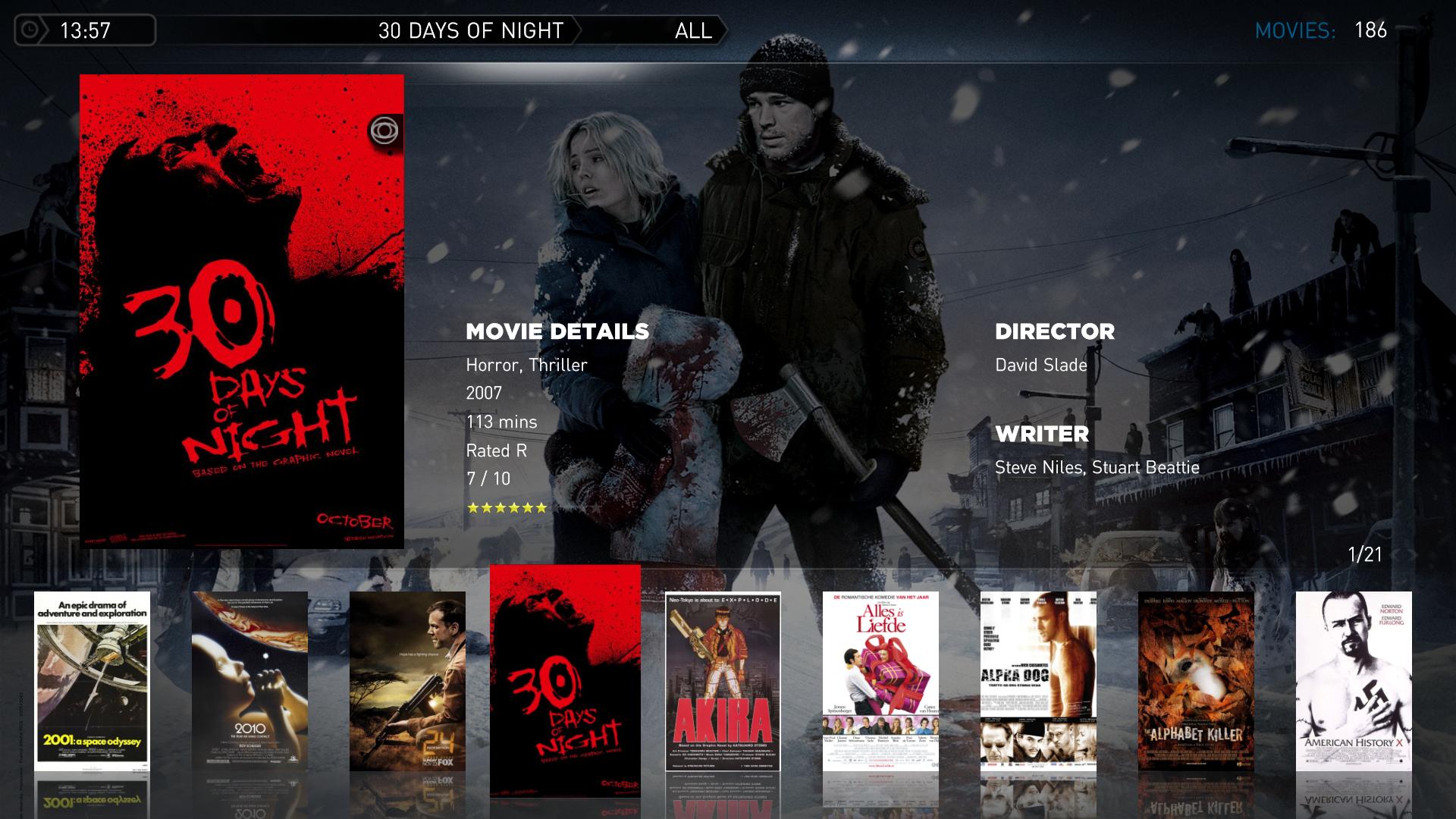
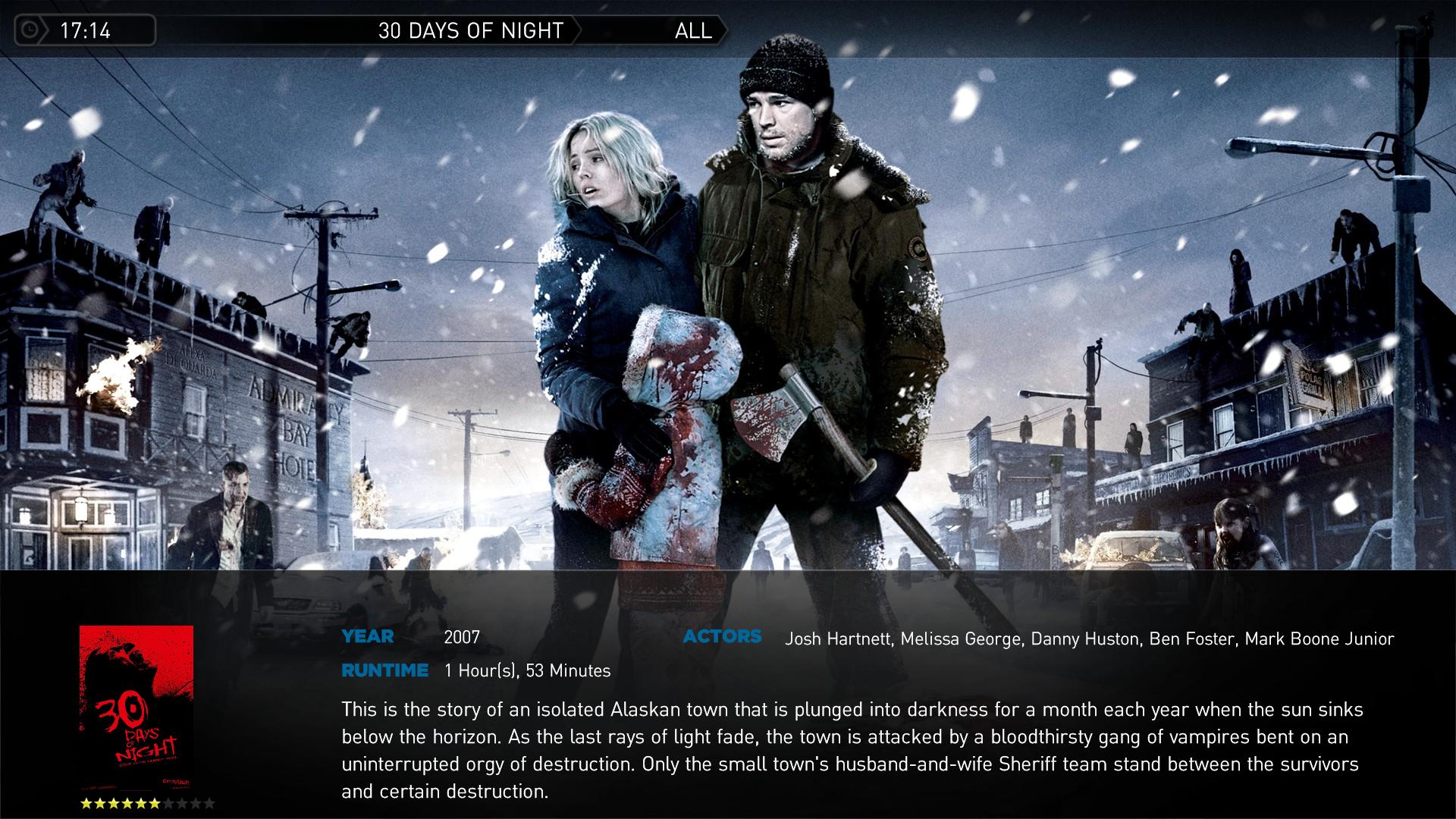
    I've made a more fanart oriented version of moving pictures, I think it's okay, but it really needs an overlay like tvseries to make it complete. Also, I'd like to make the movies tagline to appear in the top menu bar, but I haven't found the right label yet :D

    Edit:

    I've created a new overlay, just copy the png to te media folder of the MediaStream skin. My girlfriend didn't see the difference, but I think it's better now.
     

    Attachments

    • movies.jpg
      movies.jpg
      259.2 KB
    • movieoverlay.png
      movieoverlay.png
      73.4 KB
    • movies_detail.jpg
      movies_detail.jpg
      323.3 KB
    • movingpictures.xml
      30.6 KB

    Users who are viewing this thread

    Top Bottom