- Thread starter
- #361
it seems that it solves the problem....I have to try better..but it seems that it work worse than v12 and v13...can I try v19 too?
Yes - v0019 is like v0013 with the latest crash fixes incorporated.
Tony

it seems that it solves the problem....I have to try better..but it seems that it work worse than v12 and v13...can I try v19 too?
Hello Owlsroost,
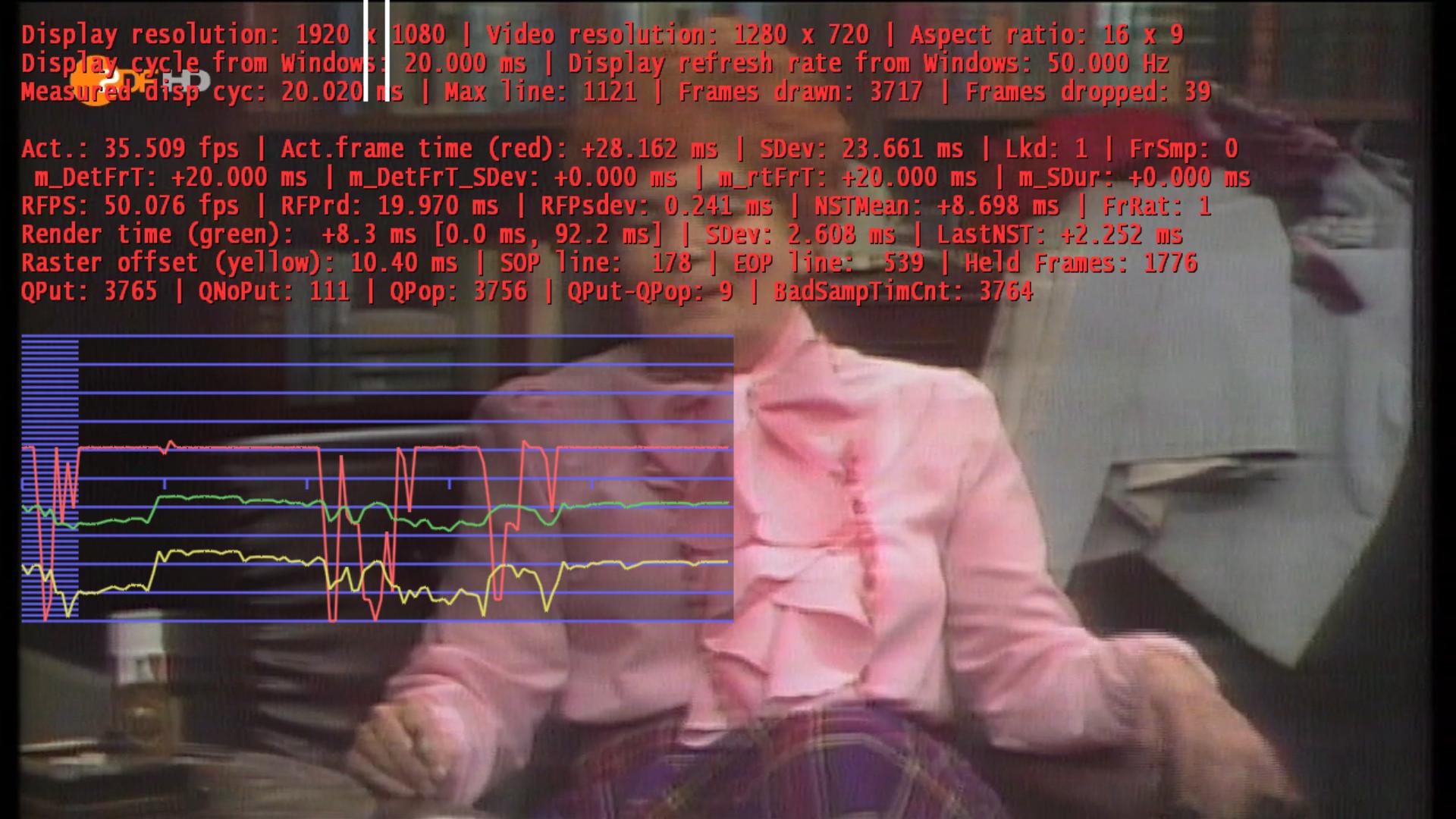
I updated my Driver and tested my client 1. There is the same problem, stutter and dropped frames with HD 720p. On recordings there aren't stutter or dropped frames.
David
My GT240 shouldn't too slow!
If recordings and other video files play OK then it's nothing to do with the dshowhelper - the problem is somewhere earlier in the chain I suspect....
Tony
@davitzen
Does only the HD-channels stutter? Did you try to change the codecs? There are only a few codecs that works well with TV + Mediaportal.
On recordings there aren't stutter or dropped frames.
Already recorded TV material is just playbacked like any video file on your hard drive, there is no TVServer and TSReader involved in this process - so you probably get no stutter and dropped frames.
@davitzen
If you have stutter on your Client side, try to use UNC paths in the Mediaportal setup.
Open the Configuration with the debugoption command.
C:\Program Files\Team MediaPortal\MediaPortal\Configuration.exe /debugoptions
Click on TV and go to Debugoptions - enable "Multi Seat Setup: use UNC paths" and also set the path to your timeshift- and recording folder (you have to enable network access to this folders on the client side). That helped me a lot in my case. No more stutter on client side, the channel changing times are much faster.

 Netherlands
@davitzen
If you have stutter on your Client side, try to use UNC paths in the Mediaportal setup.
Open the Configuration with the debugoption command.
C:\Program Files\Team MediaPortal\MediaPortal\Configuration.exe /debugoptions
Click on TV and go to Debugoptions - enable "Multi Seat Setup: use UNC paths" and also set the path to your timeshift- and recording folder (you have to enable network access to this folders on the client side). That helped me a lot in my case. No more stutter on client side, the channel changing times are much faster.
@davitzen
If you have stutter on your Client side, try to use UNC paths in the Mediaportal setup.
Open the Configuration with the debugoption command.
C:\Program Files\Team MediaPortal\MediaPortal\Configuration.exe /debugoptions
Click on TV and go to Debugoptions - enable "Multi Seat Setup: use UNC paths" and also set the path to your timeshift- and recording folder (you have to enable network access to this folders on the client side). That helped me a lot in my case. No more stutter on client side, the channel changing times are much faster.
Sorry offtopic.
I've tried to do this but it doesn't work.
What I did, on the server side i've shared the directory with recordings.
I also need to give the timeshift directory, but this in no longer there as a setting in the config on server side, so I let it empty.
Now live TV and recorded TV are not watchable, I recieve an error.
Am I missing something?
Netherlands