SAF v4.00 ''stable'' (StandAlone Filters) - DXVA ready (H.264 and VC-1). (10 Viewers)

Should i integrate FFDshow in to SAF?

  • Yes

    Votes: 406 85.5%
  • No

    Votes: 69 14.5%

  • Total voters
    475

Mouch.net

Portal Pro
July 6, 2007
163
12
La Calamine
Home Country
Belgium Belgium
Ok, thanks!
Will do that this evening.
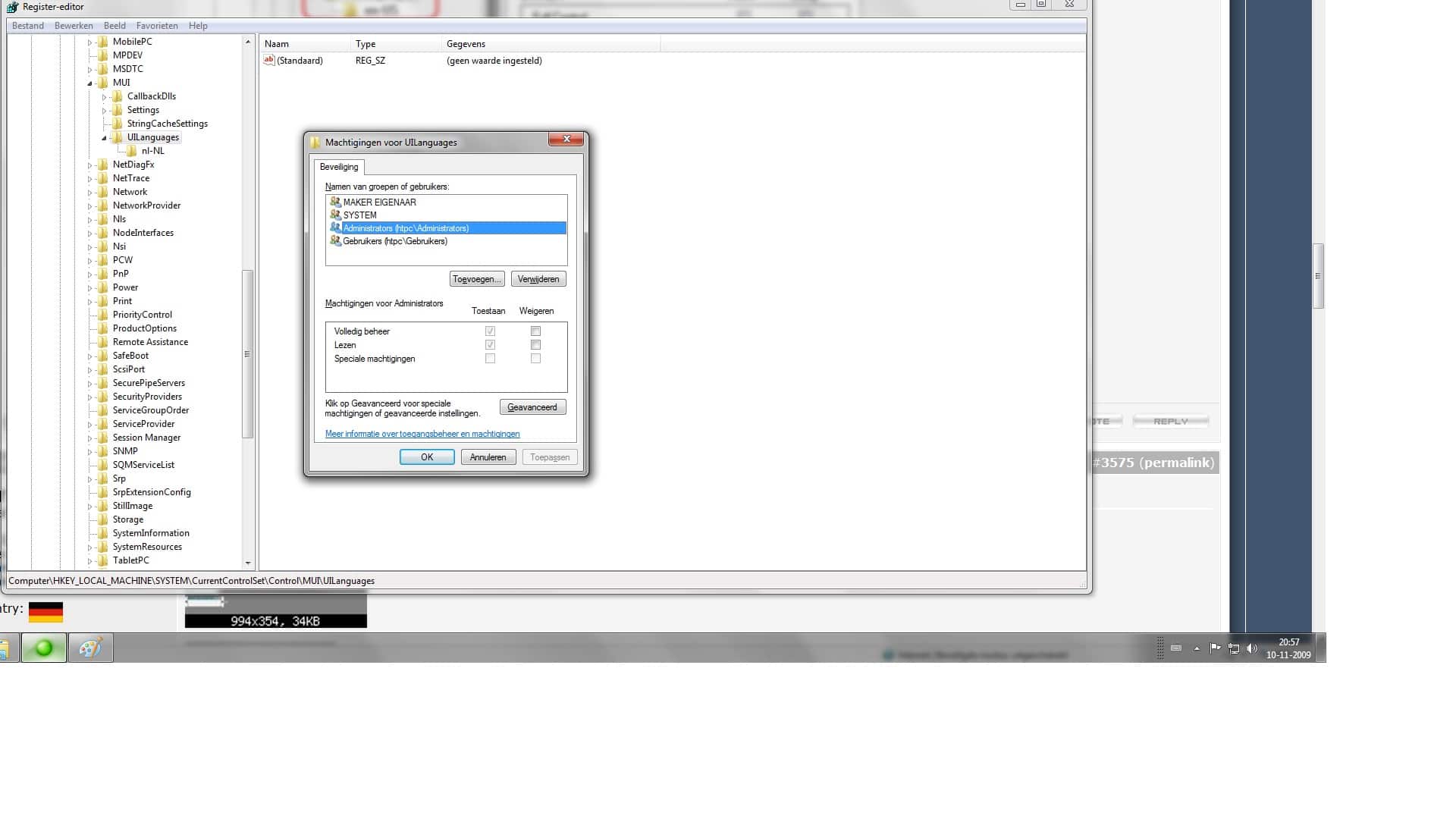
I can´t enable AERO, tried regedit and all other hints I found in web about that.

Sorry, you must enable aero to fix Tearing.

Good, now open regedit.exe and serch for "E1F1A0B8-BEEE-490D-BA7C-066C40B5E2B9". If you found it, export this keys and post here :)


3 Keys found and some String Values

OK, re-download latest SAF and try again. Looks lite OS failed to unregister one filter correctly and leave mess in registry.

Too bad MP is not capable to ignore these errors and contune instead of crash...

That did it :D
Many many thanks for the great and fast help
:D:D:D
 

T.Lancer

Portal Member
March 11, 2007
15
0
Home Country
Germany Germany
SAF unlocked finally installed but it still took a long time to "download". But now the online videos plugin doesn't work right. All I have installed are QT and R Alternative and SAF unlocked. And everytime I try to play a youtube video it now just crahes with the "media portal as encountered a problem and must be closed" message other errors include the "Audio codec:" error.
when I tested it with CCCP (without haali media splitter and with/without the FLV splitter) it would start the video, as in go fullscreen but that's all, the screen would be blank. I could play pause and all of that, but I wouldn't play. without the flv splitter it would crash like before.

any suggestions?

this is on a different pc by the way, not my HTPC. I'm not changing anything there until I know the new verions actually work.
 

hoborg

Portal Pro
June 13, 2008
4,413
1,644
Nový Jičín
Home Country
Czech Republic Czech Republic
SAF unlocked finally installed but it still took a long time to "download". But now the online videos plugin doesn't work right. All I have installed are QT and R Alternative and SAF unlocked. And everytime I try to play a youtube video it now just crahes with the "media portal as encountered a problem and must be closed" message other errors include the "Audio codec:" error.
when I tested it with CCCP (without haali media splitter and with/without the FLV splitter) it would start the video, as in go fullscreen but that's all, the screen would be blank. I could play pause and all of that, but I wouldn't play. without the flv splitter it would crash like before.

any suggestions?

this is on a different pc by the way, not my HTPC. I'm not changing anything there until I know the new verions actually work.

Mybe you have some internet connection problem.
No need to isnatall ream alternative, it is already integrated.

BTW: http://mantis.team-mediaportal.com/view.php?id=2527

EDIT: I just tested youtube and all is working fine here.
 

onyx666

Portal Pro
September 26, 2008
159
0
How can it get supported by saf ?

Send me similar screenshot:
lang.png

enclosed
 

Attachments

  • Naamloos.jpg
    Naamloos.jpg
    255.9 KB

Karup

Portal Member
December 14, 2008
44
1
Home Country
Germany Germany
Try to disable DXVA - START - SAF - MPC-HC - disable DXVA

I disabled it and then I can watch all MKV.
But I want to use the hardware acceleration ;)

And any Idea about the tearing?
With MP 1.0.0.RC4 and the "Vista Codec Package" everything works fine.

Looks like drivers DXVA bug to me - try different drivers (complete ATI uninstall, restart, install new one)
Teraing - make sure you have enabled Aero and you enable VSYNC in CCC.

Reinstalled the Catalyst 9.10 and now I can use the DXVA with my mkv.
THX Hoborg.

Now I have to solve the tearing problem with an Inplace Update of my Vista.
Because I cant install SP2 and I think thats the problem why I cant activate Aero.

P.S.
Should I install the Haali Splitter? Cause in the German Thread is written "install Haali Splitter" and after that "install SAF"
 

taalas

MP Donator
  • Premium Supporter
  • March 30, 2009
    72
    2
    Home Country
    Germany Germany
    P.S.
    Should I install the Haali Splitter? Cause in the German Thread is written "install Haali Splitter" and after that "install SAF"

    Haali Splitter is part of SAF since beta20, so no need to install it seperately anymore.

    That said, there is something seriously wrong with your vista installation if you can't enable AERO on a non "Home Basic" version with recent graphics drivers installed...
     

    yvos

    Portal Member
    November 5, 2006
    42
    3
    Home Country
    Netherlands Netherlands
    Hi Hoborg,

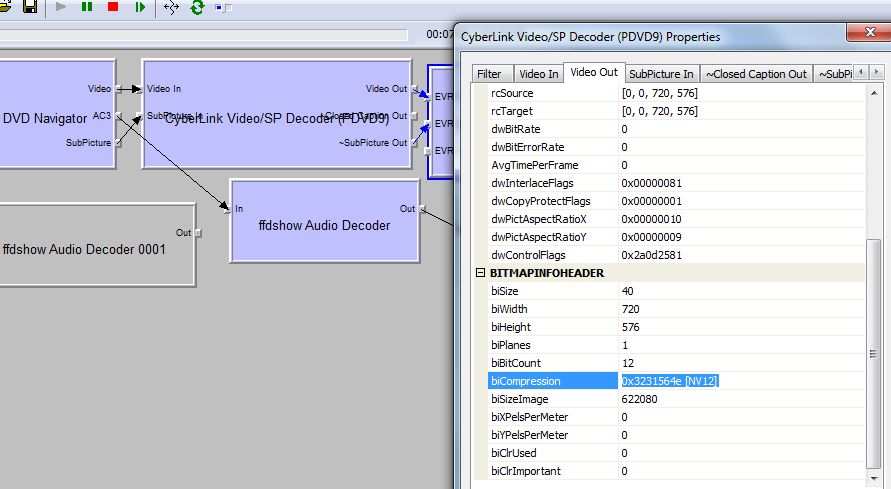
    See included screendump. Does this mean I am not using DXVA?
    If so what can I do to fix this. I use win7 MP 1.10Beta and SAFBeta20, offcourse following your installation guide.

    Regards,
    Yuri :D
     

    Attachments

    • Video Not DXVA.jpg
      Video Not DXVA.jpg
      74.5 KB

    joz

    Portal Pro
    March 17, 2008
    1,353
    306
    Home Country
    Netherlands Netherlands
    Hey Hoborg,

    For the first time since ages I have a video that has some issues, I uploaded a sample for you here.
    On my Windows 7 x64 machine I have constant noise, on my XP SP3 machine I get no sound whatsoever.
    VLC and MPC-HC both work, mediaplayer does not (both machines). Have not tested it inside MP yet.
    According to mpc-hc it uses AC3 for audio.

    Oh right a little thing on the side here;
    Since beta20 you incorporated MPC-HC? I do not really care for that player but I can live with it. It would however be handy for me that I can set the default program for extensions. Now when I install SAF MPC-HC will start playing everything (ofcourse I can change that manually, I did that for now)
     

    Users who are viewing this thread

    Top Bottom