New Zealand
@csapollo: not a direct answer to your question, but have you thought of disabling ffdshow for DTS then using a different codec for DTS only eg. ac3filter and having the 130ms delay in ac3fliter? There is also an option (skin dependent) to bring up a video osd options menu while playing a video, and there is an option to change audio delay 'on the fly'.
PS: Also an audio sync issue for DTS only, might mean that you are processing the DTS format to another format which takes time, ensure ffdshow is not changing the sample rate/using it's mixer etc, this may introduce delay.
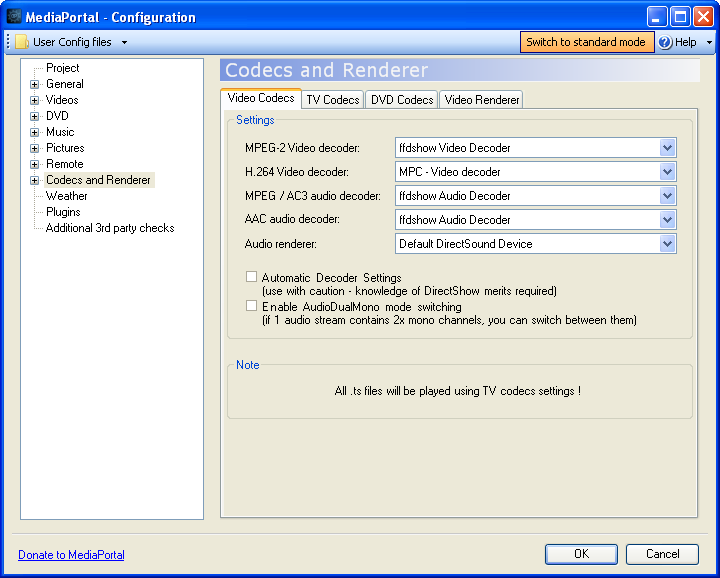
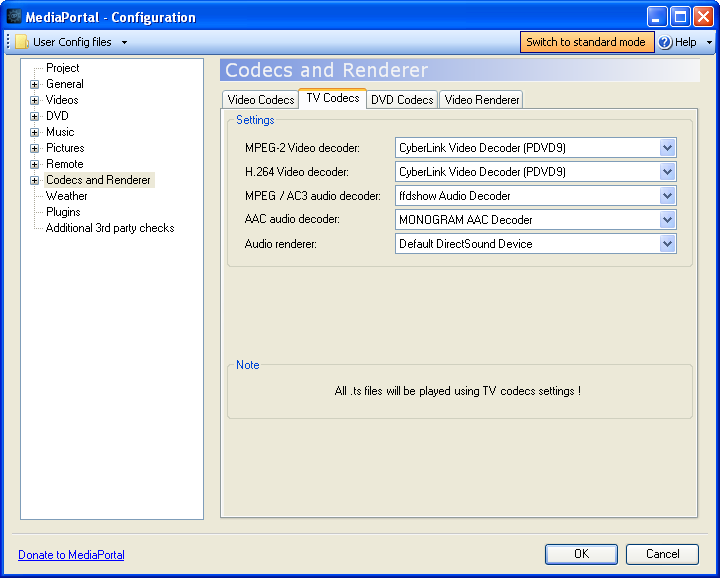
My ffdshow options are SAF default (apart from the separate profile I created). I would like to try the AC3 suggestion, but how can you configure it that way? In MP config I can only recall one option for audio decoder..
Try hoborgs profile suggestion instead, probably easier to setup.
Please test and report if it is working or not, so i can add it to SAF pernamently.
Your patch works, in the sense that it actually detects DTS and launches the delay however the delay has no effect. I increased the delay to 250ms, 1000ms, and that also has no effect. So I'm wondering if you can actually delay whilst using passthrough..?
My 130ms comment was a guess based on what I'm seeing - right now I've disabled DTS in ffdshow as when it outputs DTS as AC3 the sync issue is only minimal (the audio coming before the picture sort of thing).
You might need to turn off dts pass through as well if it is not disabled with his patch.