

 Italy



Users who are viewing this thread
Similar threads

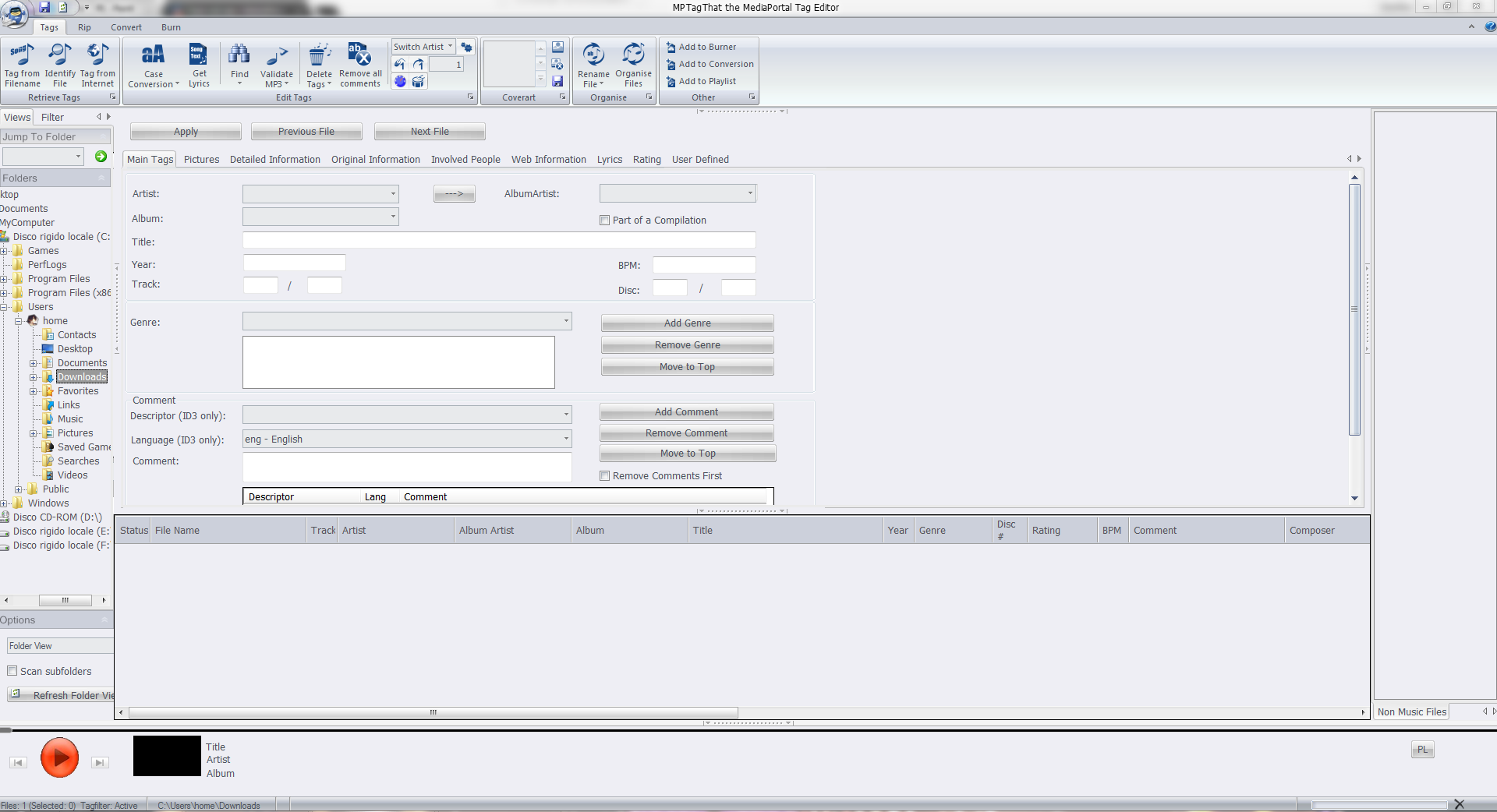
I'm Sorry, I don't see it in the View list.
I'm Sorry, I don't see it in the View list.
I'd like to rename my BasicHome buttons (DefaultWideHD, MP 1.39.0) for Videos to be able to have 2 buttons for two separate views...

1) I just upgradede to the latest version (and nooooo it's saturday evening i did not search help) Mediaportal is flashing an I in the top left corner.
'My guess some kind of information, but what to do with it.
2) I tried to update my music "DB" and it says 18K skiped, but when i show my list it's empty.
So i guess i screwed up how...
1) I just upgradede to the latest version (and nooooo it's saturday evening i did not search help) Mediaportal is flashing an I in...
1) I just upgradede to the latest version (and nooooo it's saturday evening i did not search help) Mediaportal is flashing an I in...
I don't know about MP2 but as you said you tried MP1 too, how is the MP music config ?
MP(1) will only use LAV if you select "Internal DirectShow player" as music output, but then you lose gapless playback.
If you you don't have multichannel music you can choose WASAPI as the output and set the number of speakers to stereo.
I have...
I don't know about MP2 but as you said you tried MP1 too, how is the MP music config ?
MP(1) will only use LAV if you select...
Not sure if this a a bug/config/settings problem.
I am running a media portal 2.5 server with 2.41 client but it seems I get the...

Hi.
I was probably being a bit fast and loose with my terminology. I meant "somewhere within the files that MP2 uses in its database".
Anyway, I found a way to do this which was far from automated but relatively low effort. I found what looked like all the images (CD covers, DVD covers, backgrounds etc all lumped together in...
Hi.
I was probably being a bit fast and loose with my terminology. I meant "somewhere within the files that MP2 uses in its...
I am in the process of setting up a legacy media player (Mede8er) which I happened to have laying around into my home cinema setup...

FYI, you can also play with these settings: show TV Server Configuration shortcut => Right-click => Properties => Compatibility => Change High DPI settings
That way you don't have to change the whole scaling of Windows just for this particular application
FYI, you can also play with these settings: show TV Server Configuration shortcut => Right-click => Properties => Compatibility =>...
Hi all
Please see attached after new install just now.
Win 11 - Also new build. TV 3.5
Any thoughts as to where how I fix this...