Xface Skin Version 1.6 ready for download 09.06.2008 (5 Viewers)

daquint

Portal Pro
November 8, 2006
52
2
Title Overlap in My Films

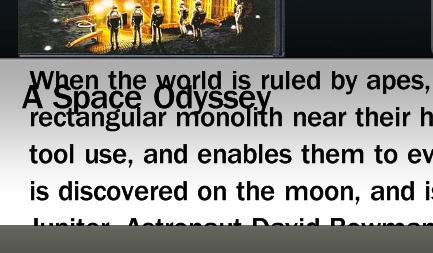
Does anyone have a solution to the title overlapping in the my films plugin?

Is there an XML setting I can change to no show the title?

This is happening on 1920 x 1080 resolution so I assume that its not because of the skin being stretched, scrunched etc.

pic attached.

thanks again
 

Attachments

  • overlap.jpg
    overlap.jpg
    27.6 KB

psiebe

Portal Pro
March 29, 2007
93
1
54
Home Country
Netherlands Netherlands
I recall having the same thing and just removed the line showing that title there in the xml skin file. I'll try to remember sharing it tonight
 

noxx2

Portal Pro
September 10, 2007
1,951
40
Home Country
Germany Germany
a question, is it possible to edit a entry (shutdown/reboot button if i press OFF Button on my remote) in basic home screen? i want start a windows-programm with this icon.
 

osieke

New Member
January 24, 2008
2
0
Hi All,

I recently discovered Media Portal as I'm planning to build a HTPC. Noticed the xface skin and it looks gorgeous on the pictures.

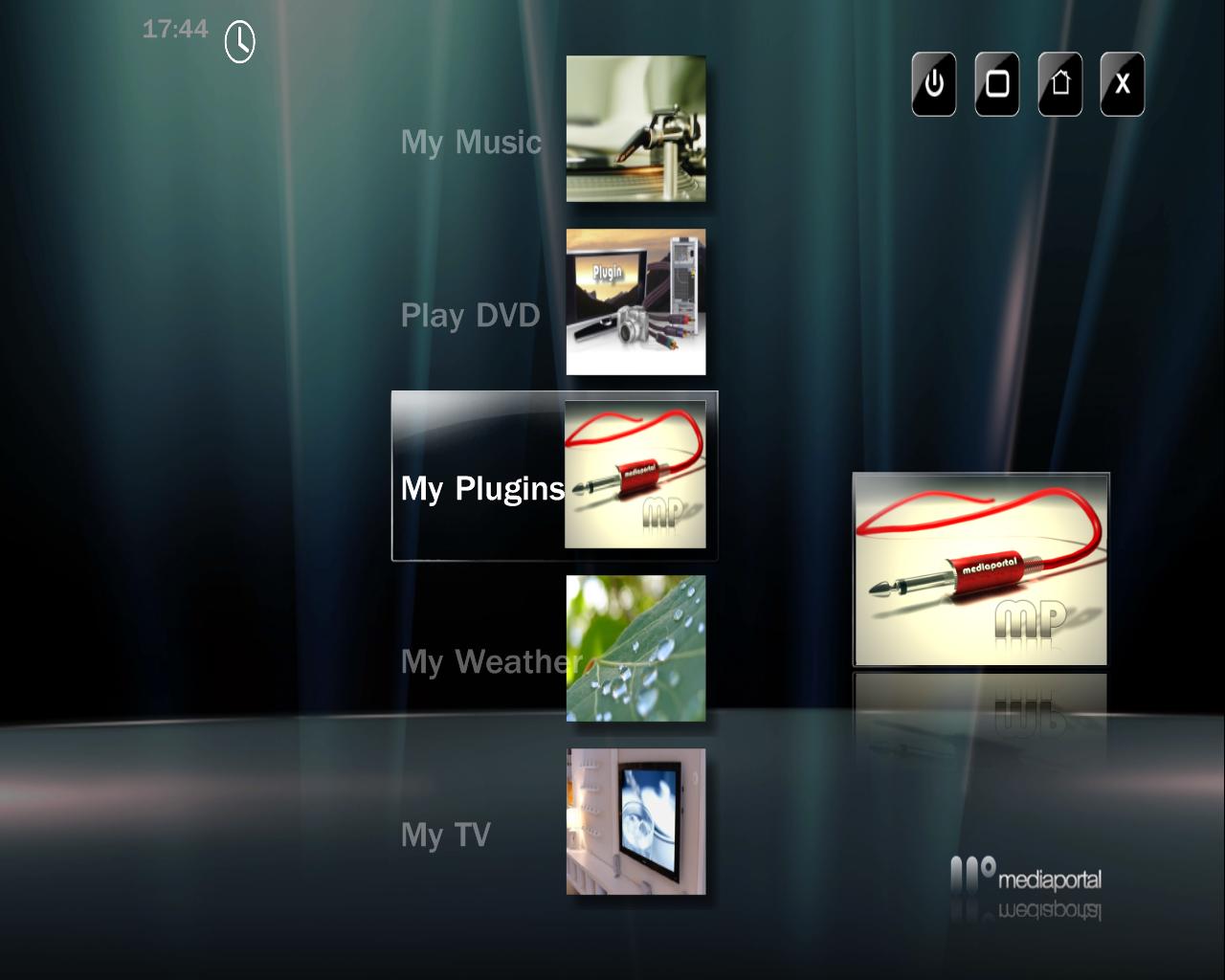
I just downloaded it and extracted it to the skin folder. After that I selected the skin in the Media Portal Configuration, but on my pc, it doesn't look like the pictures. Should I change something else to get the circular navigation on the home page?

Attached you will find a screenshot of how the home menu looks on my pc.

Cheers,
Joris
 

Attachments

  • xface.JPG
    xface.JPG
    79.8 KB

jburnette

Portal Pro
August 24, 2006
758
116
Kentucky
Home Country
United States of America United States of America
In MediaPortal's configuration under the General section, check the item that says "Start with basic home". The basic home is the one with the rotating carousel.
 

osieke

New Member
January 24, 2008
2
0
In MediaPortal's configuration under the General section, check the item that says "Start with basic home". The basic home is the one with the rotating carousel.

Excellent! This solved my problem, so now I can enjoy the gorgeous carousel :) Thanks for your help!

When I drill down on a menu item it displays menus in the style of my attachment. I guess this is normal behaviour.

Cheers,
Joris
 

Brudertac

MP Donator
  • Premium Supporter
  • October 26, 2006
    958
    289
    Augsburg
    Home Country
    Germany Germany
    Hi !

    Sorry if this Question was here before...
    When watching TV in Fullscreen and pressing the Channel Up or Down Button there comes a little Window
    with the Channel Name and Showinfo.

    Now, if the Channel Name is very Long it will collide with the "Timebar" right to it.

    Is this a Bug or is there a Way to Change this ? (make the window larger for example) :)

    Thanks !

    Cheers,
    Brudertac
     

    daHive

    Portal Pro
    March 1, 2007
    109
    0
    Home Country
    Austria Austria
    you could change the width and/or positions of the respective textboxes/timebar inside tvzapOSD.xml(located in \skin\xface folder).
     

    Users who are viewing this thread

    Top Bottom