Basic Menu mods....Please post here ;-) (1 Viewer)

Bagal

MP Donator
  • Premium Supporter
  • December 15, 2006
    229
    16
    Home Country
    United Kingdom United Kingdom
    If the skin you're using doesn't support moving pictures then you'll need to copy the standard skin xml file from the moving pictures zip file into the folder of the skin you're using.
     

    karakas

    Portal Pro
    April 17, 2008
    100
    6
    Ok, here are my xmls, these are probably not too interesting for anyone outside of Norway unless they do some editing.

    I mostly use MP for video-content, so my main page is aimed heavily against that.

    My Basic Home

    basichome.jpg

    Filmer - MovingPictures
    My TV Series - Just that
    TV - Yup, that's the TV
    FXTV - Ok this is alittle special one. Basically it's Multishortcut opening Internet Explorer, where this is my homepage. I'm using it to watch football.
    Other - Same as original, brings up the

    Extra Menu

    extramenu.jpg

    My Pictures - Pictures
    NRK - The NRK plugin Vattenmelon style. (Looking for a better logo)
    Musikk - Leads to the Listen menu
    Plugins and Weather are same as original.

    I also have some plans exchanging the present Extramenu with a 2 rows of 5 icons and put mix it together with the Listen menu.

    View attachment BasicHome.XML

    View attachment ExtraMenu.xml
     

    friedchicken

    New Member
    September 8, 2008
    4
    0
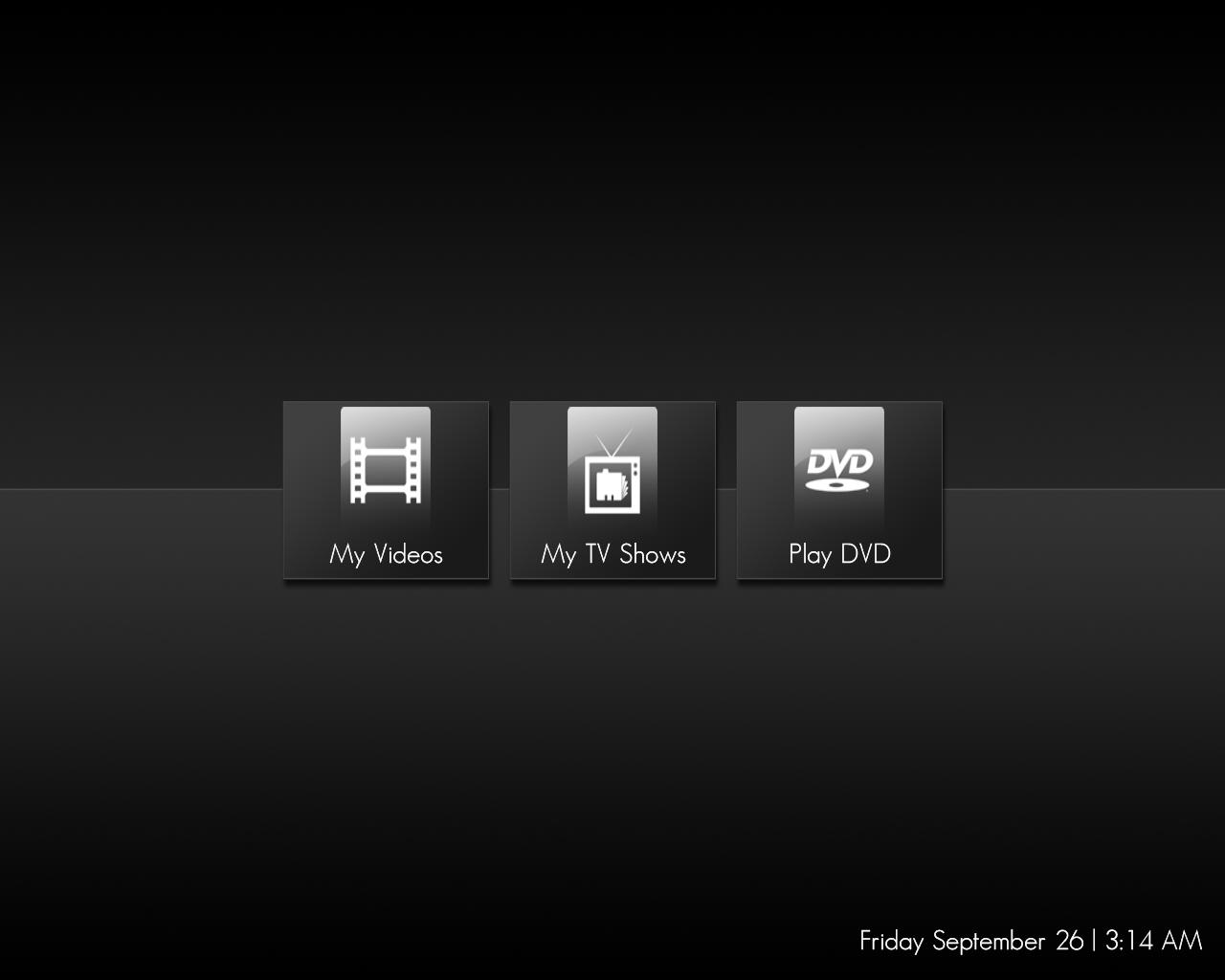
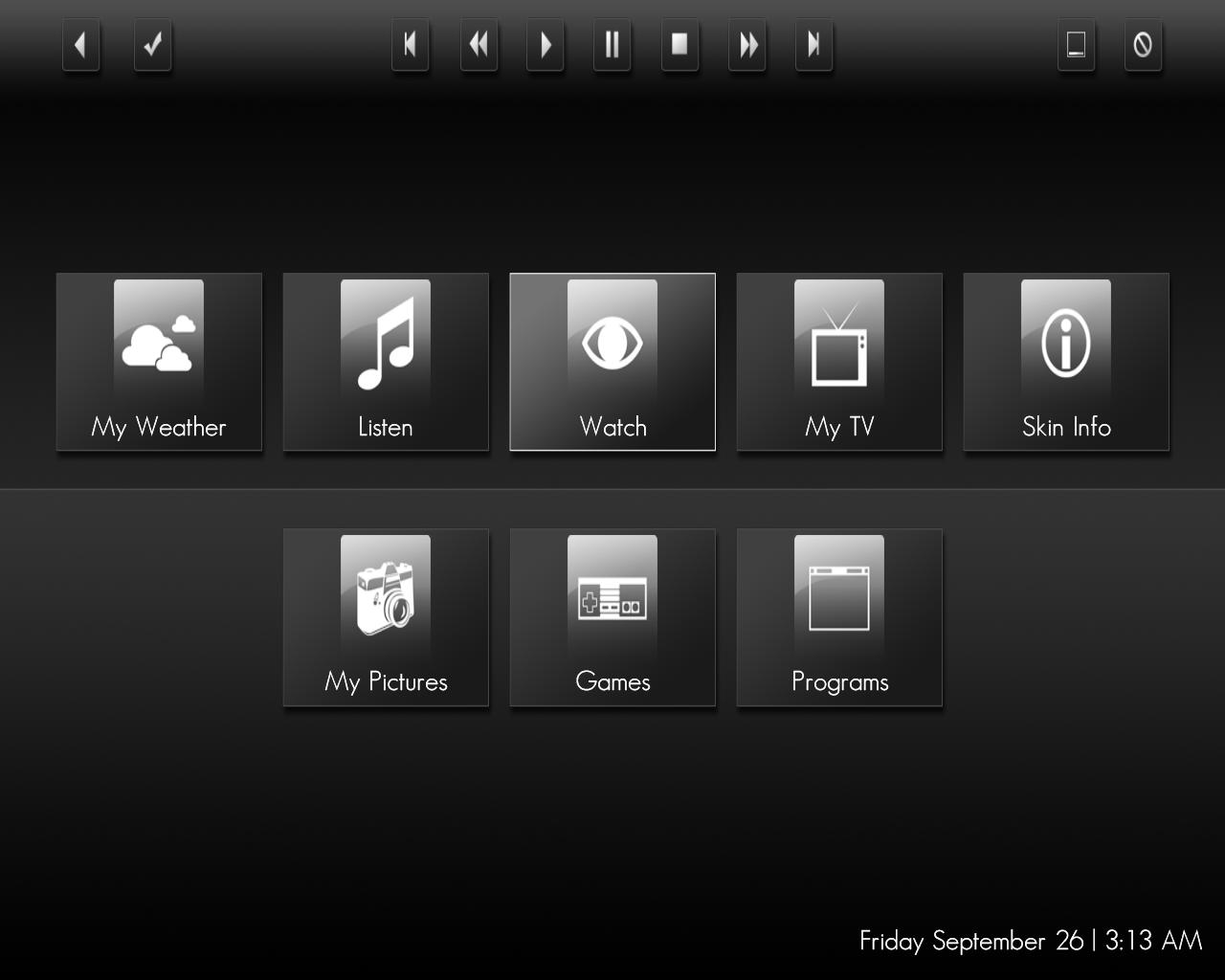
    Hi.

    I just did some minor edit to basichome.xml and watchmenu.xml
    It looks fine to me and works when I use a mouse but when I try to move around on my remote/keyboard using directional button, it doesnt go to "My Pictures" & "Programs" on basichome.xml
    In watchmenu.xml I can move to the "My TV Shows" & "Play DVD".

    Please help. :D
     

    Attachments

    • watchmenu.jpg
      watchmenu.jpg
      38.5 KB
    • basichome.jpg
      basichome.jpg
      61.6 KB
    • BasicHome.xml
      30.6 KB
    • WatchMenu.xml
      30.6 KB

    Bagal

    MP Donator
  • Premium Supporter
  • December 15, 2006
    229
    16
    Home Country
    United Kingdom United Kingdom
    It's actually pretty straightforward, you control where you go when you press the various buttons within the skin file itself.

    All of your buttons have an id, so for example with your basic home, if you gave the 8 buttons you've got the id's 1-8, you'd configure button 2 (Listen) as follows:
    Code:
    <control>
          <type>button</type>
          <id>2</id>
          <onleft>1</onleft>
          <onright>3</onright>
          <onup>21</onup>
          <ondown>6</ondown>
        </control>
    so each of the 'onleft', 'ondown' etc. commands have the id of the button you want to move to when the user presses the corresponding button on the remote or keyboard.

    The 'onup' value of 21 I believe means it won't go anywhere, I just copied this from the existing skin file, which thinking about it, you can probably put any id here as long as it doesn't match an id on the screen to stop it from navigating anywhere.

    Paul.
     

    mamachan

    MP Donator
  • Premium Supporter
  • September 25, 2006
    724
    48
    Home Country
    Italy Italy
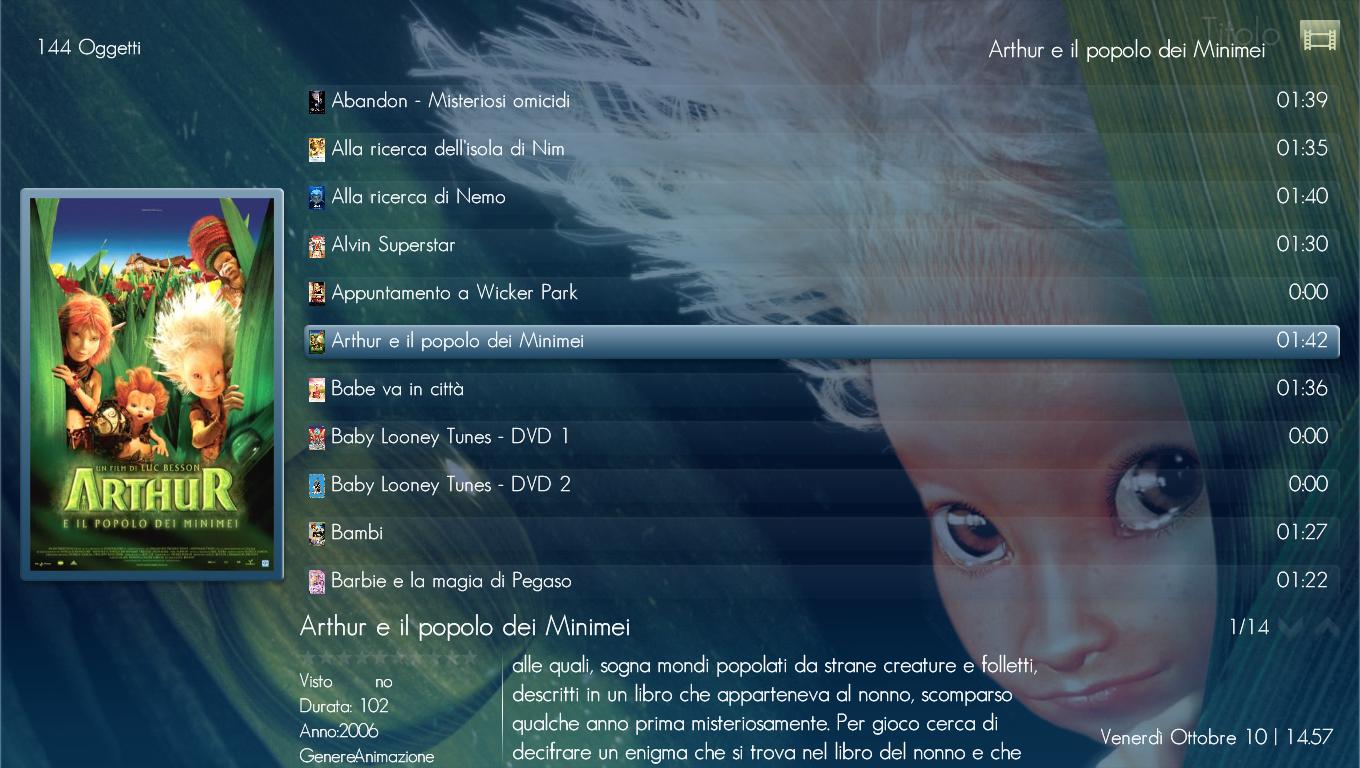
    My Indigo

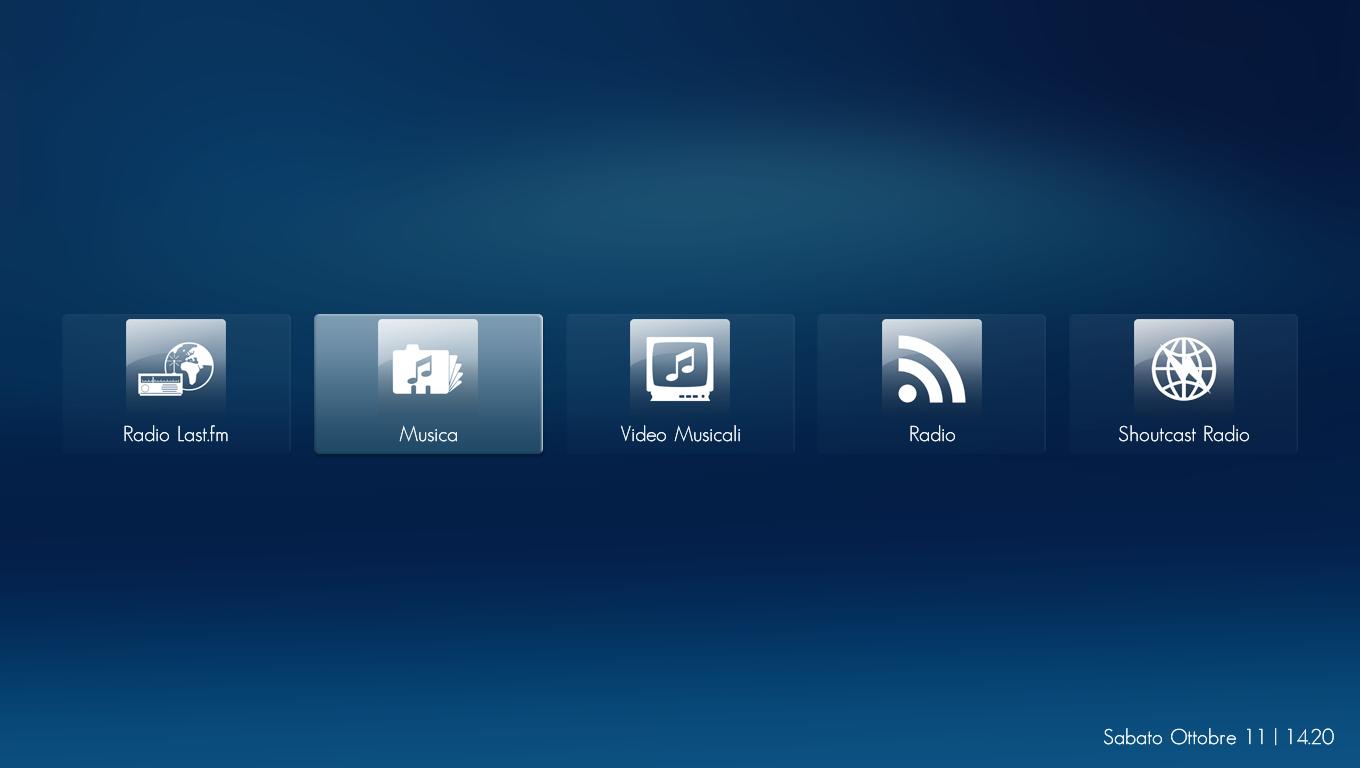
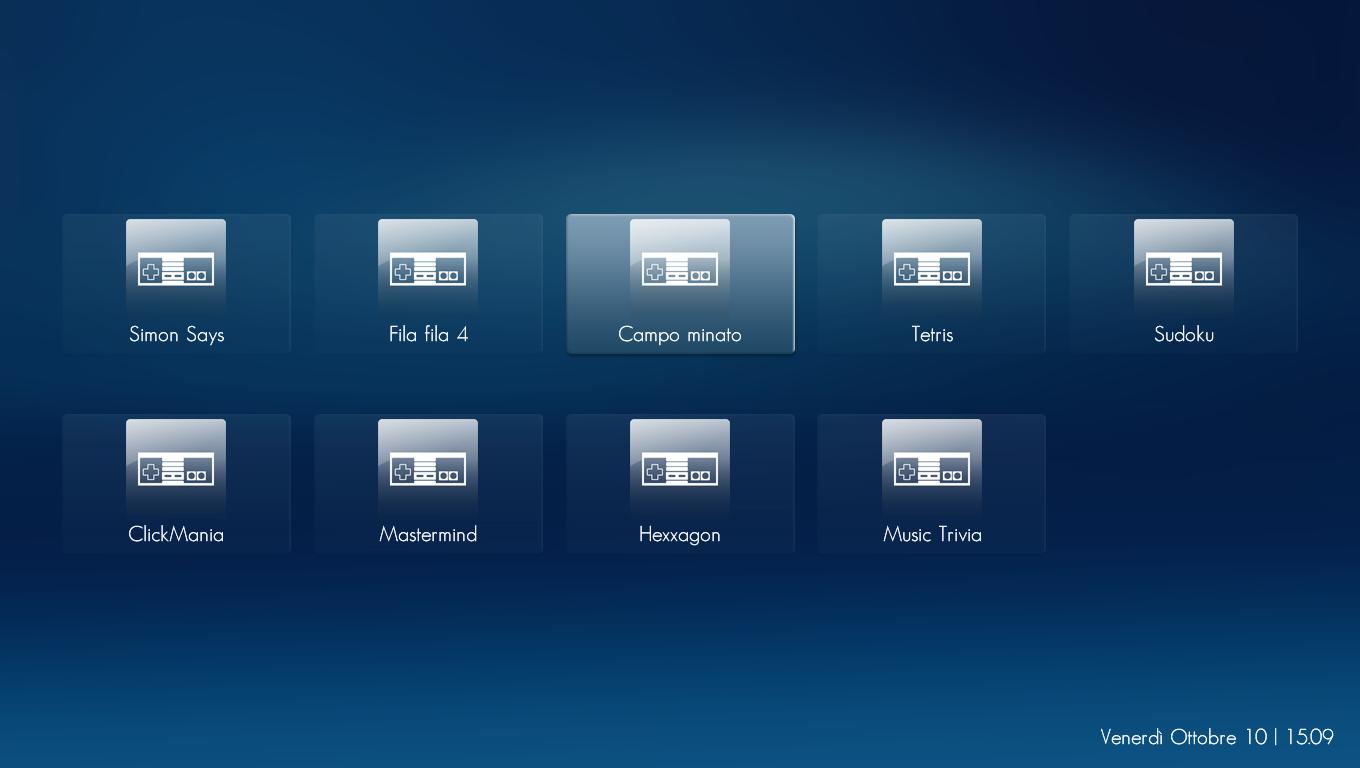
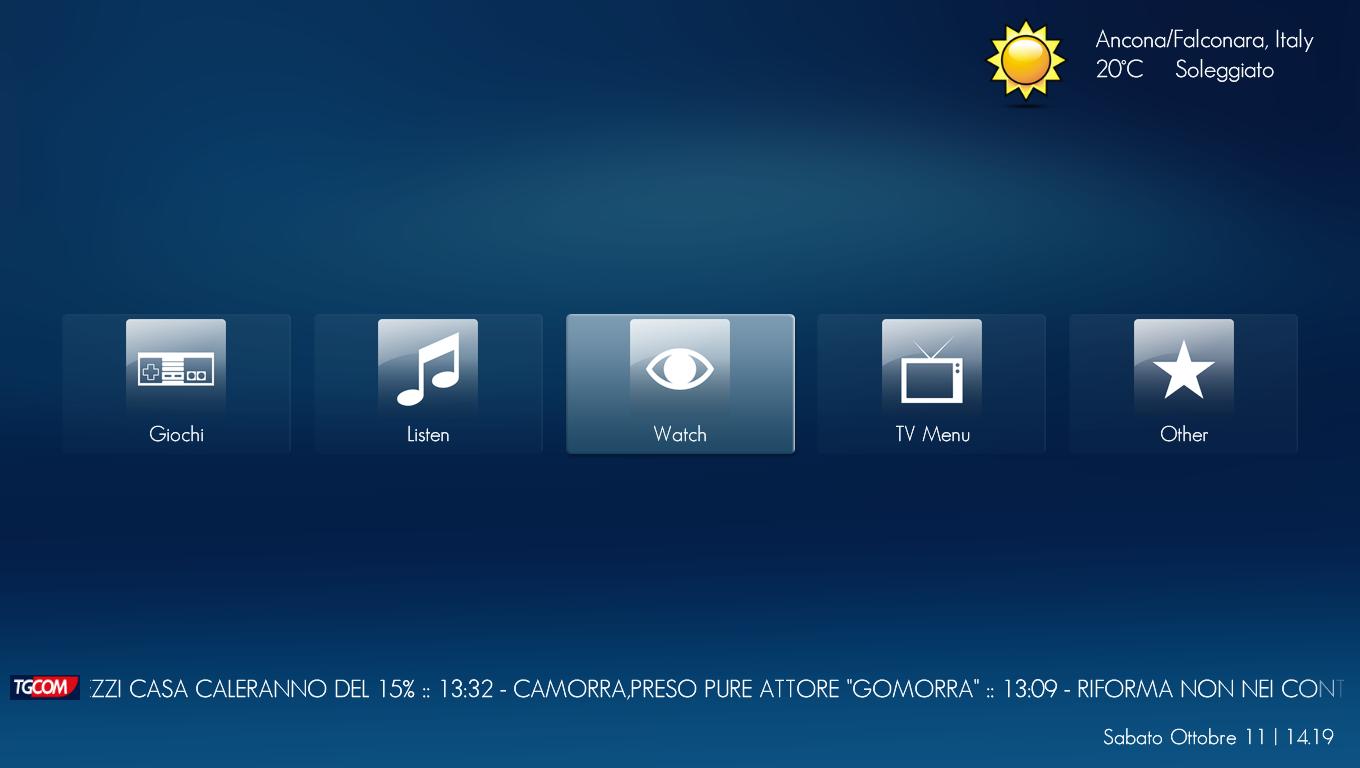
    For indigo/Monochrome skin.
     

    Attachments

    • myvideoTitle.JPG
      myvideoTitle.JPG
      143.1 KB
    • ExtraMenu.JPG
      ExtraMenu.JPG
      53.5 KB
    • TVMenu.JPG
      TVMenu.JPG
      37.7 KB
    • WatchMenu.JPG
      WatchMenu.JPG
      38.3 KB
    • MusicMenu.JPG
      MusicMenu.JPG
      39.7 KB
    • GameMenu.JPG
      GameMenu.JPG
      49.4 KB
    • BasicHome.JPG
      BasicHome.JPG
      54.8 KB
    • WatchMenu.xml
      30.6 KB
    • TVMenu.xml
      30.6 KB
    • MusicMenu.xml
      30.6 KB
    • ExtraMenu.xml
      30.6 KB
    • BasicHome.xml
      30.6 KB
    • myvideoTitle.xml
      30.6 KB

    ryan20021982

    Retired Team Member
  • Premium Supporter
  • June 27, 2008
    655
    86
    USA
    Home Country
    United States of America United States of America
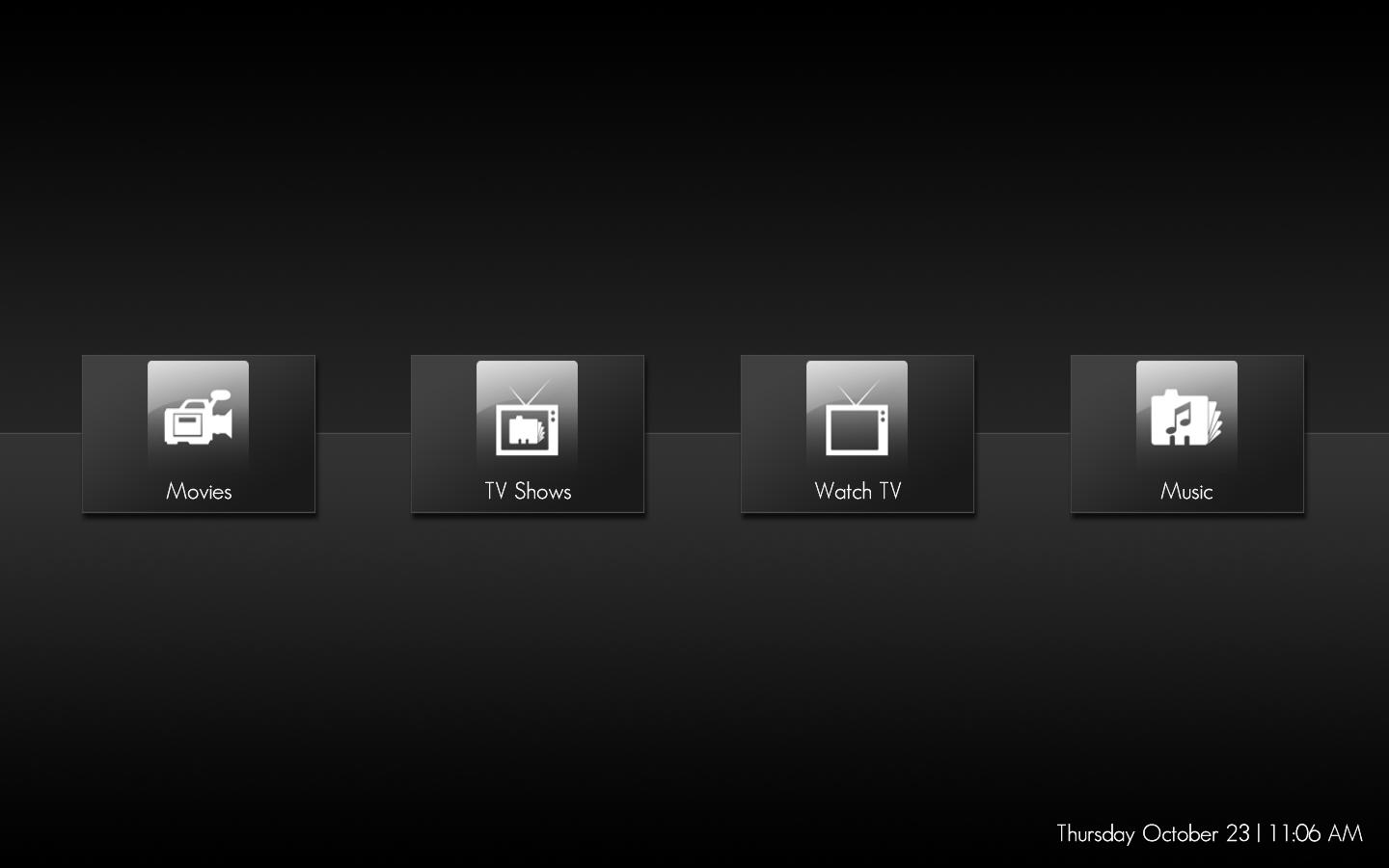
    Simple 4 button menu

    Movies is connected to MovingPictures
    TV Shows is connected to My TV Series
    Music connected staight to the music screen
    Watch TV connected to main TV screen

    Must have mp tv series and moving pictures installed to use this
     

    Attachments

    • simple.JPG
      simple.JPG
      40.3 KB
    • BasicHome.xml
      30.6 KB

    ryan20021982

    Retired Team Member
  • Premium Supporter
  • June 27, 2008
    655
    86
    USA
    Home Country
    United States of America United States of America
    Hi.

    I just did some minor edit to basichome.xml and watchmenu.xml
    It looks fine to me and works when I use a mouse but when I try to move around on my remote/keyboard using directional button, it doesnt go to "My Pictures" & "Programs" on basichome.xml
    In watchmenu.xml I can move to the "My TV Shows" & "Play DVD".

    Please help. :D

    Fixed you have the onleft-onright-ondown-onup all messed up...lol
     

    Attachments

    • BasicHome.xml
      30.6 KB
    • WatchMenu.xml
      30.6 KB

    Spragleknas

    Moderator
  • Team MediaPortal
  • December 21, 2005
    9,471
    1,822
    Located
    Home Country
    Norway Norway
    Created a BH mod for a friend who is not using TV, and thought I'd might as well share it
    mh-mod.jpg
    Not the best when it comes to selection of icons perhaps...

    Notes:
    Movies ---> Moving Pictures (fforde)
    Musikkvideoer (Music vids.) --> MTV music vids. (dukus)
    YouTube ---> My YouTune (saint)
    Internett ---> MyPrograms (used for FF/IE browser)

    As before: Last icon takes you to "plugins"
    Get it here -> View attachment BasicHome.xml
     

    TheClaus

    Portal Member
    November 13, 2008
    25
    0
    Home Country
    United States of America United States of America
    I have a question I am able to remove buttons and move stuff around but if I want to add buttons or make other changes how do I get what resolution I need to put the buttons into a certain spot. Is there some easy or cool way to find out the x and y of the button location?

    Thanks
     

    Users who are viewing this thread

    Similar threads

    MP1 MP2 1.39 x86 1.39 won't install DE
    That did it, thanks.
    That did it, thanks.
    Before you create this bug report: Make sure that your system (windows, codecs and drivers) is up to date, matching the...
    Replies
    2
    Views
    346
    I do not know why this xml was in my theme folders, it must have sneaked in some time ago (years?). I simply removed the file. The Latest Media Handler plugin seems to be working as expected. I've had no lock-ups.
    I do not know why this xml was in my theme folders, it must have sneaked in some time ago (years?). I simply removed the file. The...
    Before you create this bug report: Make sure that your system (windows, codecs and drivers) is up to date, matching the...
    Replies
    13
    Views
    5K
    • Sticky
    Many many years ago, I opened a bug report after I got that same message but I never got a reply. The reason was I had unchecked the Windows Media Player item in Windows 10 Control Panel > Program and Features > Turn Windows features on or off as I didn't need it, without thinking that it was needed by MediaPortal. I kept the "Media...
    Many many years ago, I opened a bug report after I got that same message but I never got a reply. The reason was I had unchecked...
    We have just released MediaPortal 1.39 - Endurance x86 and x64 version. Highlights of this release Bugfixes: [MP1-5257] - Skin...
    Replies
    13
    Views
    891
    MP1 MP2 MP2 - V2.3 EPG has stopped DE
    This recent thread also relates to the discontinuation of MC2XML. The user in that thread eventually found a solution that works for him, although there probably exists more than one solution. -- from CyberSimian in the UK
    This recent thread also relates to the discontinuation of MC2XML. The user in that thread eventually found a solution that works...
    Before you create this bug report: Make sure that your system (Windows, codecs and drivers) is up to date, matching the...
    Replies
    12
    Views
    7K
    Before you create this bug report: Make sure that your system (Windows, codecs and drivers) is up to date, matching the Requirements and you've filled in your System Specs. Have a look at our MediaPortal Wiki! Maybe the solution is already there. Have a look at our Jira (Bug and Issue Tracker)and the threads in this section, maybe...
    Before you create this bug report: Make sure that your system (Windows, codecs and drivers) is up to date, matching the...
    Before you create this bug report: Make sure that your system (Windows, codecs and drivers) is up to date, matching the...
    Replies
    0
    Views
    2K
    Top Bottom