- January 22, 2008
- 1,560
- 1,115
- Home Country
-
 Italy
Italy
- Thread starter
- Moderator
- #231
Hello, I made two alternative splashscreens. Hope you like them.
Good work! Nice!

Tgx
 Italy
Italy
Hello, I made two alternative splashscreens. Hope you like them.
hi Tgx ! wow i did not thing you going to mack new xml for me .... i just thot you give me info and i will do it ..1-how can i delet the small poster in the list panle ? i like to cut it like you did for tv series list view .
2- i wont to tack down the cd case ..this i can do ,but the flipy sedow get mix with the movie ditle down ,,so how i can delet only the
flipy sedow ?
3- i try to do same for tvseries but the xml totaly defrent then all MP xml to hard for me to find things ....
Hi! Use these files in attachment. I've disabled the mirror effect on DVD covers and removed the small thumbs.
Bye
Tgx
Italy
I would be glad to see the backdrops in their full glora and colour. You mentioned earlier that this would make text more difficult to read in some places and I agree. But, I think a smarter solution is to create textures that are slightly transparent instead to display these texts in. I know that lots of skinners have created "frames" for differnt views to accomplish this but I'm not sure how you would like to do it. I was thinking about a flipped gradient.png today to use on top of the screen so that the time and header would be easier to see, but I can't do this myself with my inferior PS skills. However, I managed to make the bg_right a bit tranparent and renamed the new file to bg_right2 and used this in a few places, also moved the filmstrip facade a bit lower. Here's the results:
Edit: Two more things,
1, The spinning circle when something is loading in the background is not consistent with different xml:s. The TVseries one is smaller and more to the left than i.e online videos. That one is bigger and in the middle.
2, In Tvseries season filmstrip view, is it possible to just show "Season X" in the lower right corner? Sometimes the series name is a bit long and you have to wait like 5 seconds before the text has scrolled to the number. ie "CSI: crime scene investigation Season 5" It can be hard sometime to tell which season it is by just looking at the poster.
Is it possible to add an "overview" that will just show me a few selected infos (e.g. free disk space, processor and ram usage) as shown in the attached image?
Sorry! I've got no tv capable to display full hd resolution. So, in the near future there won't be a full hd version of this skin. Unless some volunteers want to port the skin to this resolution!Really loving this skin, just have one request - is it possible to make a 1920x1080 version? Got some higher-rez backgrounds I'd like to use eventually. If it's too much work I'll just wait for the skin editor to be finished, I guess
Italy
Hi, Tgx.
Don't know if it's a bug or you intentionally left it so.
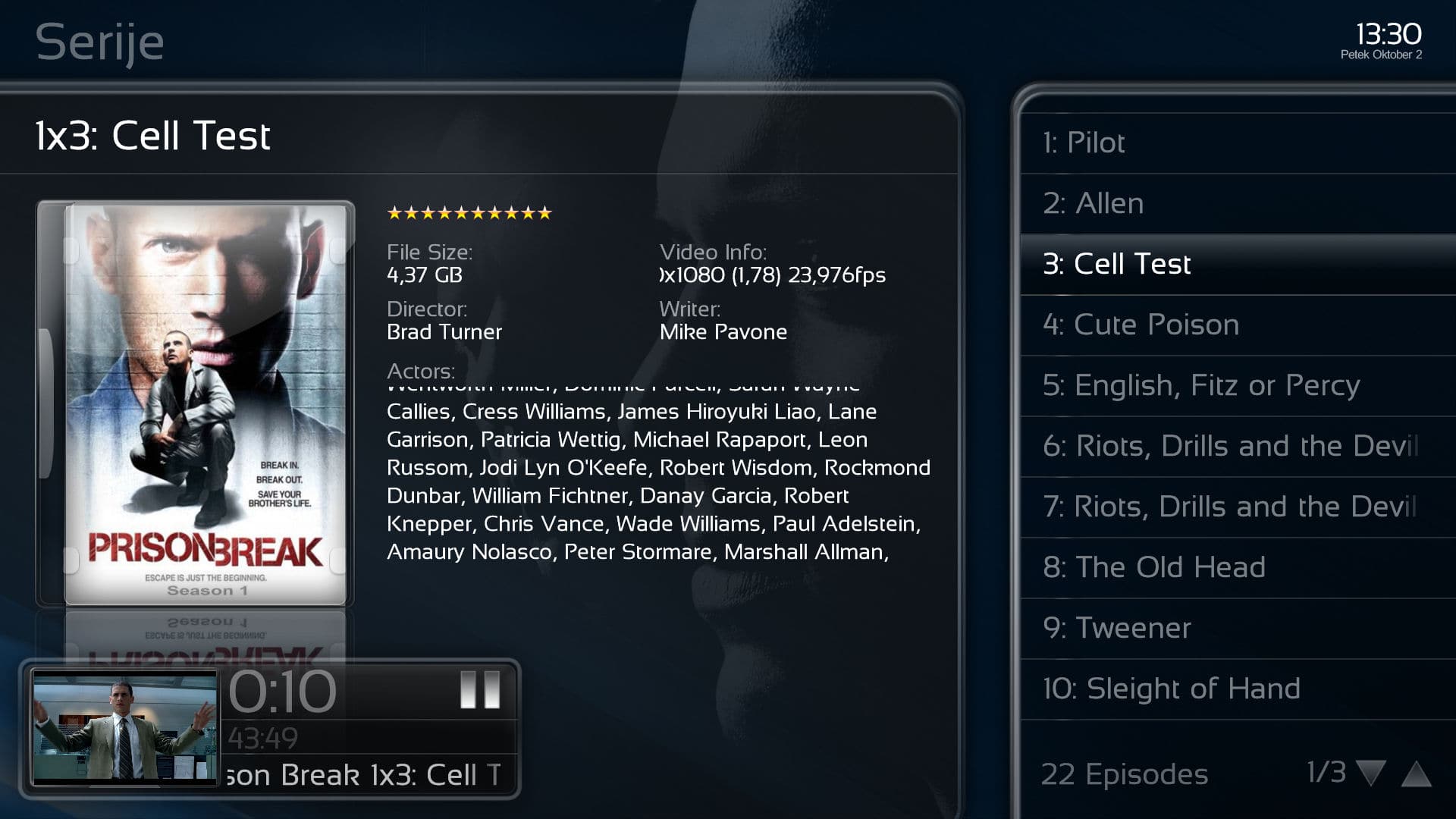
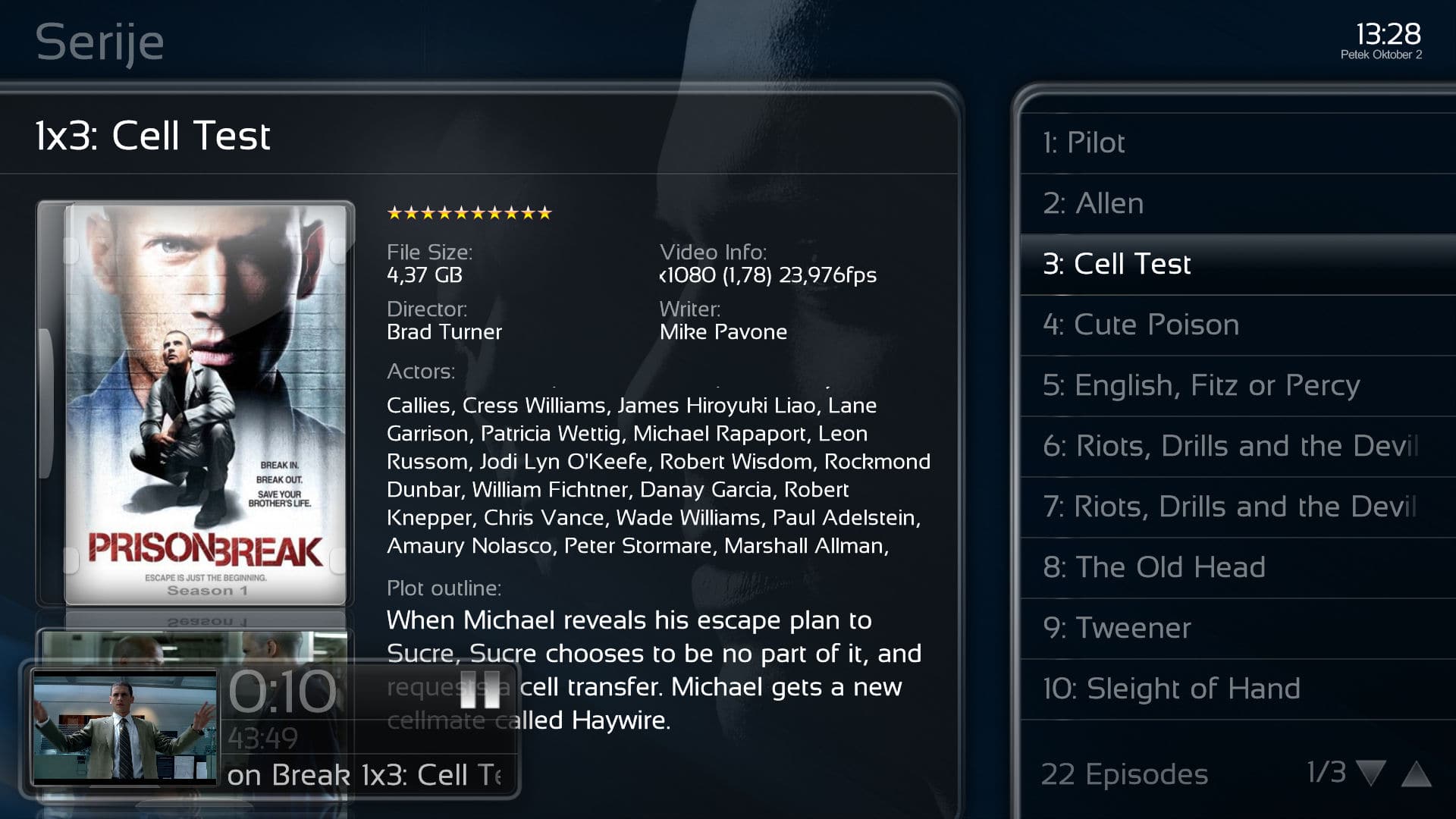
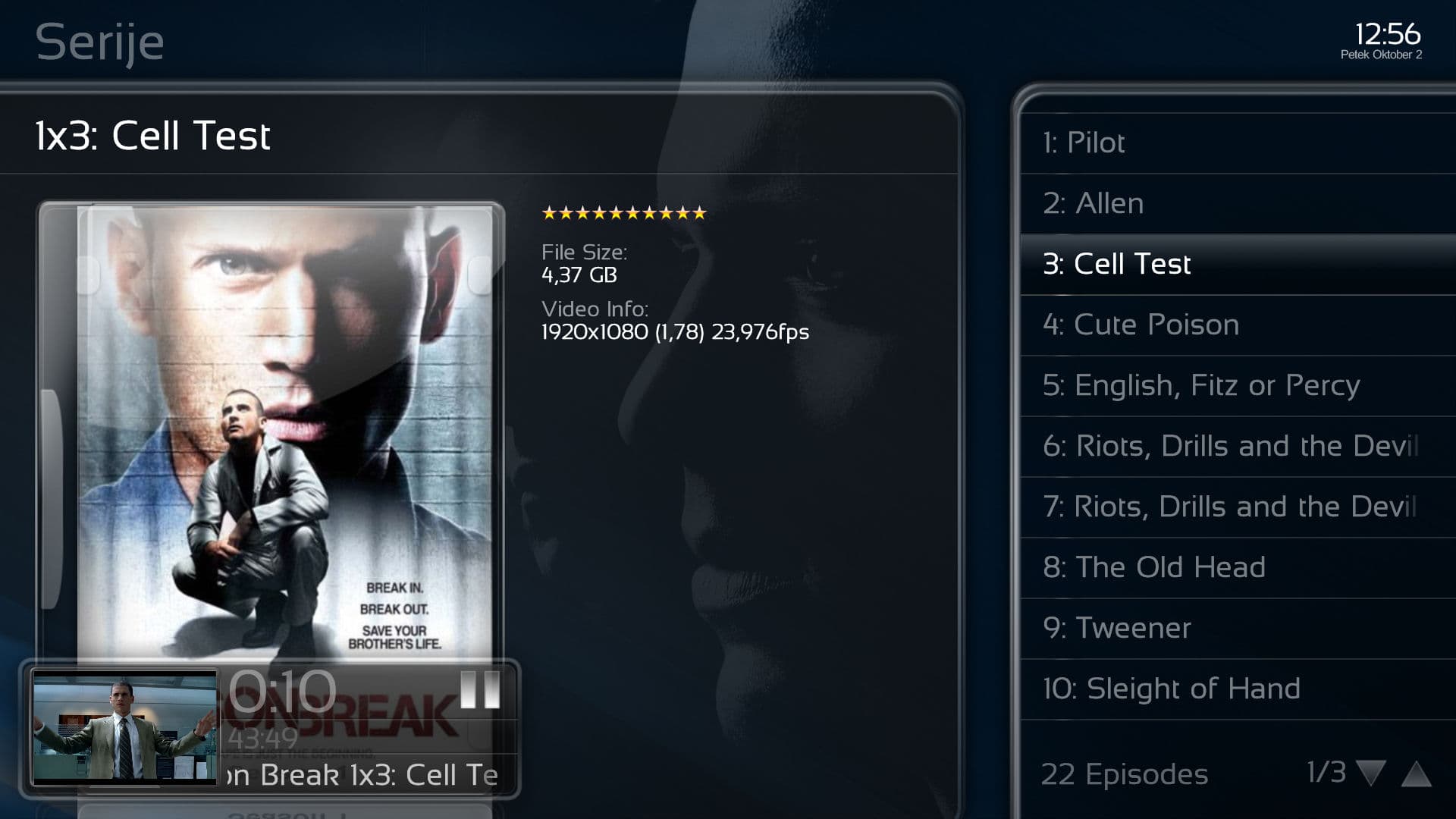
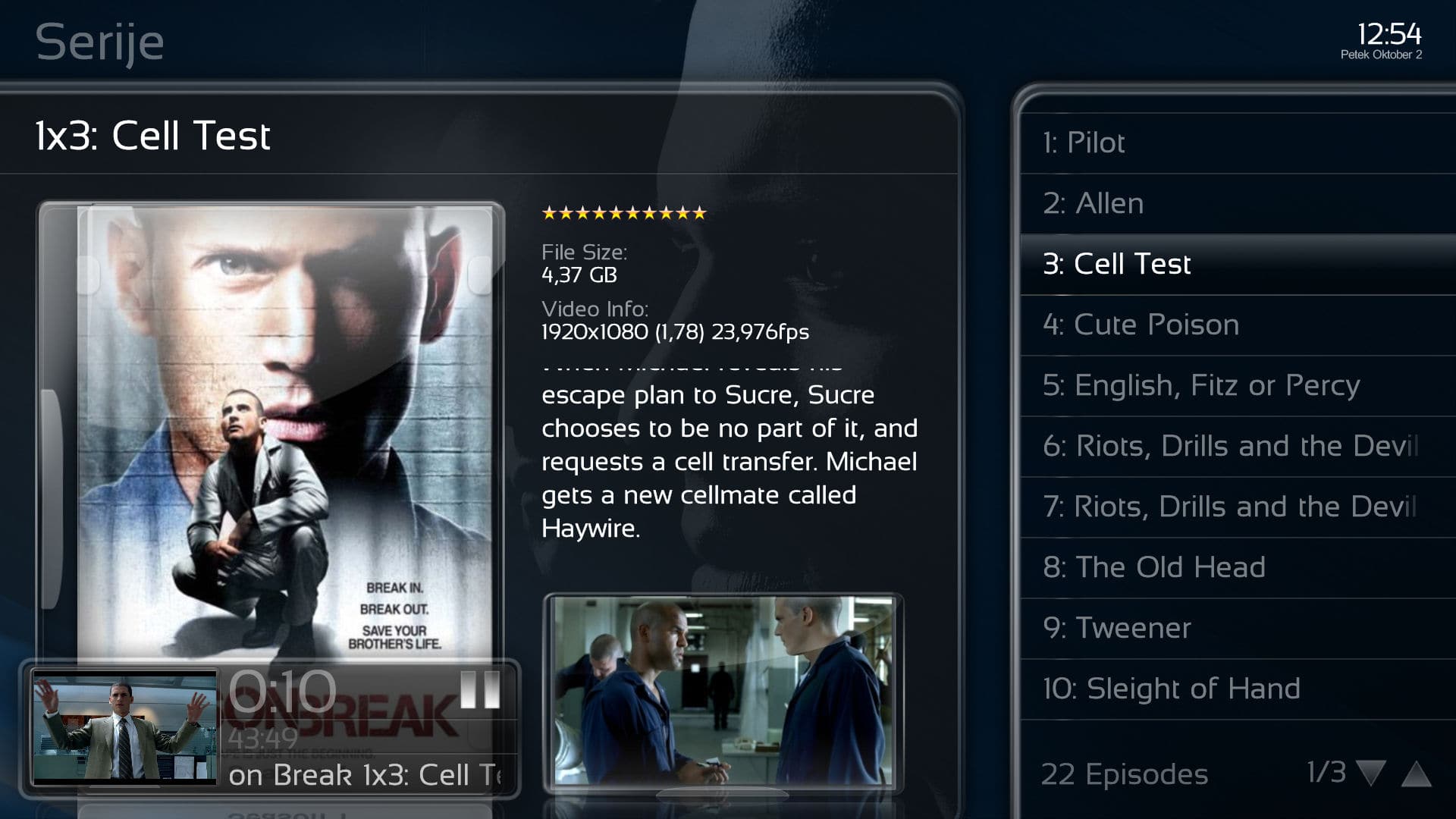
When you're in episode view while playing tv-series, the thumb and summary are gone.
I fixed this by removing +!player.hasmedia for episode image, picturecase, episode summary.
If you could include my fixed alternative layout with your skin, that would be great
I would be glad to see the backdrops in their full glora and colour. You mentioned earlier that this would make text more difficult to read in some places and I agree. But, I think a smarter solution is to create textures that are slightly transparent instead to display these texts in. I know that lots of skinners have created "frames" for differnt views to accomplish this but I'm not sure how you would like to do it. I was thinking about a flipped gradient.png today to use on top of the screen so that the time and header would be easier to see, but I can't do this myself with my inferior PS skills. However, I managed to make the bg_right a bit tranparent and renamed the new file to bg_right2 and used this in a few places, also moved the filmstrip facade a bit lower. Here's the results:
Ok! I'll work on a full color fanart version... maybe in the next release. It is not so simple to please everybody's tastes!
Thanks and bye
Tgx
Italy