
You are using an out of date browser. It may not display this or other websites correctly.
You should upgrade or use an alternative browser.
You should upgrade or use an alternative browser.
[WiP] madVR support in MP1 (40 Viewers)
- Thread starter Sebastiii
- Start date




- Thread starter
- Moderator
- #4,042
Regarding 3D MVC videos I can confirm ALL 3D MVC videos where properly detected and played on my Projector. With no special mode or trick selected.
TV Resolution was automatically changed to 1080P on both screens (Projector and TV both 4K) Projector doesn't display 3D MVC upscaled to 4K and resolution must be manually changed.... HOPEFULLY, not any more
Even simultaneous screen playback works at the same time.
WELL DONE @Sebastiii !!!! AMAZING!!!
Only thing I may suggest is to try to recover previous mode. Whatever was, in my case, 4K.
Its not returning to 4K. Remains 1080P
EDIT. Well actually I discovered that MadVr Display Mode option: restore original display mode... is doing the trik! And now it automatically recover 4K!
That's good
But does the GPU continue to crash ?
- January 31, 2008
- 541
- 493
- Home Country
-
 Spain
Spain
Yes although this combination of settings is more stable, I'm still experiencing mp crashes. most on video/TV stop.But does the GPU continue to crash ?
I have read you are using Nvidia GTX 1050 also. Would you mine to provide me your Driver, MadVR and Lav Versions?
I want to make sure I have a similar setup before posting logs.
- January 31, 2008
- 541
- 493
- Home Country
-
Spain
I need to connect to my htpc
I can zip my madVR / LAV folder
Don't forget to mention your NVIDIA driver version.
- Thread starter
- Moderator
- #4,046
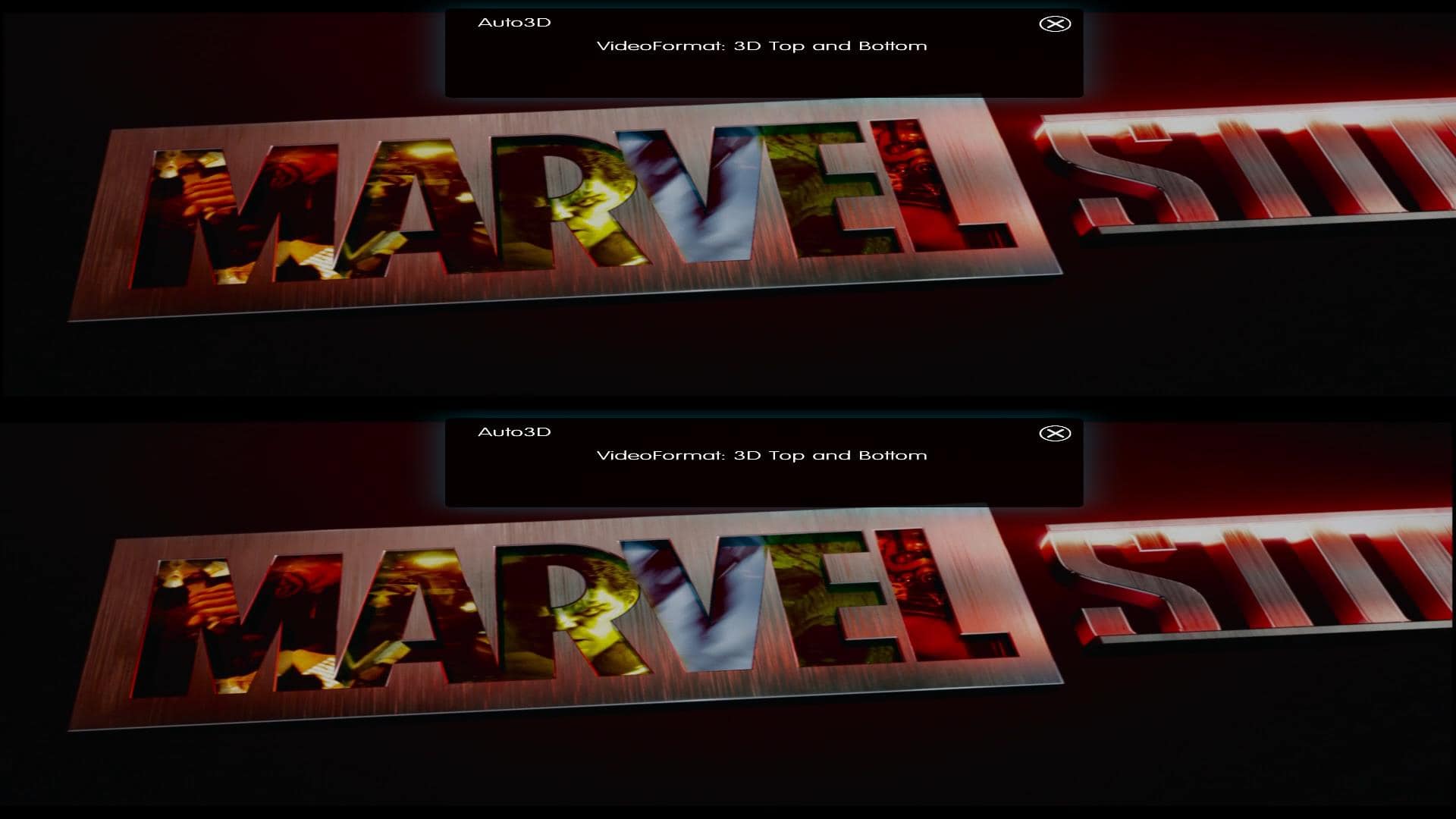
indeed,damn stats. if not enabled detection worksthe Auto3D detection works if there is no madVR stats on screen and when using D3D9
tried v330 and 3d a bit with your auto 3d plugin, all good so far
Attachments

- January 31, 2008
- 541
- 493
- Home Country
-
Spain
Yea mouse problem fixed. No more 3D image disappeared on mouse move.Hi Alex,
nomore mouse wiggle problems? just curious
May be related with mouse trails in Windows. That caused some problems of mouse pointer to disappear on some full screen games. So disable it in Windows could be the solution. I found that de weeks ago.
Now 3D is perfect!
Users who are viewing this thread
Online now: 39 (members: 0, guests: 39)