
You are using an out of date browser. It may not display this or other websites correctly.
You should upgrade or use an alternative browser.
You should upgrade or use an alternative browser.
MP 1.22 final is crashing when jumping forward while playing DVD-Iso (2 Viewers)
- Thread starter badboyxx
- Start date

 Germany

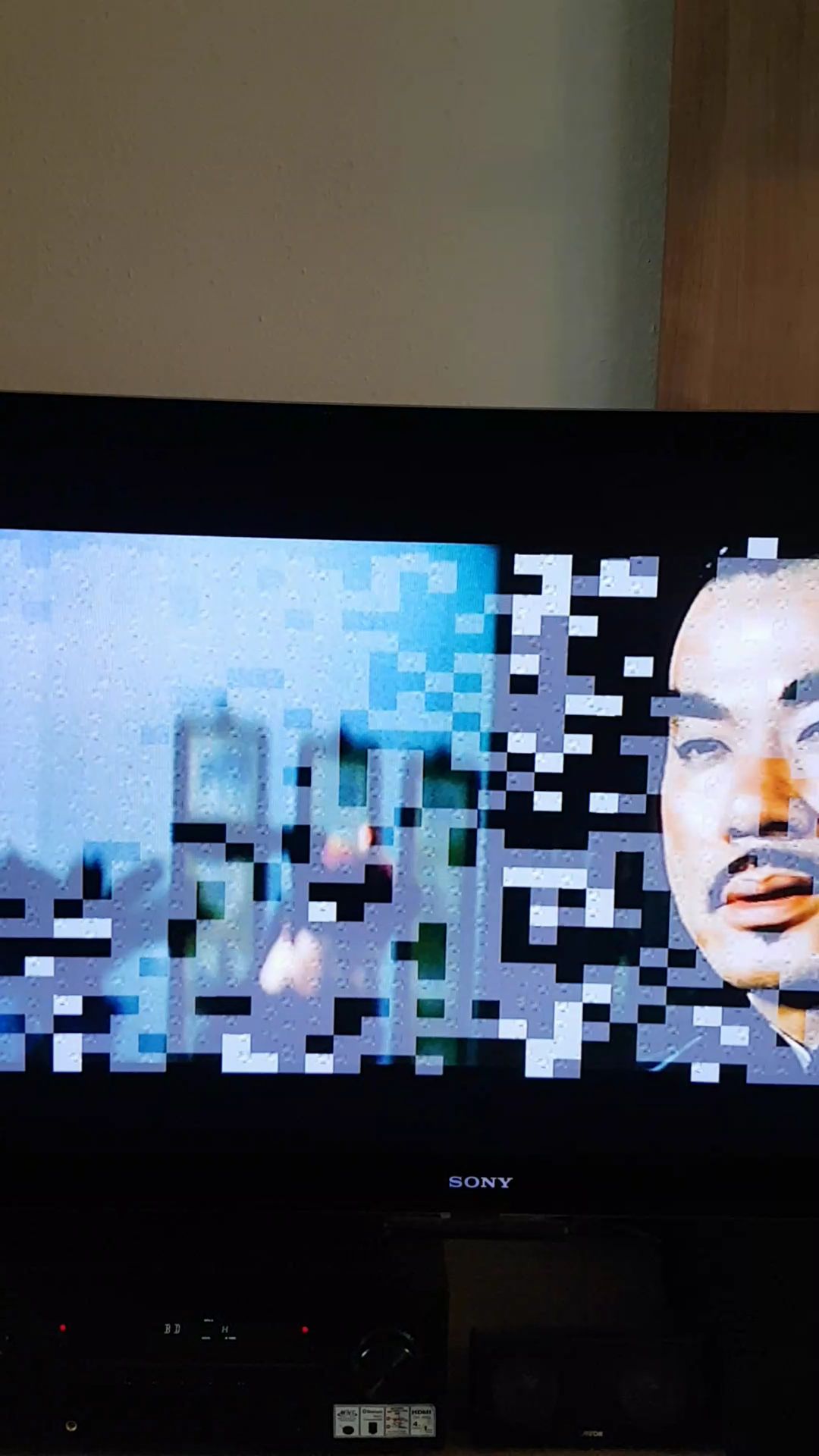

I have just tried the version-2 DLL with my DVR-MS file that encountered the same problem. There is good newsCan you try this one?
, and there is not-so-good news :(1) Jump forward and jump backward now work correctly
. This applies to all three types of jump (step forward, small step forward, big step forward). There is no sign of the pixelation that @badboyxx encountered.(2) There is an unexpectedly long wait after pressing the fast-forward or rewind buttons before fast-forward or rewind starts.
(a) Pressing the FF or REW button in play mode results in a 3 second wait before fast-forward or rewind actually starts.
(b) Pressing FF or REW when already fast-forwarding or rewinding results in a 2 second wait before the speed changes.
Note: wait times are approximate (estimated by counting thousands).
-- from CyberSimian in the UK
I installed v3 and then did the following test:Just a little change so not sure if it will change anything lol
(1) Started MP.
(2) Navigated to the DVR-MS file in a folder in "Videos".
(3) Pressed OK button to start play.
(4) Waited exactly 30 seconds.
(5) Press FAST_FORWARD button to start forwarding at 2x speed.
(6) Waited exactly 30 seconds.
(7) Pressed STOP button.
(8) Navigated to "Home" panel and exited MP.
Search for "Gromit" (without the quotes) to find where the OK button was pressed (Centarea command=13).
There is a puzzling Centarea=39 (BIG_STEP_FORWARD) 1.5 seconds after pressing OK. I did not consciously cause that, but I may have pressed it accidentally.
FAST_FORWARD starts at Centarea=11070 (this is 30 seconds from the OK button). It is noticeable that there is approximately 3.5 seconds between the log entry "g_Player: SeekAbsolute" and the next line "VMR9Helper: Playing". This is the subjective time between pressing the FF button on the remote, and the OSD appearing on the screen with the video fast forwarding. In contrast, for a TS file there is a much smaller interval between pressing FF and the OSD appearing (perhaps 0.4 to 0.5 seconds).
STOP is at Centarea=178 (this is 30 seconds from FAST_FORWARD).
-- from CyberSimian in the UK
Attachments
Users who are viewing this thread
Online now: 3 (members: 0, guests: 3)