EPG Text fehlt Rel. 1.37 (1 Viewer)

Reowulf

New Member
August 9, 2018
3
0
FRA
Home Country
Germany Germany
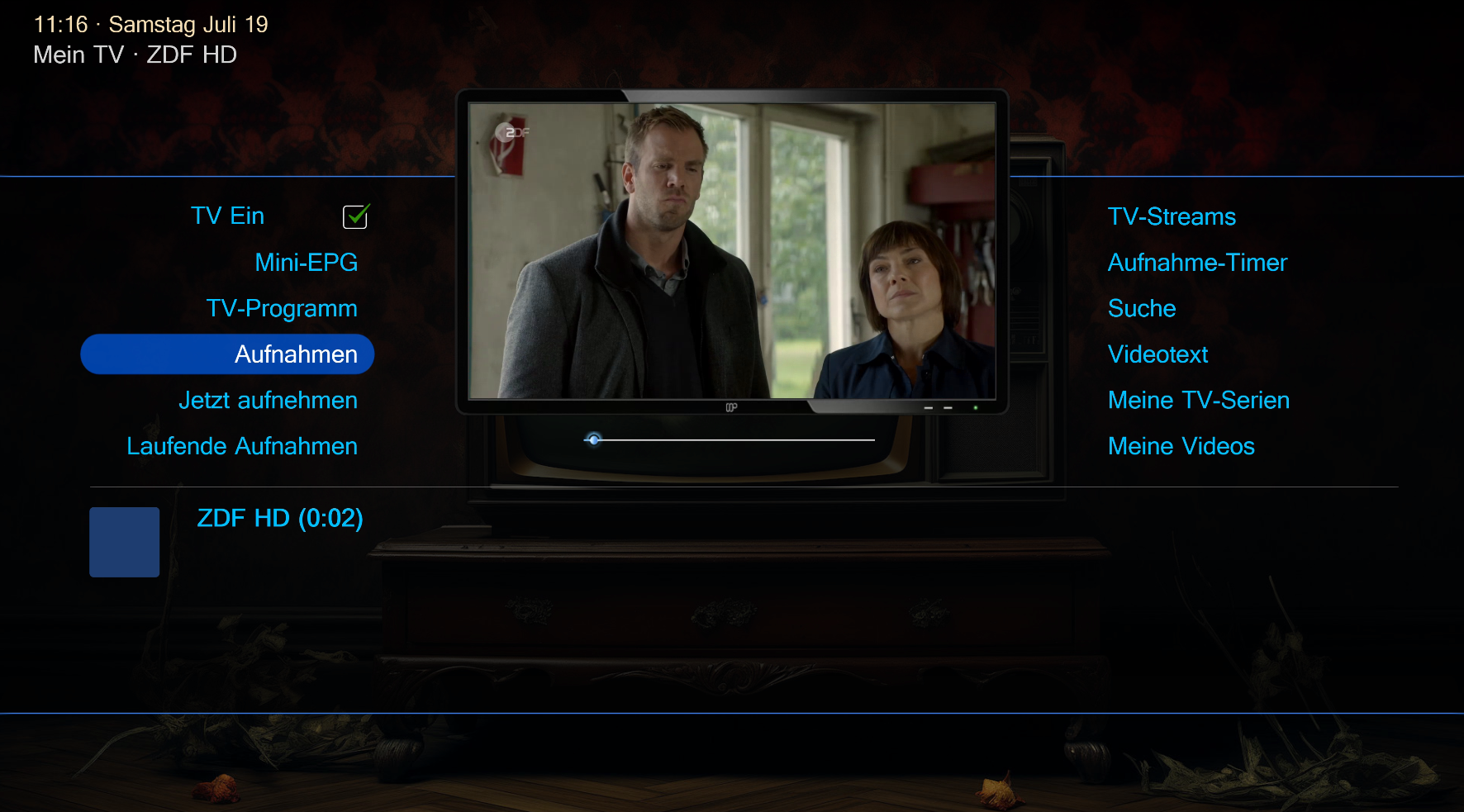
Wenn ich beim TV sehen aus dem Vollbild mit ESC ins Menu zurückgehe, war unten immer der EPG Text zu sehen.
Jetzt steht da nur noch der Sendername.
Was kann ich tun?
 

CyberSimian

Test Group
  • Team MediaPortal
  • June 10, 2013
    3,611
    2,639
    Southampton
    Home Country
    United Kingdom United Kingdom
    Now there is only the station name.
    I can confirm this. I use the skin DefaultWide.
    That is not what I get when using "DefaultWideHD" on MP 1.37 (64-bit) on Windows 7 (64-bit). The sequence of actions may be important. This is what I did:
    • Start the MP client.
    • Go to the "TV" panel.
    • Start live TV.
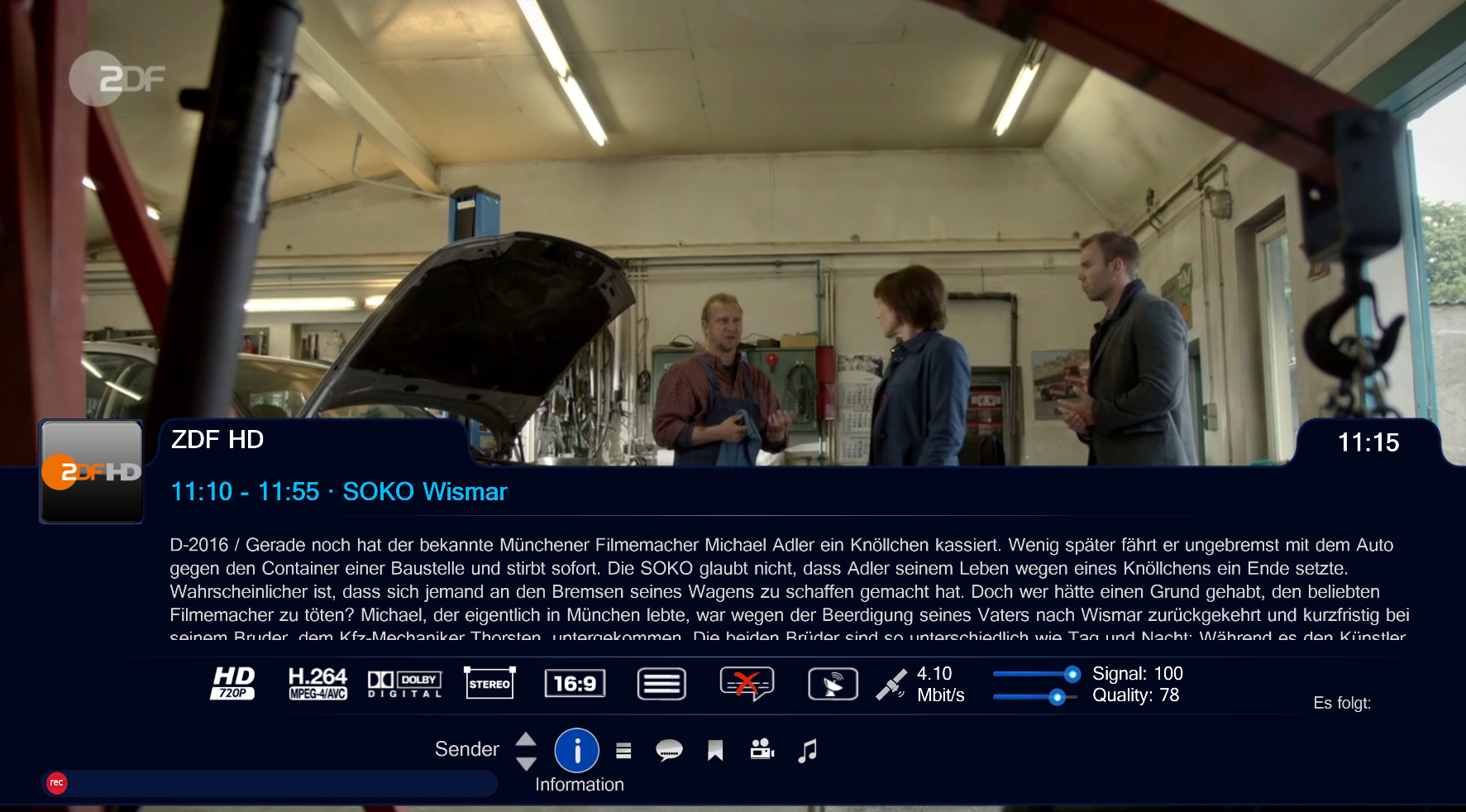
    • Maximise the TV thumbnail so that it fills the screen.
    • Press the ESC key on the keyboard to return to the "TV" panel.
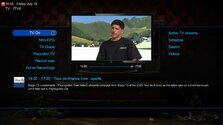
    • The "TV" panel shows the EPG description at the bottom:

    dwhd_tv_panel.jpg

    If the sequence of actions that caused the problem is not the sequence that I have listed above, please describe exactly what you did.

    -- from CyberSimian in the UK
     

    CyberSimian

    Test Group
  • Team MediaPortal
  • June 10, 2013
    3,611
    2,639
    Southampton
    Home Country
    United Kingdom United Kingdom
    That's exactly how I did it.
    Thank you for posting the screen shots.

    I have looked at the xml file that creates that panel, and there is a weird visibility condition whose action is obscure to me. If you are happy editing xml files, you could try the following to see if it makes a difference:
    • Go to the skin folder for "DefaultWideHD".
    • Create a backup copy of the file MyTvHomeServer.xml.
    • Use "Notepad" (or your favourite file editor) to edit the file MyTvHomeServer.xml
    • Scroll down to the control that has a description of Description1 and an id of 15.
    • Delete the line that begins visible.
    • Save the file, restart the MP client, and check to see what effect this change has made.
    The visibility condition is clearly intended to do something, but I don't know what. So you may find that although the problem described in this thread not longer occurs, some other problem is introduced.

    -- from CyberSimian in the UK
     

    catavolt

    Design Group Manager
  • Team MediaPortal
  • August 13, 2007
    14,896
    11,786
    Königstein (Taunus)
    Home Country
    Germany Germany
    you could try the following to see if it makes a difference:
    This should not be done - changing this will result in errors when running Recordings, movies, or music/radio/tunein ;)
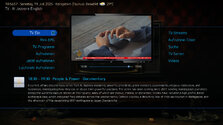
    Here everything shows correct:

    18-56-57.jpg
    Yes, that was the solution. Now it works.
    This should not be done (see above) ;)
     

    harryzwo

    Portal Pro
    July 25, 2006
    948
    144
    Home Country
    Germany Germany
    but that was the solution. If this is a problem, what can I do? With the original XML, the representation is definitely incorrect
     

    catavolt

    Design Group Manager
  • Team MediaPortal
  • August 13, 2007
    14,896
    11,786
    Königstein (Taunus)
    Home Country
    Germany Germany
    Leave the "correction" for you so far ;)
    I will check what might be wrong - although that will be difficult because here and at other members from the Design-Team everything shows perfect ;)
    @High_Five could you pls check? Thx in advance ;)
     

    High_Five

    Design Group
  • Team MediaPortal
  • February 10, 2023
    186
    1,071
    Home Country
    Germany Germany
    I can confirm that the TV program description is displayed in my DWHD skin after switching from the TV full screen to the small TV picture below the TV symbol. The restrictions in the visible line are necessary because, in addition to the TV program description, it is also possible to display descriptions of videos, films, TV recordings, music and radio such as TuneIn! ;)
     

    Users who are viewing this thread

    Similar threads

    Danke das war es auch bei mir! Habe auch die DigitalDevice Cine S2 und genau den gleichen Fehler gehabt! Habe den Punkt 2 übersprungen mit der Hoffnungs das er einigens an einstellungen behält. Hat geklappt. Vielen Dank! Grüße Manuel
    Danke das war es auch bei mir! Habe auch die DigitalDevice Cine S2 und genau den gleichen Fehler gehabt! Habe den Punkt 2...
    Hallo, habe bis vor Kurzem MP 2.4.1 und TV- Engine 3.5 benutzt und hatte keine Probleme. Nach einer kompletten Deinstallation und...
    Replies
    5
    Views
    4K
    Das wurde noch nicht implementiert. MP2 wurde ja nachträglich so angepasst, dass es mit TVMosaic funktioniert. Zuvor war es fest an die hauseigene TVE3 gebunden. Dort konnte man pre- und post recording Zeiten in der TV-Konfiguration einstellen. Die Entwickler sprechen aber meist nur Englisch und sind gerade sowieso anscheinend schwer...
    Das wurde noch nicht implementiert. MP2 wurde ja nachträglich so angepasst, dass es mit TVMosaic funktioniert. Zuvor war es fest an...
    Hallo, folgende Frage. Ich benutze MP (2.4) mit Mosaic als TVserver (aus dem Gesamtpaket in einem Parallelthread hier). In den...
    Replies
    1
    Views
    1K
    Heute gab es ein Java Update, nach dem bei eingeschaltetem internem Blu-ray-Player das Programm abstürzte, sobald ich eine ISO-disc starten wollte. Ich probierte ein paar Dateien, aber nur Citizen Kane von Warner funktionierte. Hier blieb aber der Hintergrund schwarz, nur der Text des Menüs wurde angezeigt. Aber alle Inhalte ließen...
    Heute gab es ein Java Update, nach dem bei eingeschaltetem internem Blu-ray-Player das Programm abstürzte, sobald ich eine ISO-disc...
    Heute gab es ein Java Update, nach dem bei eingeschaltetem internem Blu-ray-Player das Programm abstürzte, sobald ich eine ISO-disc...
    Replies
    0
    Views
    1K
    MP1 MP2 AV1 Video Codec DE
    Hi. Als ich die neue Version von Media-Buddy fertig gestellt habe, habe ich auch mit FFMpeg 6 experimentiert. Ohne größere Anpassungen macht die Umstellung aber keinen Sinn, denn die mit FFMpeg 6 kodierten Videos haben bei zu FFMpeg 5 unveränderten Parametern große Probleme bei der Navigation innerhalb des Videos. Irgendwelche...
    Hi. Als ich die neue Version von Media-Buddy fertig gestellt habe, habe ich auch mit FFMpeg 6 experimentiert. Ohne größere...
    Hi. Als ich die neue Version von Media-Buddy fertig gestellt habe, habe ich auch mit FFMpeg 6 experimentiert. Ohne größere...
    Replies
    0
    Views
    5K
    Finde ich toll das Du über so sparsame kleine PC berichtest.
    Finde ich toll das Du über so sparsame kleine PC berichtest.
    Hallo. Ich wollte ja mal mein neues Projekt vorstellen, basierend auf dem BMax B1Pro Mini PC...
    Replies
    9
    Views
    3K
    Top Bottom